Your favourites
Star a tool (or, on Utilities, a utility card) and a big, cinematic tile for it appears in a strip above the grid. It's the fastest way back to the handful of things you actually use - built by you, one star at a time, not pre-loaded with anyone's idea of what you'll want.
A fresh install shows none of this. There's no starter set: the strip simply doesn't exist until you star your first thing, and it collapses away again if you ever get back down to zero.
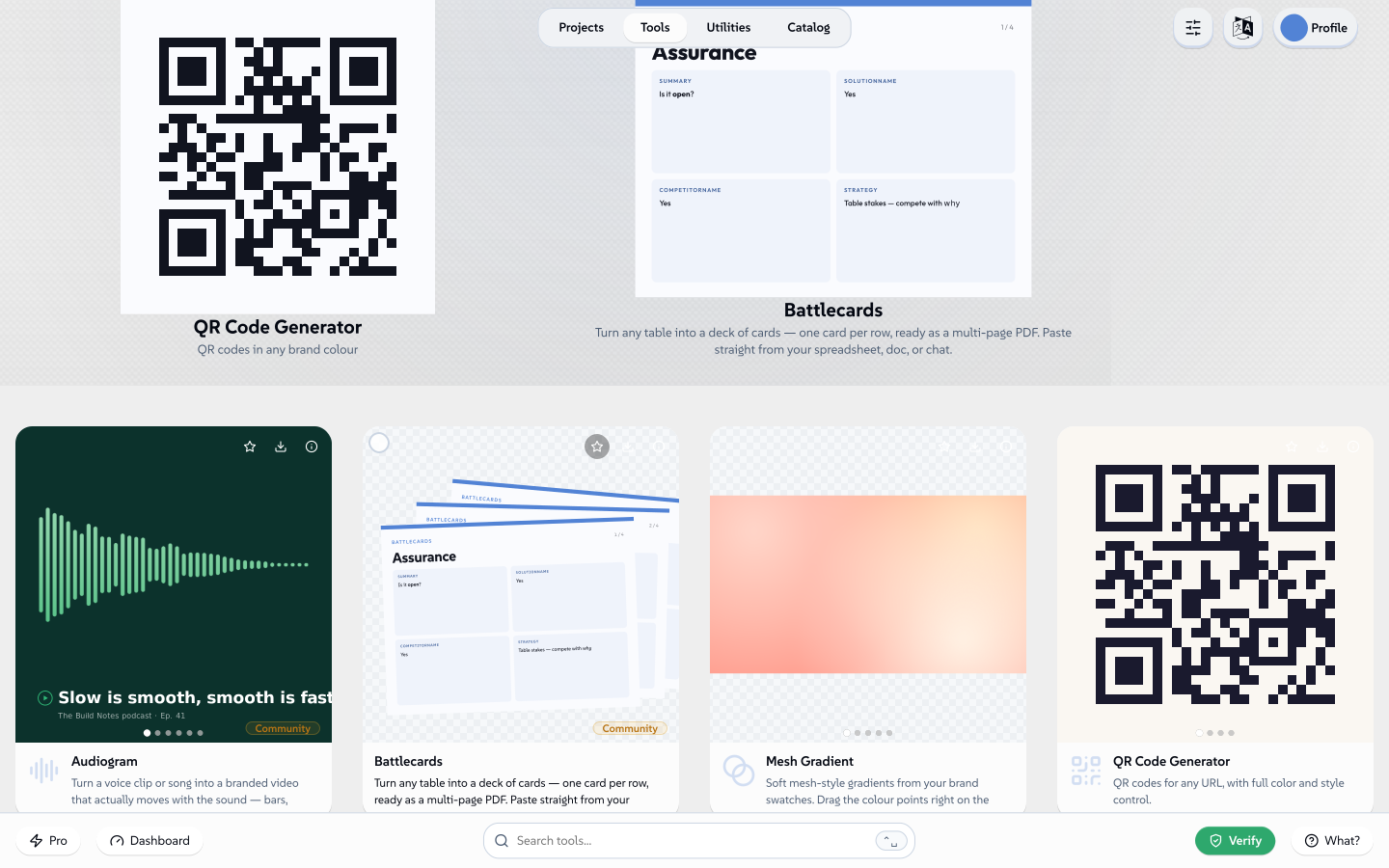 podepsáno Lollyvektor SVGOvěř si to sámStáhni podepsaný soubor238 paths~31k nodes590 groups3 images964 KB
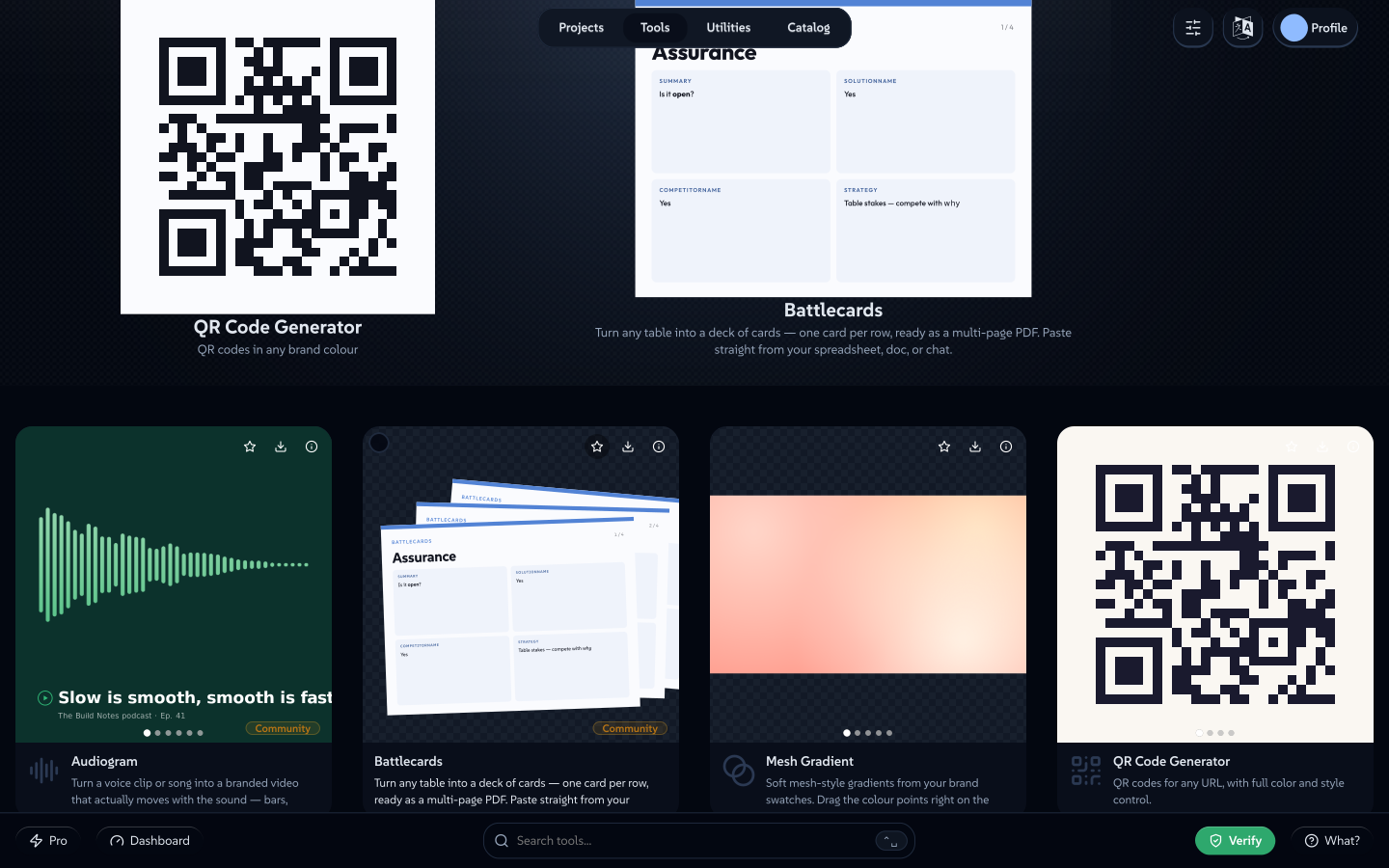 podepsáno Lollyvektor SVGOvěř si to sámStáhni podepsaný soubor236 paths~31k nodes589 groups3 images963 KB


Starring and unstarring
The star lives in three places, and all three write to the same list:
- On the card itself - the ★ in its corner. Click it once to add, again to remove.
- In its right-click menu - Add to favourites / Remove from favourites.
- In the selection bar - tick a card's checkbox (or several: ⌘/Ctrl-click, Shift-click a range, or drag a box across empty space) and an action bar appears along the bottom with a Favourite button that stars, or unstars, the whole selection in one go. Right-clicking inside a selection offers the same Favourite / Unfavourite row.
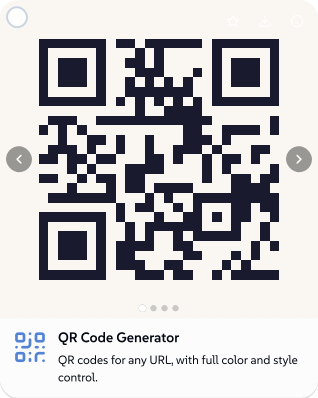 podepsáno Lollyvektor SVGOvěř si to sámStáhni podepsaný soubor35 paths~2.8k nodes37 groups46 KB
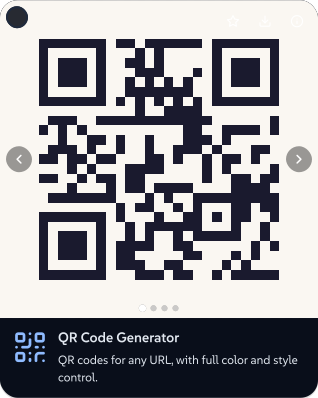 podepsáno Lollyvektor SVGOvěř si to sámStáhni podepsaný soubor35 paths~2.8k nodes37 groups46 KB


The same star works on a utility card in the Utilities view - Verify & Inspect, Colour Lab, Take a PDF apart, Spreadsheet and the rest. They aren't tools (no saved sessions, nothing to keep offline), but the strip treats a starred one exactly the same way: a tile of its own, icon-led since there's no preview to show.
Not the strip you're after? The ★ Favourites pill in Sort & filter shows the same starred set as an ordinary filtered list in the grid below, instead of the drifting strip up top - useful if you'd rather scan a plain list.
One star, two lists. The ★ on a catalogue asset (Using Lolly → The Catalogue) is a different list entirely: it pins that logo, image or colour to the top of every asset picker. Same verb, same glyph, unrelated sets - starring a tool never touches your pinned assets, and vice versa.
Gallery or Cover Flow
Open Sort & filter → Featured view to choose how the strip itself looks:
- Gallery - a slow, calm filmstrip that drifts sideways on its own and pauses the moment you touch it.
- Cover Flow - the same tiles fanned out in 3-D, one centred and upright, the rest tucked back at an angle; drag or flick through them, then press Open on whichever one is centred.
A new install opens on Cover Flow at desktop width and on the plain filmstrip on a phone-width screen - the fan doesn't hold up that narrow yet - but the moment you pick one yourself, that choice sticks and stops guessing.
This is local, not part of the design system
Your starred tools are saved onto your profile - the same on-device record that holds your name, your headshot and your other preferences (see Profiles). In plain terms:
- It's saved on this device, in the browser's own local database. No account, nothing uploaded.
- It has nothing to do with the design system - the colours, fonts and tools the app was set up with. Starring a tool is a personal shortcut for you; it changes nothing about what anyone else's install shows.
- It doesn't follow you anywhere on its own. The one way it travels is the same way your whole profile does - export a portable backup and import it on another device - and that's a deliberate, occasional action you take, never an ambient sync running in the background.
Even the choice between Gallery and Cover Flow is more local still: it lives in a small preference kept only in this one browser's own storage, and it isn't part of that profile export at all. A new device always starts back on the plain default, no matter how many profiles you've moved around.
Related: Search for the other way back to something quickly. Using Lolly for the gallery, hiding tools you never use, and the rest of the app. Profiles for what else rides on that on-device record.