
Accept library assets or local files and return transformed output.
Part of Authoring Tools.
asset - library or device upload
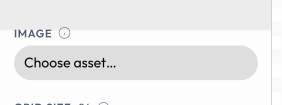
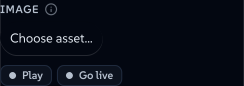
An asset input opens the host's asset picker and stores the chosen AssetRef - uniform whether it came from the catalog or the user's device:
{
  "id": "logo",
  "type": "asset",
  "label": "Logo",
  "assetType": "image",    // vector | raster | image | video | audio | lottie | any - constrains the picker
  "allowUpload": true       // also let the user add an image from their device
}
assetType constrains what the picker offers: raster (bitmaps only), vector (SVG only - for inline-recolourable logos), image (any still image - raster _or_ vector, the right choice for a generic picture slot), video, audio (audiogram uses this), lottie or any (everything, including non-image assets). Prefer image over raster for photo/illustration slots so users can also pick or upload SVGs.
 signed by Lollyvector SVGVerifique você mesmoBaixar o arquivo assinado9 paths706 nodes17 groups13 KB
 signed by Lollyvector SVGVerifique você mesmoBaixar o arquivo assinado9 paths706 nodes17 groups13 KB


When allowUpload is true, the picker offers the user's personal image library alongside the catalog. Users add images from their device; the host stores the bytes verbatim (a silent re-encode would break a Content Credential's hard binding) and only offers to downscale when a file is genuinely huge. Metadata stripping is a separate, opt-in user preference (Strip metadata from uploads, default off). The library is not capped by count - the only limit is the device's own storage, checked before each write - and it is reusable across tools and managed in Profile → Storage → My images. SVG uploads are sanitised on ingest (script/handler stripping) and pass through without rasterising.
These images are device-local: their AssetRef.source is "user" and their user/… id is meaningful only on the device that holds the bytes, so they are omitted from shareable URLs (see docs/url-mode.md). Tools treat user and library assets identically - no tool code is involved in the upload.
Use any tool as an image (paste a Lolly link). Every asset input also accepts a Lolly tool link pasted into the picker's search box - a share link copied from another tool (…/#/tool/qr-code?url=…) or an embed URL (…/tool/qr-code.svg?…). The host renders that tool (via host.compose) and drops the result into the slot; the user can pick the render format and size before committing. This is the end-user counterpart to authored composes - no manifest declaration needed, and it works in every tool's image inputs by default. The picker offers SVG and bitmap render formats for any image slot (SVG is the default - it stays crisp and inlines as true vector in SVG/PDF export, and rasterises cleanly for PNG); a vector-typed slot is restricted to SVG. The chosen asset's identity is the canonical embed URL, so it persists in saved sessions and shareable links and re-renders on load - exactly like a library id. (The picker offers this whenever the shell can compose; the compose capability gates only authored composes, not this end-user path.)
file - the user's own file (on-device utilities)
A file input takes a file the user picks into memory and hands its raw bytes to the tool. It's the input shape for content-transform utilities - the "boring file jobs you'd otherwise hand to a stranger's website": strip EXIF, crop, compress, convert. Unlike asset (which is for brand imagery and goes through the catalog/upload library), a file is the user's own content that's processed and handed straight back, never stored or uploaded.
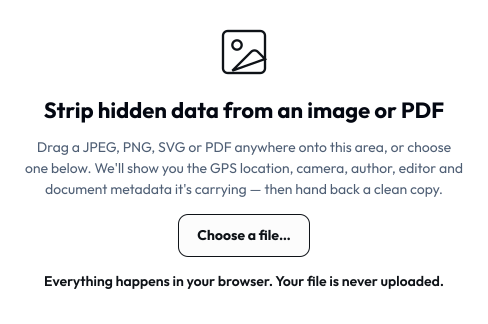
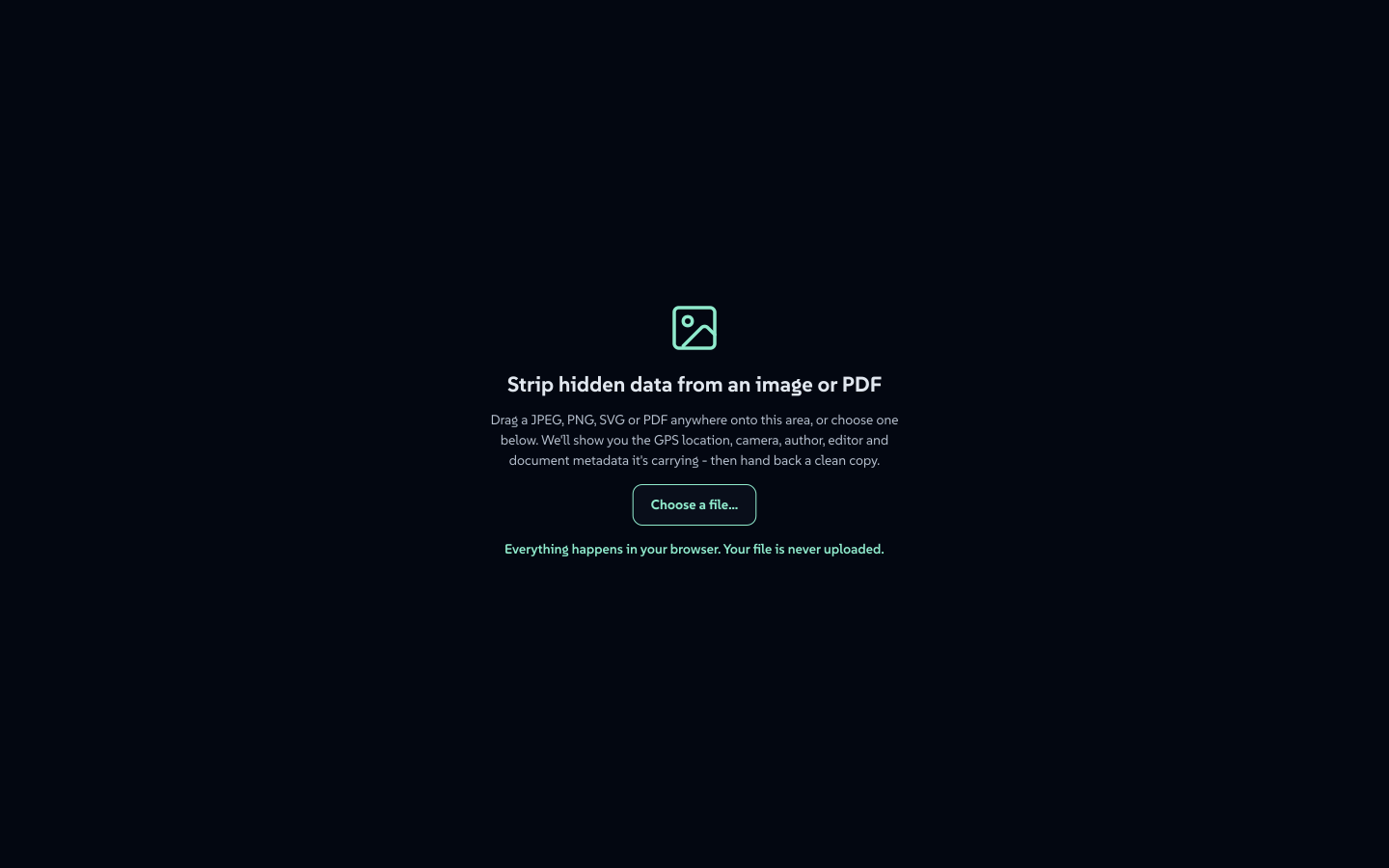
With layout: "canvas" a single file input stops being a sidebar row and becomes the working area itself - the drop zone strip-data opens with.
 signed by Lollyvector SVGVerifique você mesmoBaixar o arquivo assinado7 paths~6.2k nodes10 groups69 KB
 signed by Lollyvector SVGVerifique você mesmoBaixar o arquivo assinado7 paths~6.2k nodes10 groups69 KB


{
  "id": "photo",
  "type": "file",
  "label": "Photo",
  "accept": ["image/jpeg", "image/png", ".jpg", ".png"],
  "maxSize": 52428800
}accept- allowlist of MIME types and/or extensions for the picker (a UX hint; still validate bytes in the hook). Omit to accept anything.maxSize- max bytes; the host rejects larger files at pick time.
The value is a FileRef: { __file: true, name, mime, size, bytes, url }. The bytes are a Uint8Array the hook reads directly (no host. call - the bytes ride in the value by design, because the portable host. surface has no file-read API). A file value is never serialised into a URL (binary has no shareable form) and never persisted - it lives only in memory on the device, which is the whole privacy point. In CLI transport a file param is a path the runner loads: --photo=./pic.jpg.
Producing output: the exportFile hook + privacy: "on-device"
A content-transform utility doesn't rasterise the canvas - it produces a transformed file. Declare the exportFile hook and mark the tool as an on-device utility:
{
  "status": "official",
  "privacy": "on-device",
  "render": { "width": 760, "height": 620, "formats": ["jpg"], "export": false, "actions": [] },
  "hooks": { "onInput": true, "exportFile": true }
}
privacy: "on-device"shows the "Runs on your device - nothing is uploaded" badge and enforces (validated) that the tool is neverexperimental, and (at runtime) that exports carry no provenance metadata and no watermark - you must not stamp anything into a user's own file.render.export: falsehides the standard format/size/download bar;"actions": []opts out of the default Save/Share buttons (saving would persist the user's bytes - never do that).- The
exportFilehook reads the picked file and returns the transformed bytes as a plain record:
function exportFile({ model }) {
  const inputs = Object.fromEntries(model.map(i => [i.id, i.value]));
  const f = inputs.photo;                       // the FileRef
  const cleaned = stripMetadata(f.bytes);       // your transform (pure bytes → bytes)
  return { bytes: cleaned, mime: f.mime, filename: f.name.replace(/(\.\w+)?$/, '-clean$1') };
}
In the template, a <button data-export-file>Download…</button> triggers the hook; the shell wraps the bytes in a Blob and delivers them via host.export.file (download on web, --output on the CLI). Use onInput/onInit to return extras the template displays (e.g. what metadata was found). strip-data is the reference implementation.