
Last updated: 23 October 2026
Our ethos. An open source community includes all of us. Software that anyone can read, run and change only earns that openness when anyone can actually use it, whatever they see, hear, process, speak or believe. So we treat accommodation as a form of celebration, never a compromise: a preference that makes Lolly calmer, louder, larger or more familiar for someone is not a degraded mode of the product. It is the product, meeting one more of us where they are.
Your work stays yours
Lolly is a creative tool: people come here to make things that represent them. That shapes every accommodation below in one way: adjusting the app never adjusts your work.
Accessibility preferences restyle Lolly's own interface: menus, cards, navigation and type. They are built never to reach inside the tool canvas or the export stages, and automated tests fail the build if a preference's styles reach either. You should never have to choose between a comfortable app and a faithful render.
Accessibility settings
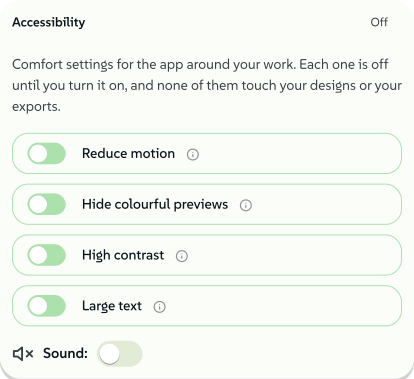
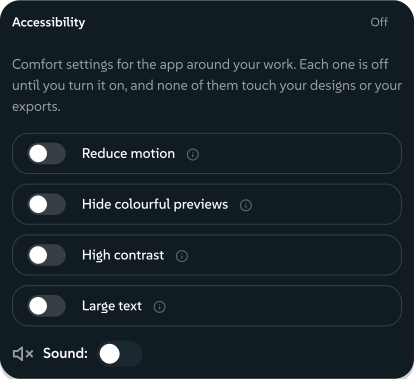
Lolly follows the platform's own signals, such as system dark mode and the reduced-motion preference. It also ships four opt-in preferences of its own, on one plain card in Settings:
- Reduce motion turns off transitions, slides and animated flourishes in the app, and combines with your operating system's setting, never overriding the system. Animated exports keep moving exactly as designed.
- High contrast strengthens borders, text and focus rings around your work. Your brand colours and canvas stay exactly as you set them.
- Large text grows the app's type and icon glyphs, and never your designs: its styles stop at the canvas edge.
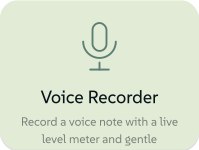
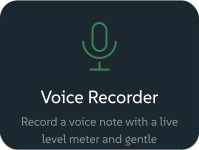
- Hide colourful previews swaps the gallery's preview artwork for calm icon and text cards, and softens project thumbnails by halving their colour and contrast, so they stay recognisable without the colour noise. Full colour returns the moment you step inside a tool, so high-stimulus imagery appears only in the place you chose to work.
 signed by Lollyvector SVG18 paths~4.5k nodes48 groups58 KBVerifique você mesmoBaixar o arquivo assinado
 signed by Lollyvector SVG18 paths~4.5k nodes48 groups58 KBVerifique você mesmoBaixar o arquivo assinado


You can set these right now: open your Accessibility settings. The card is always visible, with no digging, so someone who can barely read the page as it is can still find the switches.
Around the preferences, controls carry accessible names and pressed states, changes are announced to screen readers, overlays close on Escape, the drawing tools answer single keypresses, the arrow keys nudge whatever you have selected, and keyboard focus is visible, strengthened further under high contrast.
Turning it down, turning it up
Neurodivergent people are not one audience with one need. The same brain that is overwhelmed by a wall of colourful thumbnails on a hard day may seek strong sensory input on another, so Lolly accommodates in both directions, always opt-in:
- Turning it down. Reduce motion and Hide colourful previews strip the interface back to icons, text and one accent colour. Navigation stays calm for people with ADHD, autistic people and dyslexic people who find dense, varied imagery hard to scan. Nothing you need (favourites, pinning, actions) is taken away in the calmer presentation.
- Turning it up. Neurospicy Mode is a deliberate sensory layer, with focus loops, an atmosphere mixer with individually levelled ambient beds, procedural music and interface sound effects, for people who focus best with rich input. It is off by default and never plays before you ask.
- Sound is separable. Every audible layer has its own switch, so "visuals calm, sound rich" and the reverse are both real configurations, not a single accessibility bundle someone else composed for you.
 signed by Lollyvector SVG5 paths~1.9k nodes11 groups25 KBVerifique você mesmoBaixar o arquivo assinado
 signed by Lollyvector SVG5 paths~1.9k nodes11 groups25 KBVerifique você mesmoBaixar o arquivo assinado


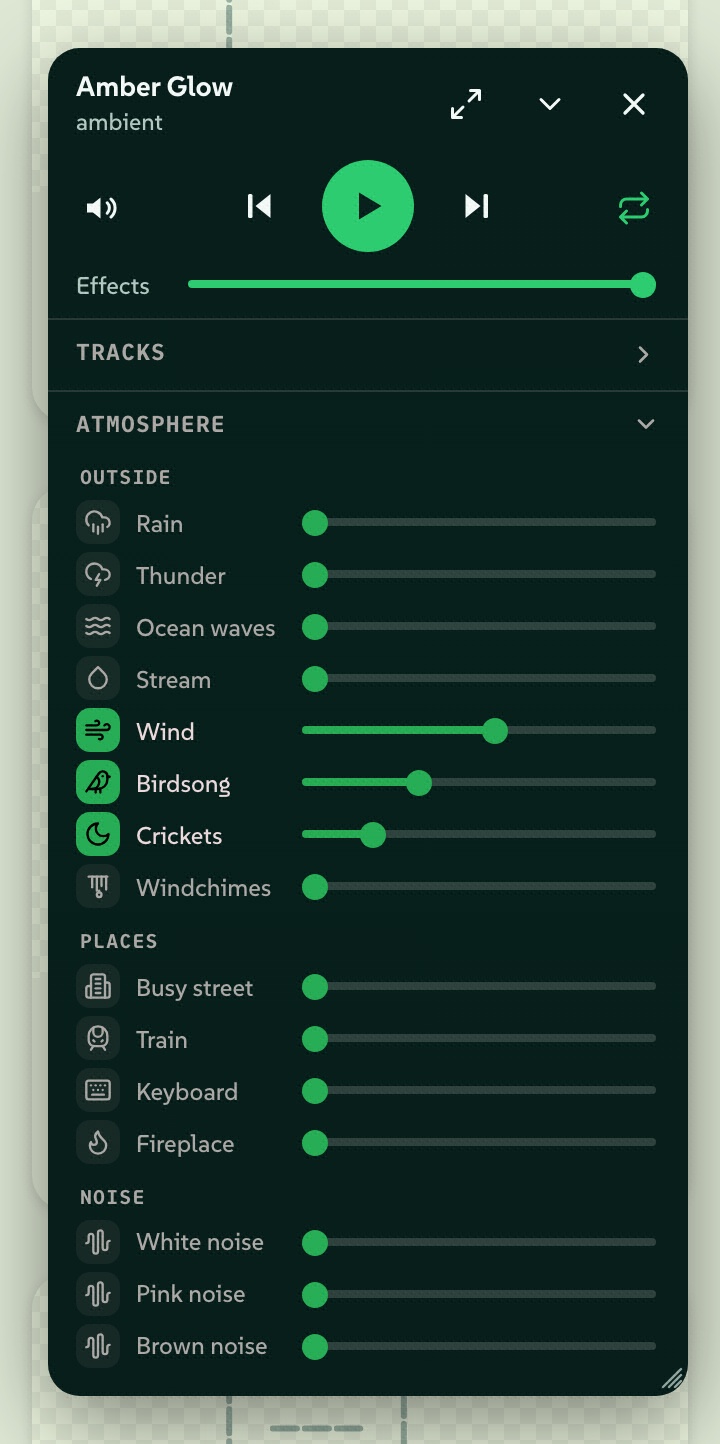 signed by LollyPNGpixels, not shapes244 KBVerifique você mesmoBaixar o arquivo assinado
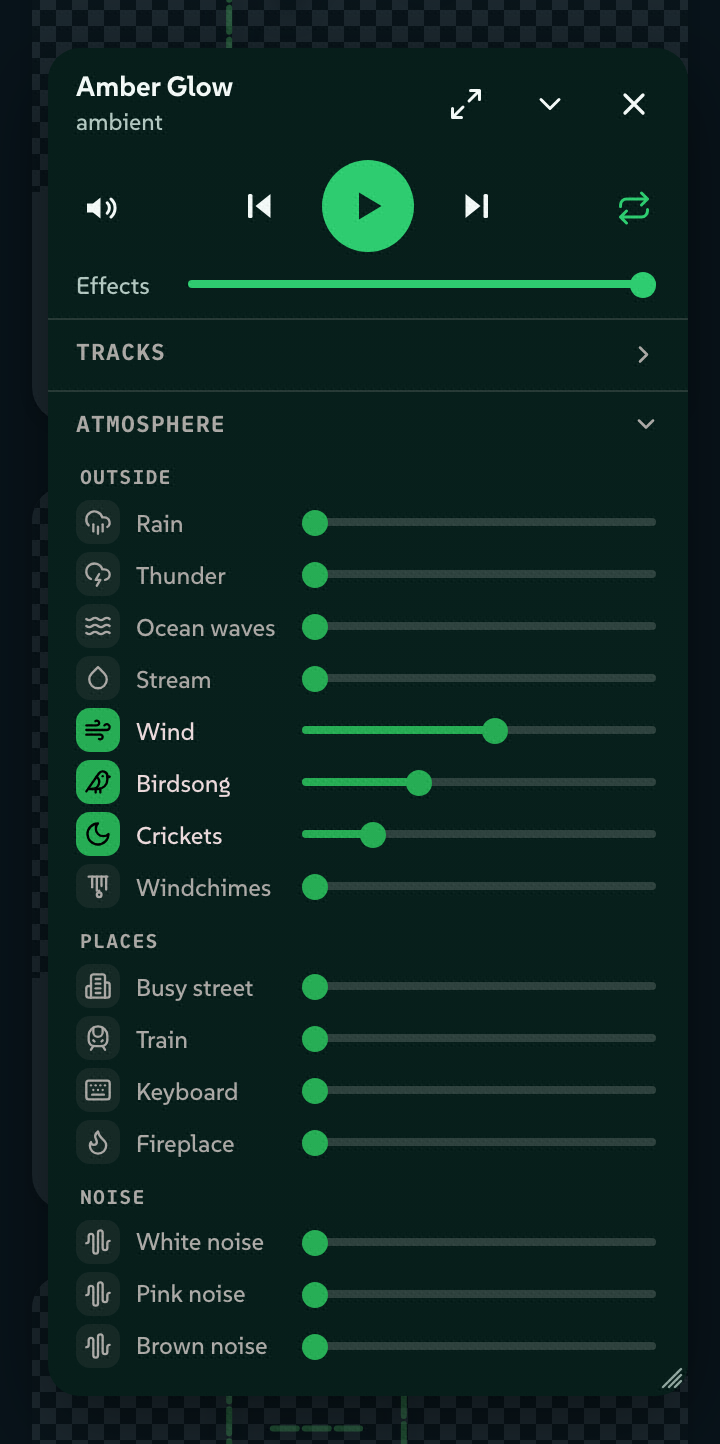 signed by LollyPNGpixels, not shapes207 KBVerifique você mesmoBaixar o arquivo assinado


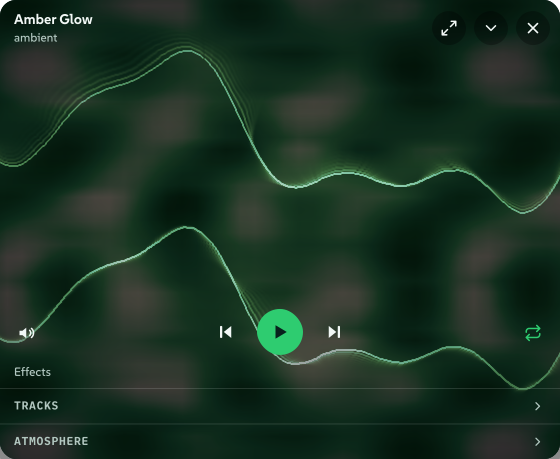 signed by Lollyvector SVG12 paths893 nodes45 groups1 image383 KBVerifique você mesmoBaixar o arquivo assinado
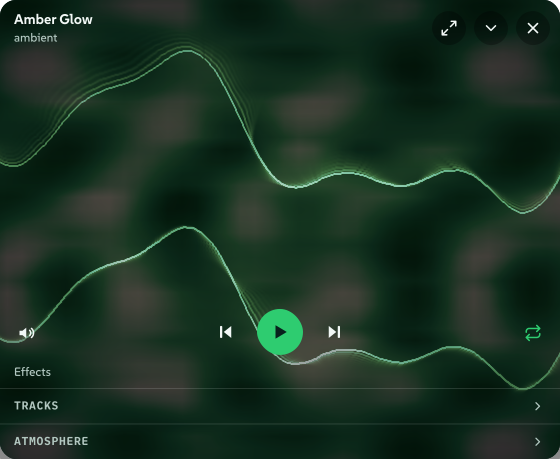 signed by Lollyvector SVG12 paths893 nodes45 groups1 image383 KBVerifique você mesmoBaixar o arquivo assinado


Your language
- Lolly's interface and documentation are translated into more than 25 languages, and we prioritise languages by how many people speak them, not by market revenue: Hindi, Bengali, Urdu and Indonesian arrived in the same waves as French and German.
- Right-to-left scripts are first-class: Arabic ships with full right-to-left layout, not a mirrored afterthought.
- Languages are distinct, not interchangeable. Indonesian and Malay are separate catalogs, Traditional and Simplified Chinese are separate catalogs, and the language attribute is set before first paint, so Han characters and script fallbacks render correctly for your language, not a lookalike.
- The language menu lists every language in its own name and script, and can be ordered by speaker population, so finding yours never requires knowing its English name.
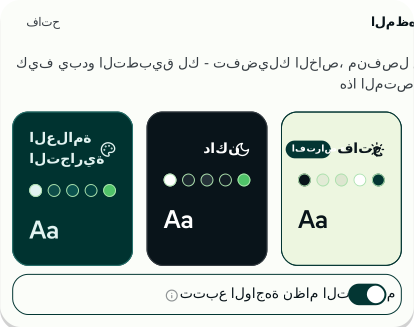 signed by Lollyvector SVG31 paths346 nodes52 groups20 KBVerifique você mesmoBaixar o arquivo assinado
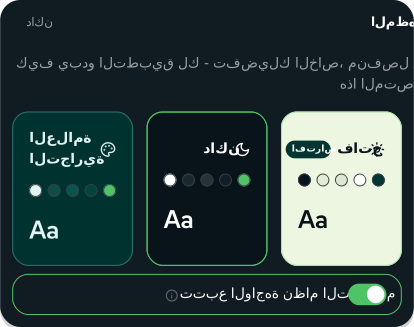 signed by Lollyvector SVG31 paths346 nodes52 groups20 KBVerifique você mesmoBaixar o arquivo assinado


Cultural inclusion
- lolly.tools opens in Lolly Demo, Lolly's own demo design system, with the neutral Lolly Starter one switch away. Lolly exists so your own identity, palette and type replace ours in minutes.
- Type is treated as a cultural surface. Uploaded and Google fonts are shaped with proper text shaping across scripts, so names, diacritics and non-Latin text export as correctly drawn outlines rather than missing-glyph boxes or substitutions.
- Emoji in your text are drawn from a set you choose rather than whichever one the machine happens to have, and each set carries its own credit. When a brand treatment recolours them, skin tones, flags and custom symbols keep their own colours by default.
- Copy avoids idioms and culture-bound references that translate poorly, and translators receive clean, bare strings rather than sentences with markup fragments baked in.
What Lolly needs to run
The web app needs WebGPU to start: a browser that can create a WebGPU adapter and device, over HTTPS. That leaves out some older devices and browsers, and Lolly explains the requirement before opening a tool rather than failing silently. Supported environments lists what has been checked.
Ethical commitments
- Privacy by architecture. Your work stays on your device, there are no trackers or analytics in the codebase, and the few network touchpoints are listed in the Privacy Policy. Accessibility and language preferences are stored on your own device: a person's disability or language is never telemetry. The Lolly app sends no telemetry. A Lolly Work server, which an organisation runs for its members, can store usage events made of labels such as a tool id at a level the organisation sets, and those events never carry accessibility or language settings; see Telemetry and dashboards.
- Honest provenance. Exports can carry Content Credentials, and AI-generated content is labelled as such. Audiences deserve to know how media was made, and creators deserve tools that can prove their work is theirs. See Our AI Stance.
- No dark patterns. Preferences are plain switches that do what they say, they stay dormant until you choose them and platform conventions (native scrolling, browser shortcuts, standard dialogs) are respected rather than hijacked.
- Good for everyone's work. The same properties that make a tool usable on a hard day make it faster on every other day. Constraint-first tools spend almost none of your attention on choices a template should have made, and on-device rendering keeps you working on a bad connection or a locked-down machine. How Lolly compares makes the longer case.
Tests hold us to this
Inclusive design here is a policy in the engineering sense: invariants with tests, not aspirations with adjectives. The engine, shells and community tools are public, so every claim on this page can be checked in the source, and the tests fail the build when one breaks:
- every accessibility attribute is additive, so with nothing turned on the regular experience is unchanged;
- no preference's styles reach the tool canvas or the export stages;
- the app's two copies of each preference stay in step.
When an accommodation and a feature conflict, we redesign the feature. When a "hide previews" setting also hid the actions on utility cards, the fix was to keep the actions, not to excuse the loss.
If something in Lolly excludes you, whether a missing language, an overwhelming moment or an assumption we baked in without noticing, that is a bug. Tell us: fitzy@suse.com.