
This guide covers the optional organisation service. Configuration, console and API paths refer to your Work instance. The packaged console keeps its release-matched copy of this guide.
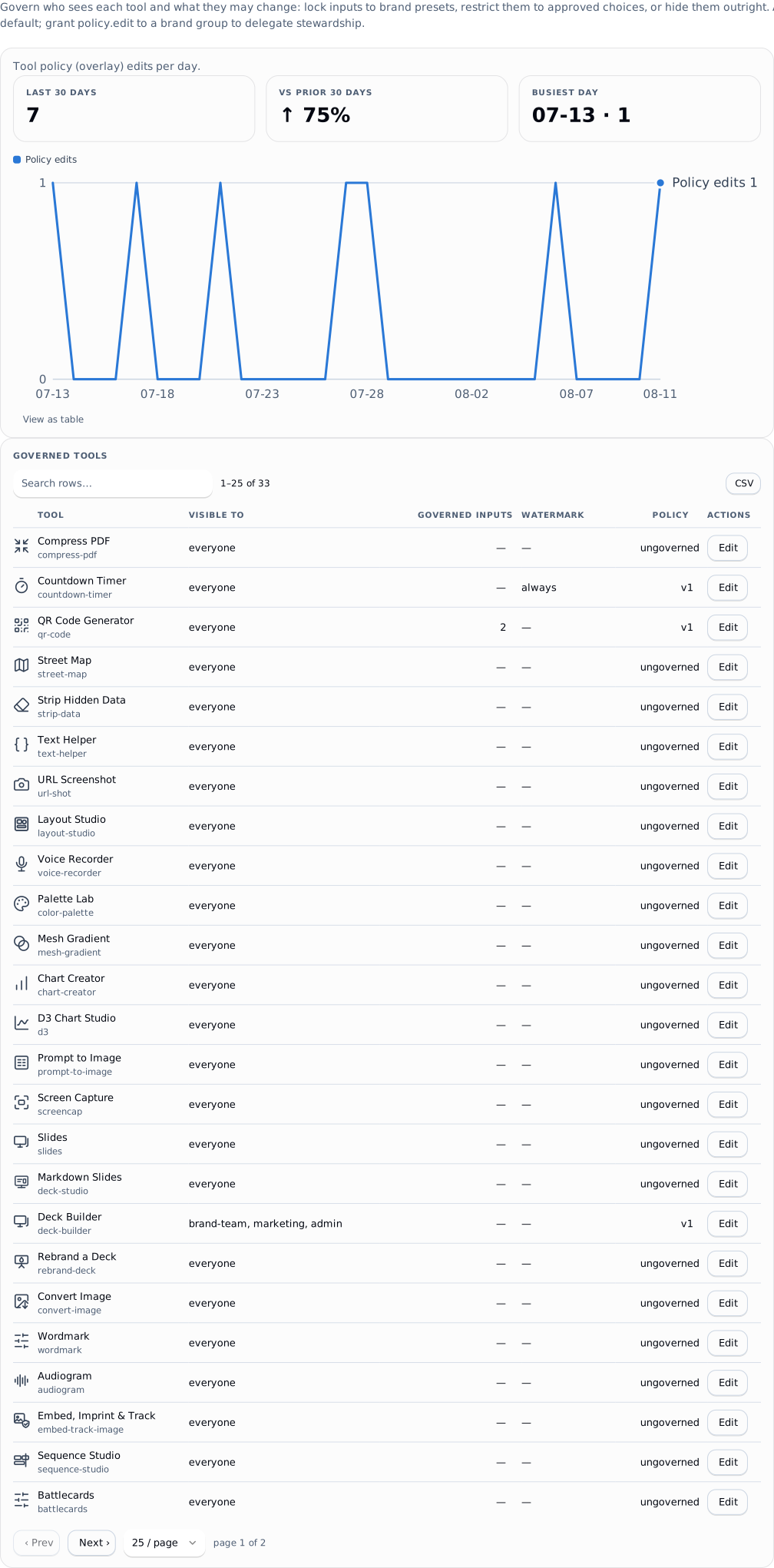
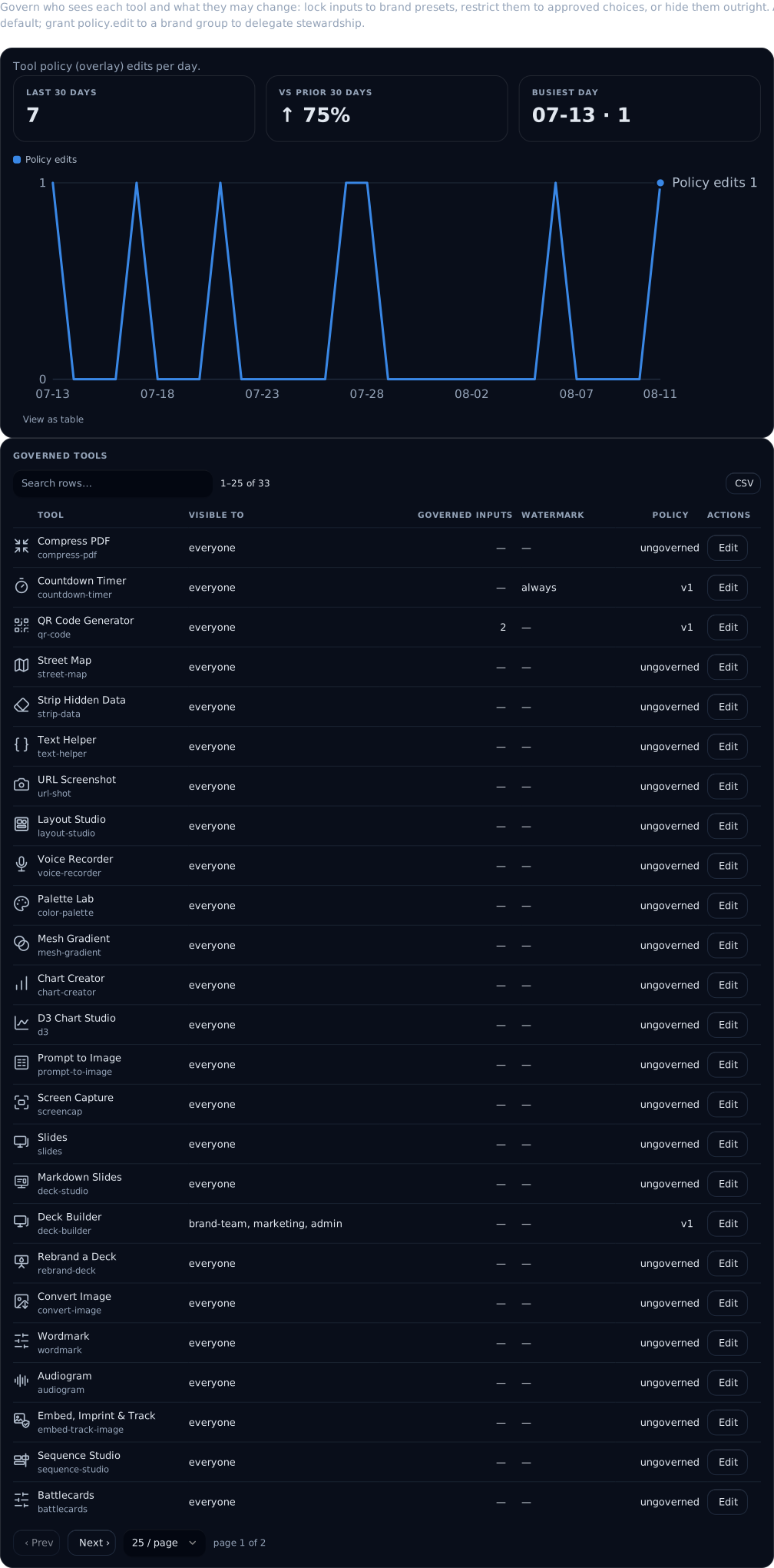
Governance is data, held server-side, edited live, and exportable as one document. It is never a fork of the pack's tool.json - the open-source tool definition stays untouched and the control plane overlays its opinion on top.
 signed by Lolly Demovector SVGVerifique você mesmoBaixar o arquivo assinado92 paths664 nodes380 groups1 image289 KB
 signed by Lolly Demovector SVGVerifique você mesmoBaixar o arquivo assinado92 paths664 nodes380 groups1 image290 KB


 signed by Lolly Demovector SVGVerifique você mesmoBaixar o arquivo assinado2 paths26 nodes20 groups165 KB
 signed by Lolly Demovector SVGVerifique você mesmoBaixar o arquivo assinado2 paths26 nodes20 groups165 KB


Everything on this page is live-editable in the console (This Deploy → Tools / Feature flags, Grants) and reaches connected shells on their next poll.
Tool overlays
One overlay per tool, versioned. PUT /api/v1/policy/overlays/:toolId under policy.edit (admin by default, grantable to a brand group so a brand team can govern inputs without holding the admin role). Saving audits before/after and busts the render cache for exactly the affected renders.
The console preserves saved format restrictions and input defaults when you edit inputs, visibility or watermarking. An unchanged preset or choice keeps its saved type, including strings that look like numbers. Enter a JSON array for choices containing commas or typed values, for example ["blue, green", "42", 42]. Comma-separated simple choices remain supported. An explicitly edited blank preset locks to an empty string. Remove a rule with Remove; clearing its groups is an error rather than an implicit deletion. Group names containing commas can be entered as a JSON array, for example ["Sales, EMEA", "brand"]; unchanged group lists are preserved.
Use Move up and Move down to order an input's rules. New exceptions are inserted before the first rule for everyone, and the editor warns when an earlier rule covers the same groups. Closing, switching tools or navigating away with a draft offers Keep editing or Discard changes. Leaving the page also invokes the browser's unsaved-changes warning. A failed save retains the draft.
Visibility
"visibility": { "groups": ["brand-team", "marketing"] }A tool with a visibility block is absent from the catalog feed for anyone outside those groups - not greyed out, not hidden client-side. * means everyone.
Per-input access
inputAccess maps an input id (or * as the default) to an ordered rule list; the first group-match wins, and no match means editable.
| Level | Effect |
|---|---|
editable | normal input |
choice | restricted to allow: [...] |
locked | replaced by value - the user never supplies it |
hidden | removed from the schema entirely |
"inputAccess": {
  "logo": [
    { "groups": ["brand-team"], "level": "editable" },
    { "groups": ["*"], "level": "locked", "value": "acme/logo" }
  ],
  "discount": [
    { "groups": ["sales-managers"], "level": "editable" },
    { "groups": ["*"], "level": "hidden" }
  ]
}
Enforcement is server-side and pre-render: a locked input supplied by a caller is a 422 INPUT_LOCKED, and the locked value is baked into the render regardless of what the request said. The same pure functions filter the schema the shell sees, so the UI and the enforcement can't disagree.
Give the overlay a name and a rule an optional reason and the person meets an answer instead of a dead control: the resolved access carries by (the overlay name) and reason into org-config, where the shell prints them under the input, and into the 422 body as { "error": { "code": "INPUT_LOCKED", "input": "bg", "by": "...", "reason": "..." } }, so an agent driving a render reads the same explanation. Both are optional and an unnamed overlay attributes nothing, exactly as before.
The enforce block
| Key | Values | Meaning | ||
|---|---|---|---|---|
formats | e.g. ["svg","png"] | restrict output formats | ||
watermark | always \ | until-approved \ | never | preview watermarking (sharing); only always is enforced today (approvals) |
defaults is accepted and stored, but is not applied to initial tool inputs by the current org-config or render paths. Locked presets do enforce values today. Two more keys (c2pa, escalation) are declared in the overlay type but the write paths do not accept them yet - C2PA signing is instance-wide via render.c2pa (c2pa), and chain binding works as approvals describes. See status.
The console offers Always watermark, Never watermark and No rule for new edits. An existing until-approved setting is retained with a warning that it is not enforced. Stored fields the policy writer cannot preserve, such as enforce.escalation, block a console save with an explanation rather than being silently removed. This form does not protect against a concurrent administrator replacing the same policy; the API remains a full replacement.
Profile governance
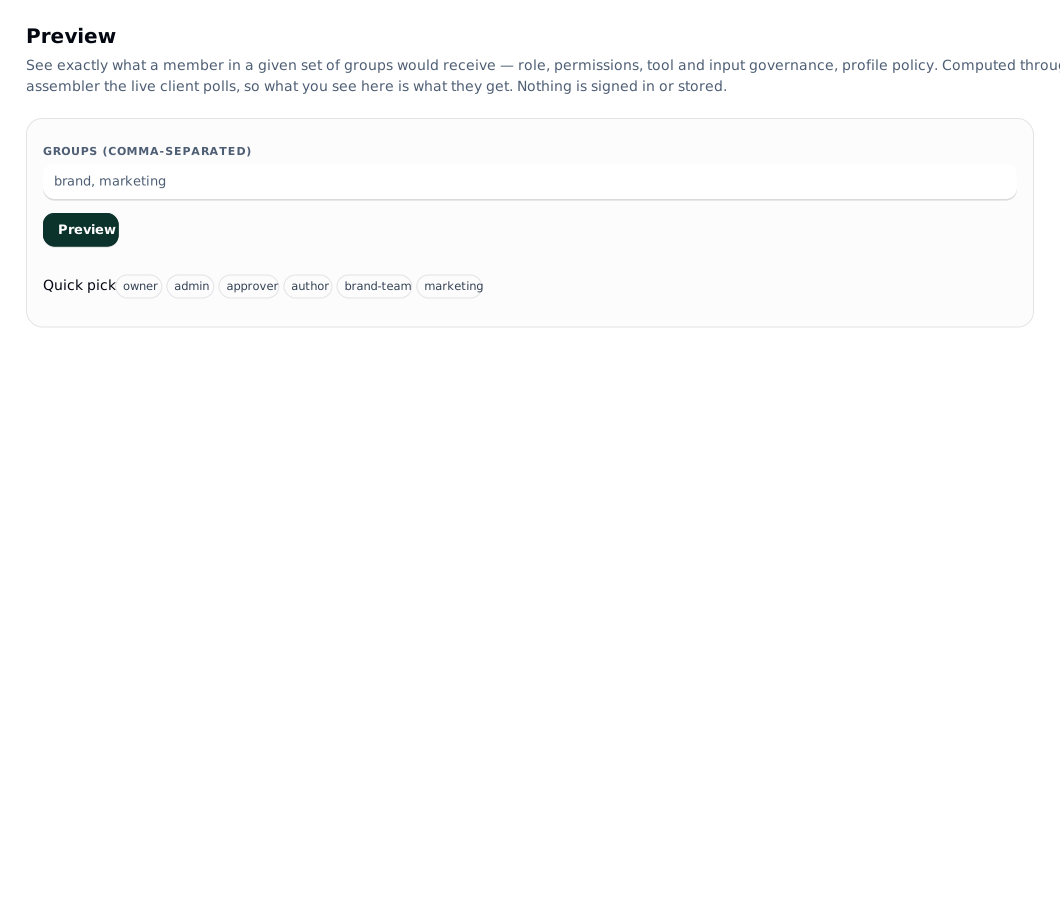
Identity fields the IdP owns are managed, not editable. claimMap decides which claim fills firstname, lastname, email and title; those fields come back to the shell as mode: locked, source: idp, which is what renders the padlocks in the shell's profile view. The user keeps everything the org has no opinion about.
Feature flags
Managed AI is a service execution switch with an additional deployment approval ceiling; it has no personal override. See managed AI. The other flags below govern personal defaults and visibility.
The control plane governs the shell's per-user toggles it knows about, instance-wide. Two knobs per flag:
| Knob | Values | Meaning | ||
|---|---|---|---|---|
default | on \ | off \ | unset | what a user who hasn't chosen gets; unset inherits the shell's built-in default |
visibility | show \ | hide | whether the user sees the toggle at all - hiding removes the control while the default still applies |
Governable today (ids are the shell's own):
| Flag | Built-in default | What it is |
|---|---|---|
neurospicy | on | calmer, lower-stimulation interface with an optional focus-music dock |
jelly-effects | on | soft-body squish on chrome controls; respects reduced-motion, never touches output |
strip-upload-metadata | off | strips EXIF/GPS from uploaded images (C2PA credentials are preserved either way) |
export-preflight | off | the export panel's prepress card: bleed, resolution, ink coverage, plate counts |
private-collab | on | the P2P invite/accept co-editing ceremony; force off + hide to route collab through the control plane only |
nearby-discovery | on | mDNS discovery of nearby Lolly devices for handing over collab invites (native shells only) |
GET /api/v1/policy/flags, PUT /api/v1/policy/flags/:flagId, same policy.edit gate. The off + hide combination is how a seasonal surprise ships dark: stage it now, flip the default on the day and it lights up without ever having shown a switch.
Policy-as-code
One canonical document holds the whole governance state, serialized deterministically so logically-equal states hash identically:
- grants
- tool overlays
- approval chains
- catalog-provider config + exposure (never credentials, never runtime state, never the enable kill-switch)
- feature-flag governance
- org-defined catalog metadata definitions (
catalogFields) - the fields an org files its assets under (catalog). The definitions are policy; the per-asset values are not, and never appear in the document - hidden catalog tags (
tagRules), one entry per scope:*for the whole catalog orprovider:<id>for one provider (catalog). The key is left out when nothing is hidden, so an earlier export hashes the same
lw export --out governance.json                # GET /api/v1/config/export
lw apply governance.json --dry-run             # POST /api/v1/config/apply?dryRun=1 - shows the diff
lw apply governance.json                       # apply
lw apply governance.json --prune               # also delete store-only entries
The diff reports create/update/delete/unchanged per category, and the response carries the document hash. Two guards:
- Applying a document that creates or removes a grant on any owner-only action (
instance.config,catalog.provider.credential,catalog.provider.publish,scim.manage,token.manage) requires the owner role (403 OWNER_ONLY_ACTION). - Entries that a config-managed catalog provider owns are conflicts, not overwrites (
409 CONFIG_MANAGED) - editinstance.jsonand redeploy instead.
Pruning a catalogFields entry removes the definition only. Values already filed under it survive, hidden from every served surface until the definition comes back, so a taxonomy change never destroys the data filed under that field.
Seeding at boot
LW_SEED_CONFIG=./governance.json npm startIdempotent, so it is safe to leave set. It is trusted (filesystem access), so it bypasses the owner-only HTTP guard and may seed owner-only grants - it still never enables a provider or stores a credential, because neither is in the document. This is what makes a fresh deploy come up already governed, and governance reviewable and promotable staging → prod from git.
Related
- Who may edit any of this: permissions
- What the shell does with it: identity
- Provider exposure rules: catalog