
Choose the format last. Make it once, in your brand. Send it as a deck, a document, a web graphic, a video or a press-ready PDF. Bring decks, PDFs and design files back in and keep editing.
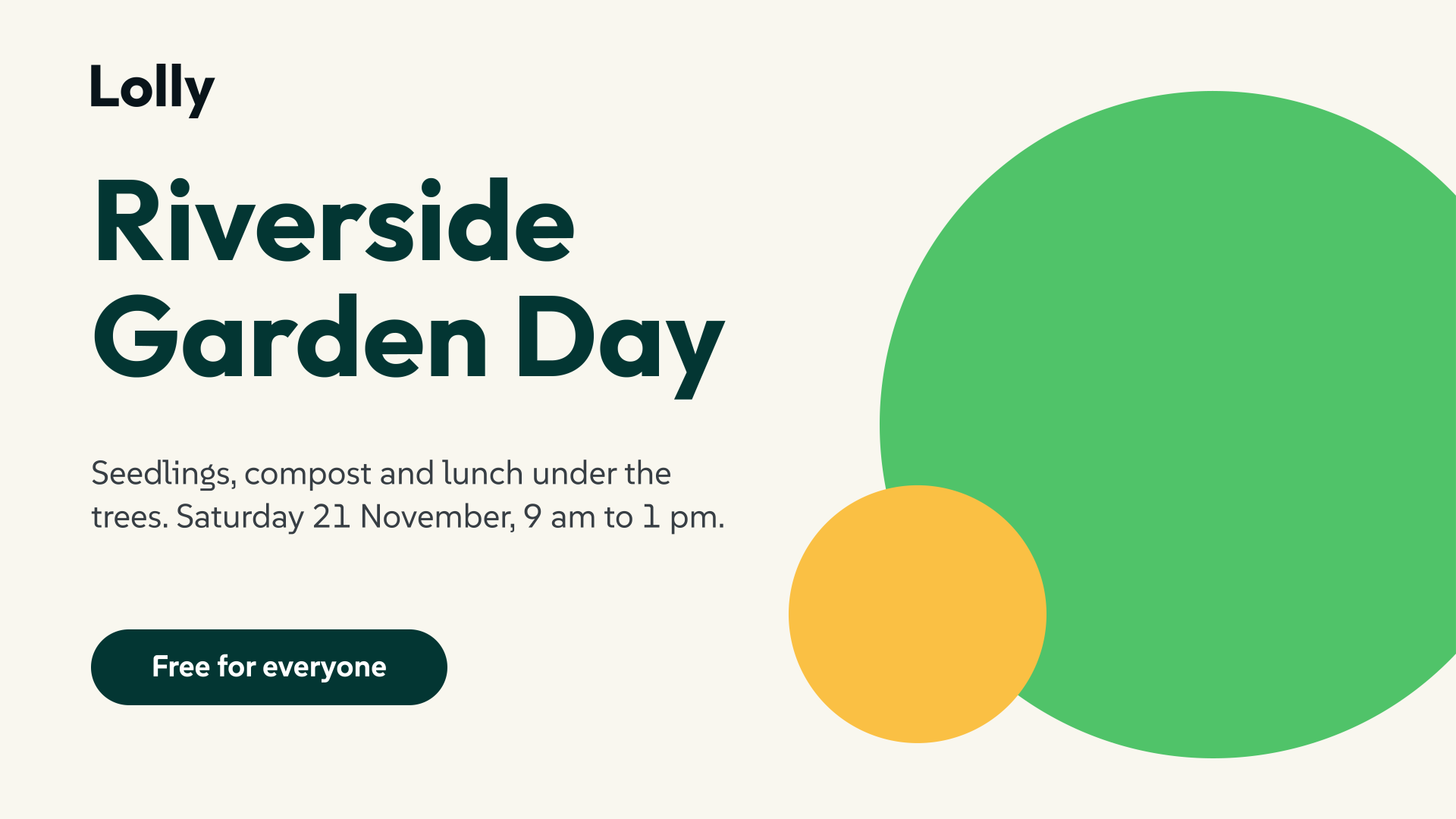 signed by Lollyformats-last-slide.svgvector SVG55 paths~1.1k nodes26 groups26 KBAI editedgenerated by Claude Opus 5.5Check it yourselfHämta den signerade filen

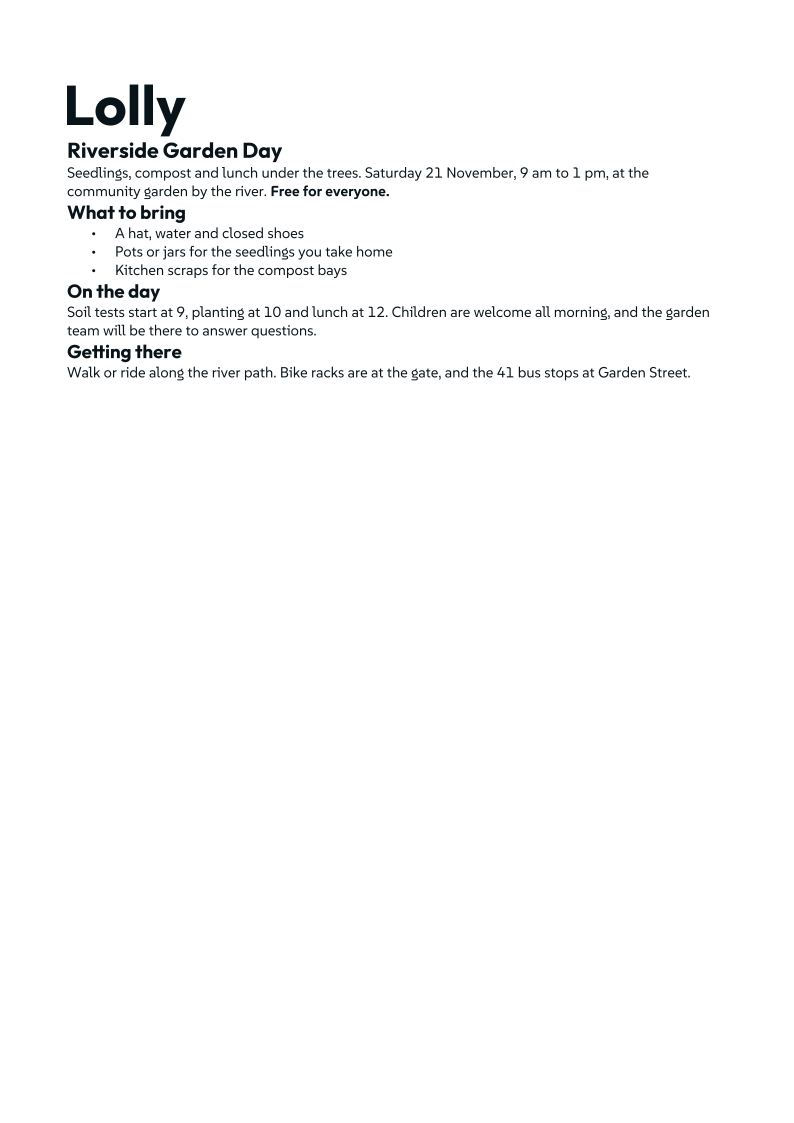 signed by Lollyformats-last-page.svgvector SVG80 paths~1.7k nodes98 groups52 KBAI editedgenerated by Claude Opus 5.5Check it yourselfHämta den signerade filen

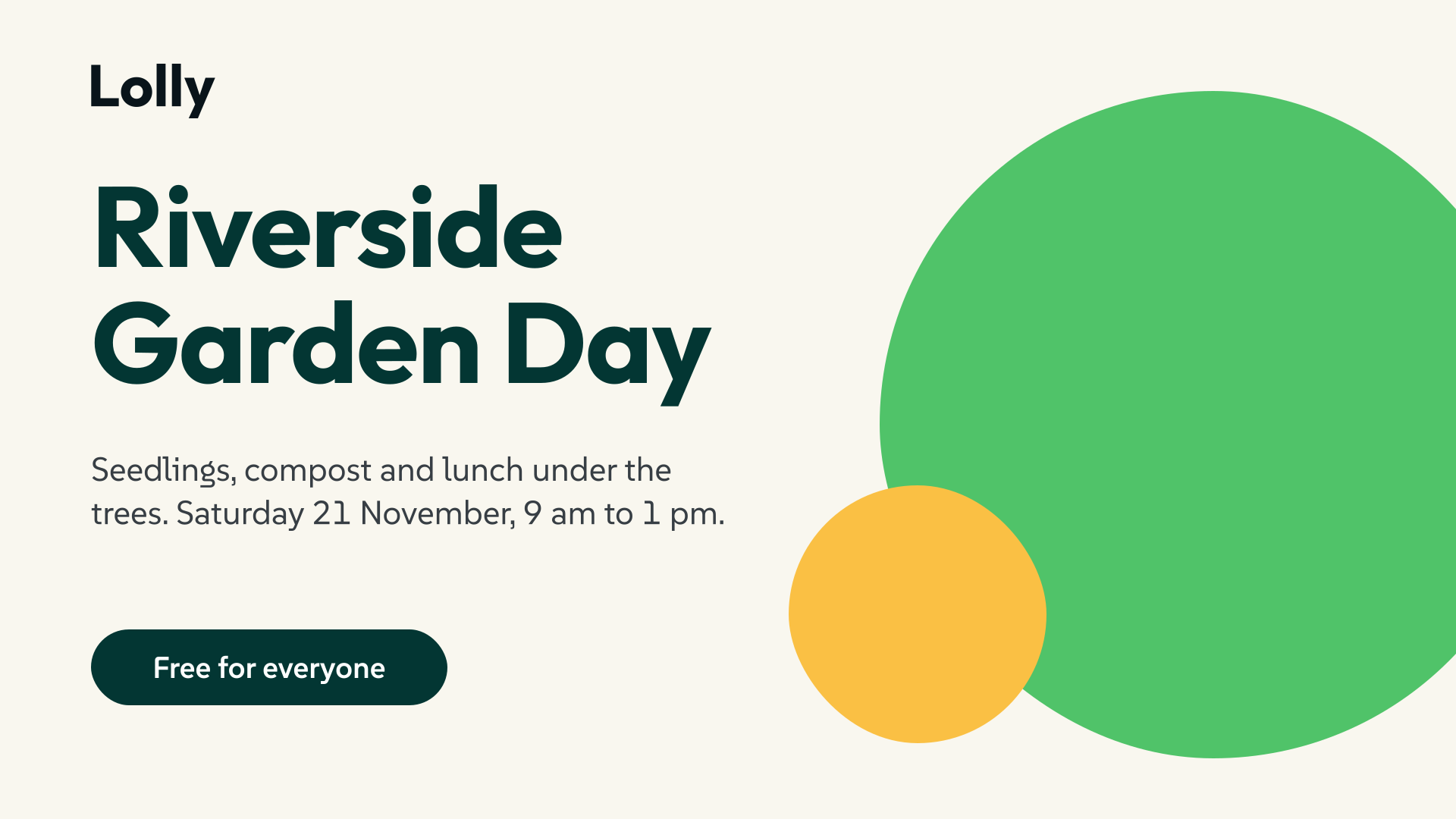 signed by Lollyformats-last-svg.svgvector SVG6 paths~2.5k nodes23 groups40 KBAI editedgenerated by Claude Opus 5.5Check it yourselfHämta den signerade filen

 signed by Lollyformats-last-video.webpWEBPpixels, not shapes20 KBAI editedgenerated by Claude Opus 5.5Check it yourselfHämta den signerade filen

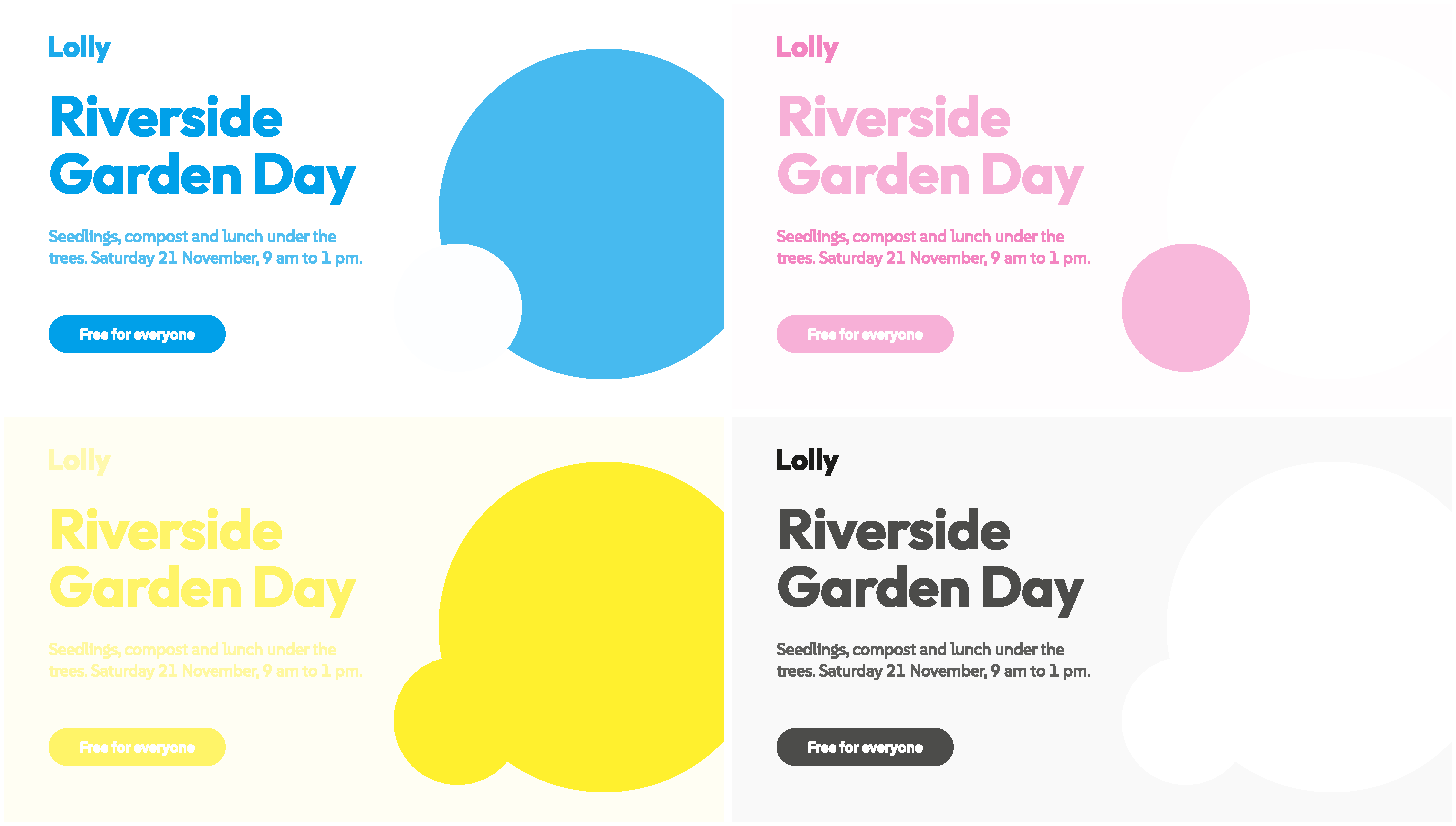 signed by Lollyformats-last-print.webpWEBPpixels, not shapes14 KBAI editedgenerated by Claude Opus 5.5Check it yourselfHämta den signerade filen

En Lolly Demo-design, fem filer. Varje bild är det ett annat program ritade av filen Lolly gjorde, inte en skiss. Lolly Design skriver inte DOCX, så dokumentet är en sida om samma dag från Lolly Doc Studio. LibreOffice hade Lolly Demos öppna typsnitt installerade, som en person som lagt till dem skulle ha haft. Print-PDF:en bär också en namngiven dekorfärg för varje varumärkesfärg den använder, som Ghostscript vek in i de fyra visade processplåtarna.
Before you start, check that Lolly can open your file and make the one you need. The table groups formats by what each one is: formats Lolly only reads sit at the left, formats it only writes sit at the right, and formats it does both ways sit once in the middle. Tap a format for what it is and what Lolly keeps, such as transparency, colour profiles, layers and credentials.
The table also covers captions, 3D models and editing timelines. Captions, Audiogram and Lolly Record export SRT and VTT captions, and Captions also exports TTML and SCC. Lolly 3D Studio opens STL and 3MF models, and Lolly Design exports Premiere XML with its media.
66 in · 66 out - tap any format to learn what it is and what Lolly supports.
Vector (14)
- SVG Scalable Vector Graphics
- Both ways. The web's vector picture format: shapes and text described as maths, so it stays razor-sharp at any size and the file stays tiny. Lolly reads almost any SVG (sanitising out scripts first) and, on export, outlines every letter to a path so it renders even where the font isn't installed. It can carry a Content Credential and even reproduces CSS box-shadows.
- PDF Portable Document Format
- Both ways. The universal 'looks the same everywhere' document. Lolly writes true page sizes at real physical dimensions (A4, US Letter, and so on), outlines text to paths, and can build multi-page documents. It can lock a PDF with a password (a light 40-bit RC4 lock, or strong AES-256) and carry Content Credentials, and it reads PDFs back in as editable artwork.
- Penpot Penpot Export (.penpot)
- Both ways. The export bundle from Penpot, the open-source design tool. It imports as an editable Lolly session with text and shapes intact, and Lolly writes one back: a Lolly Design's frames become boards, boxes become editable shapes and text, any other tool's vector render becomes shapes or one picture, and the brand's colours, typographies and design tokens ride inside the file. Penpot is where brand tokens round-trip both ways, since Lolly's palette uses the same DTCG design-token format Penpot reads and writes natively.
- Illustrator Adobe Illustrator Artwork (.ai)
- Import only. Adobe Illustrator's drawing files. Saved with the default PDF-compatible option, an .ai opens directly in Lolly, no export step needed: vector paint, text and images are read straight off the page and land as an editable layout, with type staying as text where it can and complex art baked to crisp vector fallbacks.
- InDesign InDesign Markup Language (.idml)
- Both ways. Adobe InDesign page layouts, carried as InDesign Markup (.idml). An .idml from InDesign's File → Export → InDesign Markup comes in as an editable, brand-conformed Lolly session, text as text and images extracted, so a print layout keeps working rather than becoming a flat picture. Named paragraph, character and object styles, master page items and tables carry over, and the import report lists what was approximated or dropped. A native .indd or .indt is converted to IDML on the device first, as a preview, up to 128 MB. Lolly writes one back from a Lolly Design document on the web and in the CLI: each artboard becomes a page, with live text frames, rectangles, ovals and PNG or JPEG images bundled in the package's Links folder.
- Figma Figma Design File (.fig)
- Import only. A native Figma design file (File → Save local copy). Lolly decodes it entirely in your browser, with no Figma account, plugin or API key involved. Frames become editable boxes, text stays retypable, and images are extracted, so a design leaves Figma as a live layout rather than a screenshot.
- Affinity Affinity documents and templates (.af, .afdesign, .afphoto, .afpub, .aftemplate)
- Import only. Native Affinity files: .af from Affinity 3, .afdesign, .afphoto and .afpub from Affinity 1 and 2, and .aftemplate templates. They open in Lolly Design on the device, in the browser and in the command line, with no upload and no Affinity software. Each artboard (or page) becomes a frame; groups, rectangles, curves, text, tables and pictures become editable layers, and effects, adjustments and anything approximated are listed in the import report. If the layers cannot be read, Affinity's own embedded preview opens as one picture instead. Import only, up to 96 MB; the layout was learned without a published specification, so a file from an untested Affinity build can fall back to its preview.
- Print PDF (CMYK) CMYK Portable Document Format
- Export only. A press-ready PDF whose colours are written as CMYK ink values rather than screen RGB, the way a commercial printer needs them. Lolly declares a target press condition (Coated FOGRA39 by default) so a print shop knows how to read the inks, and supports crop/bleed marks, true page sizes, and outlined text. Load your own CMYK profile and it can embed it for genuine PDF/X-4.
- EPS Encapsulated PostScript
- Export only. An older but still widely accepted vector format for design and print workflows, the kind of file Illustrator and print houses happily place. Lolly writes device-RGB EPS with all text outlined to paths, so it renders anywhere without the original fonts. Export-only.
- EPS (CMYK) CMYK Encapsulated PostScript
- Export only. The print-colour version of EPS, with colours written as CMYK ink values for a press workflow. Lolly writes straightforward DeviceCMYK (a naive conversion, not a profiled one), with text outlined to paths. Reach for it when a print vendor specifically asks for CMYK EPS. Export-only.
- EMF Enhanced Metafile
- Export only. Windows' native vector format, and the one that matters for Office: an EMF pastes into PowerPoint or Word as an editable vector picture that stays crisp when resized, instead of a blurry screenshot. Lolly writes device-RGB EMF with text outlined to paths. Export-only.
- DXF Drawing Exchange Format
- Both ways. The file a cutting machine reads: laser cutters, vinyl plotters and CNC/CAD software all speak DXF. Lolly also opens DXF floor plans and drawings in Lolly Design: each layer becomes a group of line and curve paths with text as text boxes, scaled from the file's own units, and the import report lists external references, paper space, SHX fonts and anything not drawn. Lolly writes outline paths in real millimetres (curves smoothed to a fine tolerance, text outlined, colours mapped to the nearest AutoCAD Color Index that usually picks the cutting operation). It's line-art only, so photographic or filtered regions are dropped with a warning.
- SVGZ Compressed SVG
- Both ways. A gzip-compressed SVG: byte-for-byte the same vector picture as an .svg, just 60 to 70% smaller on the wire. Every vector editor and browser reads it, and Lolly unzips one straight back to SVG on import, so the outlined text and Content Credential survive the round trip.
- WMF Windows Metafile
- Export only. The 16-bit ancestor of EMF, and still the safest vector paste for older Office builds and legacy clip-art pipelines: a placeable WMF drops into PowerPoint or Word as an editable vector picture. Lolly writes device-RGB WMF with curves flattened to fine polylines and text outlined to paths. Line-art only, so photographic regions are dropped. Export-only.
Raster (15)
- PNG Portable Network Graphics
- Both ways. The go-to lossless image format, with real transparency, so nothing is thrown away and edges over a background stay clean. Great for logos, screenshots and artwork. Lolly tags it with an sRGB profile, can boost it to genuine HDR brightness on capable screens, and embeds provenance and Content Credentials.
- JPG JPEG (Joint Photographic Experts Group)
- Both ways. The classic photo format: smaller files by discarding detail your eye barely notices, which makes it ideal for photographs but poor for crisp graphics or text. It's always opaque (no transparency). Lolly tags it sRGB, can write an HDR version for bright displays, and embeds provenance and Content Credentials.
- WebP
- Both ways. A modern web image format that packs smaller than PNG or JPG while still supporting transparency, and can be either lossless or lossy depending on what you need. Widely supported in browsers. Lolly can embed Content Credentials; it does not do HDR in WebP (the format's 8-bit).
- GIF Graphics Interchange Format
- Both ways. The old format everyone knows for short looping animations. It works literally everywhere, which is its charm, but it's limited to 256 colours and only on/off transparency, so files are larger and less colourful than modern video. Lolly reads animated GIFs verbatim and can export one, with a Content Credential in its comment block.
- TIFF Tagged Image File Format
- Both ways. A high-quality, uncompressed raster format favoured for archiving and handing to print or photo editors. Lolly writes a plain sRGB TIFF at your chosen DPI (transparency is flattened onto white), can also write an HDR version, and records provenance in the file's metadata. It's a desktop format: browsers can't preview it.
- AVIF AV1 Image File Format
- Both ways. The newest of the small-file image formats, built on the AV1 video codec: excellent compression, transparency, and real HDR support. Lolly can write an HDR AVIF for bright displays. It reads and writes wherever your browser supports it natively, and now carries a Content Credential over its native ISO-BMFF structure - so an AI-made or upscaled AVIF keeps its provenance instead of losing it on export.
- JPEG XL
- Both ways. A still-image format with lossy and lossless coding. Lolly keeps imported originals and prepares an oriented 8-bit sRGB view for editing, including an SDR view of deeper or HDR sources. New renders encode those 8-bit pixels. Lolly Convert can also wrap an original JPEG and restore its complete bytes, including metadata, after verification. Animation and extra channels are refused. JPEG XL output does not carry signed Content Credentials.
- HEIC High Efficiency Image Container (HEIF)
- Import only. The efficient photo format iPhones shoot by default: smaller than JPG at similar quality. Lolly reads HEIC/HEIF photos even on browsers that can't open them, using a bundled decoder, so an iPhone photo just works as an image. It's import-only, and it carries no Content Credential.
- DNG Digital Negative (Adobe DNG)
- Import only. The open raw photo format from Adobe, and the one many phones and cameras write when they shoot raw. Lolly develops a DNG on your device with the colour matrices stored in the file, so the colour is exact rather than guessed. It reads uncompressed, Deflate, lossless JPEG and lossy JPEG DNG, Bayer and three-colour sensors, white balance, baseline exposure, crop and orientation, then stores a normal picture that opens in Lolly Darkroom and every other photo tool. It's import-only, up to 192 MB and about 50 megapixels in the 512 MB the decoder is allowed. The raw file itself is not kept, and a DNG that uses JPEG XL compression is not supported.
- Camera RAW Camera raw files (CR2, CR3, NEF, ARW, RAF, ORF, RW2, PEF)
- Import only. The raw files from Canon, Nikon, Sony, Fujifilm, Olympus, Panasonic and Pentax cameras. Lolly develops CR2, NEF, ARW, ORF, RW2 and uncompressed RAF files on your device and stores a normal picture. These formats carry no colour matrices, so the colour is approximate: Lolly fits it to the JPEG the camera embedded in the same file, labels the result "approximate colour" in the import report, and says how close the fit is. Variants it cannot decode, such as Canon CR3 and sRAW, compressed RAF and compressed PEF, open the camera's embedded JPEG preview instead, also labelled. It's import-only, up to 192 MB and about 50 megapixels. The raw file itself is not kept.
- Print TIFF (CMYK) CMYK Tagged Image File Format
- Export only. An uncompressed, press-ready raster where every pixel is stored as CMYK ink values for a print RIP. Lolly writes DeviceCMYK pixels at your chosen DPI and records the intended press condition (FOGRA39 by default) in the file's metadata. It's a desktop format, browsers can't preview it. Export-only.
- EXR OpenEXR
- Export only. The film and VFX industry's high-dynamic-range image format: it stores light as floating-point values far beyond ordinary black-to-white, so highlights never clip and the file survives heavy grading and compositing. Lolly's Bitmap Studio writes a true OpenEXR master from its own high-precision float pixels, keeping the unbounded linear light intact. Export-only.
- Radiance HDR Radiance RGBE (.hdr)
- Export only. The original high-dynamic-range image format (.hdr), long used for lighting and 360° environment maps in 3D. It packs a huge brightness range into a compact RGBE encoding. Lolly's Bitmap Studio writes a Radiance master from its float pixels, keeping the unbounded linear values for HDR and lighting workflows. Export-only.
- ICO Windows Icon
- Both ways. The favicon format, the little icon in a browser tab. One .ico bundles the same image at several small sizes so a site serves whichever fits. Lolly writes it with transparency preserved, and now reads one back too: it picks the largest image in the bundle and decodes it, whether that size was stored as a PNG or a classic BMP icon (honouring the 1-bit transparency mask).
- BMP Windows Bitmap
- Both ways. The uncompressed Windows bitmap, the lowest-common-denominator raster a legacy Windows, embedded, or clipboard consumer will take when it cannot read a PNG. Lolly writes 24-bit, or 32-bit the moment a pixel is see-through, and reads both back. It carries the Lolly pixel imprint; PNG stays the display master.
Layered (3)
- PSD Photoshop Document
- Both ways. Photoshop's native format, where an image is kept as a stack of separate layers you can move and restyle independently. Lolly reads full layered files (including 16-bit and CMYK documents, converted through their embedded colour profile) and writes an 8-bit RGB PSD back out with each layer's name, opacity, visibility and blend mode preserved, so it opens cleanly in Photoshop, GIMP or Krita.
- PSB Photoshop Large Document (.psb)
- Import only. Photoshop's 'big brother' format for huge canvases beyond PSD's size limit. Lolly reads it the same way it reads a PSD, layers and all (including 16-bit and CMYK documents via their embedded profile), so an oversized Photoshop file comes in as editable layers. It's read-only: Lolly doesn't write PSB.
- XCF eXperimental Computing Facility (GIMP)
- Import only. GIMP's native layered format, the free-software counterpart to PSD. Lolly reads the layer stack, with each layer's pixels, position and transparency, so a GIMP project imports as editable layers. It's read-only, and unusual precisions (linear or floating-point) are declined rather than misread.
Motion (14)
- MP4 MPEG-4 Part 14
- Both ways. The default video format for social and sharing: best quality for the file size, plays on essentially every phone and app, and carries a soundtrack. Lolly records it in the browser (where the browser can) and can lay a music bed under the clip. It's one of the few video formats that can carry a verifiable Content Credential.
- WebM
- Both ways. An open web video format, the one Firefox and some Chrome setups record. Quality-per-byte is excellent and it carries audio. Because the video standard hasn't settled on a home for Content Credentials in WebM yet, Lolly tucks the credential in as an attachment its own verifier (and the CLI) can read.
- MOV QuickTime Movie
- Import only. Apple's QuickTime video format, common straight off an iPhone or a Mac. Lolly stores it exactly as-is (never re-compressed) and reads its dimensions on your device, so a .mov can go straight onto a timeline or become source footage. It comes in but isn't a Lolly export format.
- MXF Material Exchange Format
- Import only. The broadcast and post-production container used by cameras, Avid and archives. Lolly reads the header (SMPTE 377, OP1a and OP-Atom) to find the picture codec, size, frame rate, start timecode and sound tracks, and keeps the original file as it is. It is identified, decoded by the device where available: no browser plays MXF, so Lolly says what the file holds and asks for an H.264, HEVC or AV1 copy from your editing app. It comes in but isn't a Lolly export format.
- Apple ProRes Apple ProRes (in a MOV)
- Import only. Apple's editing codec, in a QuickTime MOV. Lolly reads the profile (Proxy, LT, 422, 422 HQ, 4444, 4444 XQ) from the file header and ships no ProRes decoder of its own. It is identified, decoded by the device where available: Safari and the Lolly desktop app on a Mac open it with Apple's own decoder. Elsewhere Lolly keeps the original and suggests an H.264, HEVC or AV1 copy. It comes in but isn't a Lolly export format.
- Avid DNxHD / DNxHR Avid DNxHD and DNxHR (VC-3)
- Import only. Avid's editing codec (SMPTE VC-3), in an MXF or MOV. Lolly reads the DNxHD compression ID or DNxHR profile from the file header and ships no DNx decoder of its own. It is identified, decoded by the device where available; most devices have no DNx decoder, so Lolly keeps the original and suggests an H.264, HEVC or AV1 copy from your editing app. It comes in but isn't a Lolly export format.
- Lottie Lottie / Bodymovin Animation
- Both ways. Lottie stores vector animation as JSON or a packed .lottie file. Lolly preserves the original upload, lets you combine clips and edit supported internal layers, transform keys, easing and static fill/stroke properties in Sequence, then exports one composed dotLottie v2 animation. Unsupported source features are reported explicitly.
- Premiere XML Premiere Pro XML interchange (xmeml sequence)
- Both ways. The XML sequence format Adobe Premiere Pro reads and writes for moving an edit between apps. Lolly opens a sequence.xml, or a zip holding one with its Media folder, as a timed Lolly Design sequence, relinking the media you select or leaving labelled placeholders. From a Design sequence of unprocessed video, audio and image clips, Lolly writes a zip with sequence.xml, the original media bytes and readable credits, on the web and in the CLI. Titles, effects and anything else that needs rendering go out as video instead.
- EDL CMX 3600 edit decision list (.edl)
- Import only. The plain-text cut list that editing and grading apps trade. Lolly opens a CMX 3600 EDL in Sequence with its clips, gaps, In and Out points, drop-frame or non-drop timecode and audio channels. A list carries no frame rate, so Lolly asks for one (or assumes 29.97 for drop-frame lists and 24 otherwise) and reports the assumption. Dissolves, wipes, speed changes, locators and colour decisions are listed in the import report rather than applied.
- OpenTimelineIO OpenTimelineIO timeline (.otio)
- Import only. The Academy Software Foundation's open timeline format, as JSON. Lolly opens an .otio timeline in Sequence with its video and audio tracks, clips, gaps, source ranges, rates and start time, including clips at different rates on one timeline. Transitions, nested stacks, effects and speed changes are listed in the import report rather than applied.
- FCPXML Final Cut Pro XML, versions 1.8 to 1.11 (.fcpxml)
- Import only. Final Cut Pro's own interchange format, also written by DaVinci Resolve and others. Lolly opens an .fcpxml in Sequence with the primary storyline, connected clips on their lanes, gaps, source ranges, rational rates and drop-frame timecode, including media at different rates. Compound and multicam clips, titles, transitions, effects and retiming are listed in the import report rather than applied.
- Animated PNG Animated Portable Network Graphics
- Both ways. An animated PNG: like a GIF, but with full colour and real transparency instead of GIF's 256-colour, on/off limits. Great for a short, high-quality looping animation that plays in any modern browser. Lolly can embed a Content Credential in it. It has no soundtrack. Lolly reads an animated PNG back in too, kept verbatim so every frame survives.
- Animated WebP
- Both ways. An animated WebP: full colour and transparency like APNG, but better-compressed, so it's the smallest of the animated-image options. Ideal for a lightweight web loop. Lolly can embed a Content Credential; it's silent by nature. Lolly reads an animated WebP back in too, kept verbatim so every frame survives.
- Animated SVG Animated Scalable Vector Graphics
- Export only. A vector animation rather than a bitmap one: Lolly stacks vector snapshots with embedded CSS keyframes, so it scales to any size with no codec and no external runtime, and loops in a browser tab or an <img> tag. Text is outlined so it renders anywhere. Heavier per frame than a bitmap, so it uses a lower default frame rate. Carries a Content Credential in its <metadata>, like a still SVG.
Audio (9)
- MP3 MPEG-1 Audio Layer III
- Both ways. The everywhere audio format for music and voice: compressed to a small file that plays in any app or device. Lolly Voice Recorder saves your mic take as MP3 by default (transcoded on your device), and MP3 audio you bring in can become the music bed under a video.
- M4A MPEG-4 Audio (AAC)
- Both ways. An audio-only MP4 file, usually holding AAC-encoded sound, the format Apple devices and many browsers record natively. It sounds a little better than MP3 at the same size. Lolly Voice Recorder can save your take as M4A, and imported M4A audio can drive a video's music bed. As an MP4-family file it carries a Content Credential over the same binding as MP4 - so a synthetic or AI-voiced clip stays attributable.
- AAC Advanced Audio Coding (ADTS stream)
- Both ways. Bare AAC audio: the same lossy codec as M4A without the MP4 wrapper, as an ADTS stream that most players and broadcast tools take directly. Lolly adds an .aac to your library and decodes it on your device for a music bed. A Design sequence, or Download as on an audio file in your library, writes one with the same AAC-LC encoder as M4A, in browsers that provide that encoder. A bare ADTS stream has no place for a Content Credential, so choose M4A when the file should carry one.
- WAV Waveform Audio File Format
- Both ways. Uncompressed, lossless audio: the raw, full-quality sound format, which means large files. Lolly reads a WAV and decodes it on your device, and it exports one too - full-quality PCM audio straight from a tool like the Audiogram or Sequence Studio. It reads standard PCM WAVs and declines exotic encodings rather than misreading them as noise.
- Opus Opus Audio
- Export only. The modern, efficient audio codec built for the web: it sounds better than MP3 at much smaller sizes and is royalty-free. Lolly exports Opus (in a WebM container) as the soundtrack from tools like the Audiogram and Sequence Studio, and reads Opus in too as part of the OGG/WebM audio it decodes. Its WebM container carries a Content Credential Lolly's own verifier reads (the standard doesn't map C2PA into Matroska yet, so c2patool can't).
- OGG Ogg Vorbis / Opus
- Both ways. An open, royalty-free compressed audio format (usually Vorbis or Opus inside), a free-software alternative to MP3. Lolly keeps an imported file intact and decodes it on your device, so an OGG track can drive a video's music bed or play in the ambient player. A Design sequence, or Download as on an audio file in your library, writes Opus in an Ogg file, encoded on your device, with a Content Credential that Lolly's own verifier reads (c2patool has no Ogg reader).
- FLAC Free Lossless Audio Codec
- Both ways. Lossless compressed audio: full CD-or-better quality with no detail thrown away, but smaller than WAV. Popular with music archivists. Lolly keeps an imported FLAC byte for byte and decodes it on your device, ready as a soundtrack under a video. A Design sequence, or Download as on an audio file in your library, writes a lossless FLAC at the clip's own sample rate, encoded on your device, with a Content Credential that Lolly's own verifier reads (c2patool has no FLAC reader).
- MIDI Musical Instrument Digital Interface (.mid)
- Both ways. Not a recording but a score: MIDI stores which notes to play and when, so the file is tiny and the sound is produced on playback. Lolly converts an imported .mid into a small on-device synth track you can use as a music bed, keeping each note's velocity as its loudness and capping note and step counts so a pathological file can't hang the tab. Lolly Rondocode writes a song's notes as a format-1 .mid with one track per synth, velocities, and General MIDI instruments where a synth's name maps to one.
- MOD Amiga Module (tracker music)
- Import only. A 'tracker module', the demoscene/retro-game way of storing music as a pattern of notes plus a handful of short instrument samples, so a whole song is only a few kilobytes. Lolly plays MOD (and its XM, IT, S3M, STM and MTM cousins) with a bundled on-device player, ready as a music bed or ambient track.
Document (7)
- PPTX PowerPoint Open XML Presentation
- Both ways. PowerPoint's slide-deck format. Lolly doesn't flatten a slide to a picture: it hands over a deck you can actually edit, where text stays as real editable text boxes, logos come through as crisp vector pictures, and images and tables stay extractable. It reads decks back in too, so you can rebrand or rebuild an existing PowerPoint.
- SCORM Sharable Content Object Reference Model course package
- Export only. The course-package format every learning management system imports: Moodle, Canvas, Blackboard, SAP SuccessFactors and the rest. From a Lolly Design deck, Lolly writes a zip with the SCORM 1.2 manifest every LMS imports, a launch page that steps through the slides and reports completion to the LMS, the slides themselves (as vector where the artboards allow it), and the narrated film with its caption track - speaker notes read by an on-device voice. Export-only, and built in the browser: the desktop and web apps make it, the CLI does not.
- HTML HyperText Markup Language
- Both ways. Rich, formatted text as a web fragment. Lolly reads HTML in - a pasted rich-text selection, or an HTML table that fills a tool's rows - and writes it out, most usefully as an email signature you can paste straight into a mail client with its styling and inline logo intact. Generated from content, never a rasterised picture.
- Markdown
- Both ways. Plain text with a light sprinkle of formatting marks (# for headings, * for emphasis) that stays readable as-is and converts cleanly to HTML. Popular for notes, docs and READMEs. Lolly reads Markdown you paste or import and renders it, and writes a tool's text content back out as Markdown.
- Plain Text
- Both ways. Just the words, no formatting, no styling - the most universal file there is. Lolly reads plain text into a tool's fields and writes a tool's content back out as plain text that opens in anything.
- DOCX Word Open XML Document
- Export only. Microsoft Word's document format. Lolly doesn't flatten your writing to a picture: it hands over a real .docx whose headings and paragraphs stay fully editable text, opening cleanly in Word, LibreOffice Writer and Google Docs. Export-only.
- ODT OpenDocument Text
- Export only. The OpenDocument text format used by LibreOffice Writer. Lolly writes a valid OpenDocument package with your headings and paragraphs as real editable text, not a rasterised page, opening in LibreOffice, Word and Google Docs. Export-only.
Data (9)
- CSV Comma-Separated Values
- Both ways. The plain-text spreadsheet: rows of data separated by commas that any spreadsheet app opens. Paste or drop one and a tool's repeating fields fill from it, up to 1,000 rows; export one to round-trip a tool's content back out. Lolly follows the RFC 4180 rules, so quoted fields, embedded commas and newlines all survive.
- JSON JavaScript Object Notation
- Both ways. A simple, human-readable text format for structured data, the common language of the web. Lolly imports a table of rows from it (an array of objects, positional arrays, or a wrapped {"data": [...]} shape) and can export a tool's content as JSON to re-import later. No colours or pixels, just the underlying data.
- ICS iCalendar
- Export only. A calendar-event file that imports into Apple Calendar, Google Calendar, Outlook and the rest. Lolly builds it from a tool's content (title, time, place) with the dates and text escaped to the iCalendar standard, so a 'save the date' becomes an event people can add in one tap. Export-only.
- VCF vCard
- Export only. A contact card, the standard file that drops a name, number and email straight into a phone's Contacts or an address book. Lolly generates it from the tool's fields with the text properly escaped, so a business card or signature can hand over its details as a real contact. Export-only.
- SRT SubRip subtitles
- Both ways. The plain-text caption file nearly every video player, editor and upload page accepts: numbered cues, each with a start and end time and its lines of text. The Captions, Audiogram and Record tools take an existing .srt through Add data, or captions made from speech on your device, and write the cues back out as .srt, so the words spoken in a clip travel beside the video as text anyone can correct.
- WebVTT Web Video Text Tracks
- Both ways. The caption format browsers read natively for an HTML video's track element, with the same timed cues as SRT under a WEBVTT header. The Captions, Audiogram and Record tools read a .vtt through Add data, skipping NOTE and STYLE blocks, and write a clean one beside the SRT.
- TTML Timed Text Markup Language (IMSC1.1)
- Export only. The XML caption format broadcasters and streaming services deliver, written as the IMSC1.1 Text Profile with media-time clock times and one bottom-centre region. The Captions tool exports its cues as .ttml. Colour, font and position are not written, because Lolly's captions hold a start, an end and text. The engine can also read TTML1 and TTML2 files, honouring begin, end and dur on the body, div and p elements, but the Captions tool does not take a .ttml through Add data yet.
- SCC Scenarist Closed Caption
- Export only. The text file that carries CEA-608 closed captions for broadcast tools. The Captions tool writes pop-on captions on channel 1 at 29.97 fps with drop-frame timecode, using the basic North American characters plus the special and extended ones. A character the set cannot carry stops the export and is named in the message, never dropped. Roll-up and paint-on captions are not written. This writer has not been checked against a real broadcast tool, so test a file in your own pipeline before delivery.
- XLSX Excel Spreadsheet
- Import only. Excel's spreadsheet workbook. Drop one and a tool's repeating fields fill from a sheet you can choose (the first by default), up to 1,000 rows, exactly like a pasted CSV with the first row becoming the column headers. Lolly reads the cells directly (shared strings, inline text, numbers, dates and formula results) and applies their number formats, so dates, currency, percentages and fractions arrive as Excel shows them. A formula the file saved no result for, as files written by libraries often are, is worked out on your device; every other formula keeps the value it was saved with. Macro-enabled .xlsm workbooks are refused. Import-only.
Font (3)
- WOFF Web Open Font Format
- Both ways. A web font is an OpenType font (TTF or OTF) wrapped in a compressed container so it downloads smaller. Lolly converts between them losslessly on-device: unwrap a WOFF to a plain TTF or OTF, or wrap one up, rebuilding the table directory and checksums each way. TrueType and CFF outlines both pass through untouched. WOFF2 (Brotli) is read-detected but not yet written.
- TTF TrueType Font
- Both ways. The classic font container with TrueType glyph outlines. Lolly reads one anywhere a font can be added - the brand's Type room, the font picker - and writes one back out on-device by unwrapping a WOFF, rebuilding the table directory and checksums losslessly.
- OTF OpenType Font (CFF)
- Both ways. The OpenType container with CFF (PostScript-flavour) outlines. Read wherever a font can be added, and written back out on-device by unwrapping a WOFF - the outlines pass through untouched either way.
Tokens (6)
- DTCG W3C Design Tokens
- Both ways. The emerging W3C standard for design tokens - colours, type, spacing and gradients as structured JSON that design tools share. Lolly imports a DTCG document to hydrate a whole brand (palette, ramps, type) and exports its palette back out as DTCG tokens, so a brand round-trips with any tool that speaks the standard, Penpot included.
- Tokens Studio Tokens Studio for Figma
- Import only. The token format from the popular Tokens Studio Figma plugin - one monolithic JSON, or a one-file-per-set export. Lolly reads it to build a brand pack, so palette, ramps and themes come in ready to use. Import-only.
- ASE Adobe Swatch Exchange
- Export only. Adobe's colour-swatch format, the one that loads a palette straight into Photoshop, Illustrator and InDesign. Lolly exports your brand palette as an .ase so the exact brand colours drop into any Adobe app. Export-only.
- GPL GIMP Palette
- Export only. The plain-text palette format GIMP, Inkscape and Krita read. Lolly writes your brand colours as a .gpl so the free-software design stack picks up the exact palette. Export-only.
- CSS variables CSS Custom Properties
- Export only. Your brand palette as ready-to-paste CSS - custom properties (--brand-…) or utility classes - so a developer wires the exact brand colours into a website with no guesswork or eyedropper. Export-only.
- SCSS Sass variables
- Export only. Your brand palette as Sass variables - the pre-processor twin of the CSS variables export, ready to paste into a Sass codebase with the exact brand values. Export-only.
3D (4)
- GLB Binary glTF (3D model)
- Import only. A single-file 3D model, geometry, textures and materials all packed into one binary, the standard way to move 3D between apps. Lolly's 3D tool loads your own .glb (read on-device, never uploaded) and renders it as a still or a turntable animation. It's an import for rendering, not a Lolly export format.
- glTF GL Transmission Format
- Import only. The text-based sibling of GLB: the same open 3D standard, written as a JSON file (often alongside separate texture files) rather than one binary blob. Lolly's 3D tool loads a .gltf to render as a photo or a spinning turntable clip, all on your device. Import-only.
- STL Stereolithography mesh
- Import only. The plain triangle-mesh format of 3D printing and CAD, with geometry only and no colour or texture. Lolly 3D Studio loads your own .stl on your device, never uploaded, to render as a still or a turntable. An input for Lolly 3D Studio, not a Lolly export format.
- 3MF 3D Manufacturing Format
- Import only. The zipped XML successor to STL that 3D-printing tools use, able to carry colour and several objects in one file. Lolly 3D Studio loads your own .3mf on your device, never uploaded, to render as a still or a turntable. An input for Lolly 3D Studio, not a Lolly export format.
Bundle (4)
- ZIP ZIP Archive
- Both ways. A single archive that bundles many files together, how Lolly delivers a multi-format export, a whole folder of saved sessions, or a batch run. You can lock the whole zip with one password: a Weak lock (a simple password) or Strong AES-256 encryption. Any PDF inside is also individually locked with the same password. Drop a plain .zip in and Lolly explodes it, adding each member as its own asset (an office file inside - .xlsx/.pptx/.docx - is routed to its own reader, not shredded).
- gzip GNU zip
- Both ways. Single-file gzip compression (RFC 1952), the ubiquitous .gz. Wraps raw DEFLATE with a CRC-checked header and trailer. Lolly compresses and decompresses on-device; it is what makes .svgz and the tar.gz Linux package.
- tar USTAR archive
- Both ways. The classic uncompressed multi-file archive (POSIX USTAR): one header per file, readable by system tar, libarchive and every standard library. Lolly writes one inside the tar.gz Linux package, which unpacks a render into your home folder, and a .tar (or a gzipped .tar.gz) dropped back in is exploded, each member added as its own asset.
- RPM RPM package (v4, noarch)
- Export only. The package format of RPM-based Linux distributions, installed with rpm, zypper or dnf. Any tool that renders SVG, PNG, JPG or WebP can wrap the render as an RPM that installs the file system-wide at a path you choose. Your brand fonts download as a font package, and the CLI builds icon, font and file packages with lolly icons and lolly pack. Built on your device, deterministic for the same input, and unsigned.
Why "both ways" matters
A format in the middle column is one you can bring a file in as, work on and send back out in the same shape. That is what stops a file becoming a dead end: a deck arrives as a deck and leaves as a deck, a design file arrives as editable layers, a CSV goes back out as a CSV. Nothing in Lolly needs a proprietary container to keep working.
Bringing files in
Every file is read on your device, and nothing is uploaded.
| Kind | What happens when it comes in |
|---|---|
| PNG, JPG and WebP | Kept byte for byte in My images, so a Content Credential on the file still verifies. Only a very large image asks whether to keep the original or resize the copy. To remove EXIF and GPS data on the way in, turn on Strip metadata from uploads under Settings → Preferences → Feature flags. |
| GIF, APNG and animated WebP | Kept byte for byte with every frame, so they stay animated when placed. |
| AVIF | Read wherever the browser can decode AVIF. |
| HEIC and HEIF | iPhone photos decode even where the browser cannot, through a bundled decoder. |
| DNG and camera raw | Photos from DNG, CR2, NEF, ARW, ORF, RW2 and uncompressed RAF files are developed on your device and stored as a normal picture. A DNG uses the matrices in the file, so its colour is exact. The other formats carry none, so Lolly fits the colour to the camera's embedded JPEG and says "approximate colour" in the import note. Canon CR3 and variants Lolly cannot decode open the camera's JPEG preview instead. See Lolly Darkroom. |
| SVG | Cleaned (scripts, event handlers and javascript: links removed) and given a clean viewBox. |
| PowerPoint | Add it through any upload area, or drop it on the gallery and choose Add slides to your library: each slide you pick becomes an SVG asset, with charts and SmartArt as labelled placeholders. Edit in Design opens the deck with editable slides, and Rebrand a deck moves it onto your design system. |
| PDF and Illustrator | Dropped on an upload area, it asks which pages to keep; each page becomes an SVG asset. Import a design opens it as editable layers instead. |
| Design files | Figma, Penpot, InDesign, Affinity, DXF and Photoshop files open in Lolly Design as layers you can edit. See Import a design. |
| Editing timelines | Premiere XML, CMX 3600 EDL, OpenTimelineIO and Final Cut Pro XML open in Sequence with their clips, gaps and timecode. Point Lolly at the media files, or carry on with labelled placeholders. See The sequence editor. |
| CSV and JSON | Pasted or dropped, a table fills a tool's repeating blocks, up to 1,000 rows. CSV follows RFC 4180; JSON can be an array of row objects, plain arrays, or a data or rows wrapper. |
| Lottie and dotLottie | Checked and placed as live vector animations (see Lottie animations). |
| MP4, MOV and WebM | Kept byte for byte, never re-encoded, with the dimensions read from the file. |
| MXF, ProRes and DNx | Lolly reads the file header, says which codec it holds and keeps the original. Your device's own decoder opens it where it can. See Professional video. |
| MP3, WAV, OGG and Opus, M4A and AAC, FLAC | Kept byte for byte and decoded, ready as a music bed under a video. |
| MIDI and tracker modules | A .mid file becomes a small on-device synth track, with each note's velocity kept as its loudness; Lolly Rondocode also writes a song as a .mid. MOD, XM, IT, S3M, STM and MTM modules play through a bundled player. A Lolly Rondocode song plays at any length. |
Lolly also reads and checks the Content Credentials in PDF, PNG and APNG, JPG, GIF, SVG, TIFF, WebP, AVIF, MP4, WebM and MKV, MP3, WAV, M4A and OGG/Opus files; see Lolly Verify. The Strip Hidden Data utility reads embedded metadata in order to remove the data.
Professional video
Cameras and editing apps often write ProRes or DNxHD and DNxHR, in a MOV or an MXF file. When you bring one in, Lolly reads the container header on your device and tells you what the file holds: the picture codec and profile (ProRes 422, 422 HQ, 4444 and the others, DNxHD or DNxHR, H.264, HEVC, AV1), the frame size and rate, the start timecode, and each sound track with its codec, channels and sample rate. Details shows it as the clip's codec and start timecode.
Lolly does not bundle a ProRes, DNx, H.264, HEVC, AAC or AC-3 decoder. It asks your device whether its own decoder can open the file, and uses it if so:
- Your device can open the file. Preview, trim and transcode run through that decoder, as they do for any other clip. Safari, and the Lolly desktop app on a Mac, open ProRes with Apple's own decoder.
- Your device cannot open the file. Lolly tells you how to get a copy that opens: export an H.264, HEVC or AV1 copy from your editing app, or open the file in the desktop app on a Mac if it is ProRes. No browser plays MXF, so an MXF always asks for a copy. The original file stays in your library untouched either way.
Only the header is read, never the pictures, so a large file is identified at once. A damaged or cut-off header is refused with a plain message instead of being guessed at.
Where to go next
- Export a file: which format to pick for a screen, a printer or another app, with sizes, colour and what travels with each file.
- Import a design: what happens to layers, type and colour when a Figma, Penpot, Illustrator, InDesign, Affinity or DXF file comes in.
- Parser inventory: for reviewers, every parser Lolly runs, because a parser is where an untrusted file meets a machine.