Lolly for Creators
You want to make something good, quickly, and have it come out right. Lolly is built for exactly that: fill in a few fields, get a finished file - the layout, the type, the rules are enforced by the tool, not by your eye. No design software, no waiting. It runs on your own device and works offline.
What's in it for you: you ship in minutes and it looks like you spent hours. You're never stuck waiting on a designer, and because the brand rules are baked in, it's never your name on the off-brand asset. You just look fast, polished, and reliable.
This page tells you everything you need to know about getting the most out of Lolly.
You're one hand in a relay. The tools you author don't stop with you - a developer can wire them into an automated pipeline (Lolly for Builders) and a non-designer colleague can run them self-serve to get a finished, on-brand file without you in the loop. See how the whole lifecycle compounds in The lifecycle of a campaign.
Why Lolly - your advantages
- Finished, not fiddly. The tool already knows the fonts, the colours, the logo, the spacing. You bring the words; it hands back the asset. Nothing to second-guess.
- Correct by construction. Design rules, layout constraints, and running logic live in the template - output can't drift from spec unless the tool's author deliberately leaves something open. Wild creative range, inside guard-rails that hold.
- One source, every format. The same design exports as SVG, print-ready PDF, high-res PNG, or 60fps video. Make it once; ship it everywhere.
- Infinite permutations. Localise a card into a dozen languages, generate every size for every placement, swap a lockup across forty campaigns - all from one design, driven by a spreadsheet.
- It's yours, offline, private. Nothing uploads. No account, no cloud, no licence to audit. Close the laptop lid on a plane and keep working.
- Open, not locked in. The engine is open source and your work lives at plain URLs, not inside a vendor's database.
The constraints don't cage you - they catch you. Think of the guard-rails as bumper lanes: you still throw the ball - the words, the image, the idea - and the code just keeps it out of the gutter so it can never break the brand. You're not being automated away; the tedious part is: the brand-checking, the re-exporting at every size, the hand-localizing into a dozen languages. What's left is the call that needed you. And the tool you author is what lets the rest of the company make good work without pulling you into every asset: your judgment, scaled.
How it compares
Lolly isn't trying to be Canva or Figma. It sits where rules, repeatability, and hard constraints matter more than freehand flexibility - turning design decisions into tools your whole team can use without you in the loop for every asset.
| Canva | Brand portals | Illustrator | Figma / Penpot | Lolly | |
|---|---|---|---|---|---|
| Mass content generation | partial | ✗ | ✗ | ✗ | ✓ |
| Works fully offline | ✗ | ✗ | ✓ | partial | ✓ |
| Template logic & hard constraints | ✗ | partial | ✗ | partial | ✓ |
| No design skill required | partial | ✓ | ✗ | ✗ | ✓ |
| Automatic Content Credentials | ✗ | ✗ | partial | ✗ | ✓ |
| Tools compose other tools | ✗ | ✗ | ✗ | ✗ | ✓ |
| Open engine, not SaaS-locked | ✗ | ✗ | ✗ | partial | ✓ |
| C2PA content credentials | ✗ | ✗ | ✗ | ✗ | ✓ |
| Opt-in forensic-level provenance | ✗ | ✗ | ✗ | ✗ | ✓ |
| Mobile and Desktop Apps | ✓ | ✗ | ✗ | partial | ✓ |
| Command Line & TUI | ✗ | ✗ | ✗ | ✗ | ✓ |
Reach for Lolly for the assets you make again and again - event signage, quote cards, localized banners, email signatures, shipping labels, social variants, data-driven charts and maps. Reach for a design tool for the bespoke hero piece, the one-off campaign concept, the ideation that's meant to escape the system. Lolly executes the system; it doesn't replace the studio.
What you can make
Everything correct, without the wait
Fill in a few fields, get the finished asset - no fonts to pick, no colours to second-guess, no "is this the right logo?" The tool already knows. Email signatures, event countdowns, quote cards, badges, street maps - everything your team needs on a Tuesday at 4pm, self-serve. And because no customer data leaves the device, there's no compliance risk to collaborating.
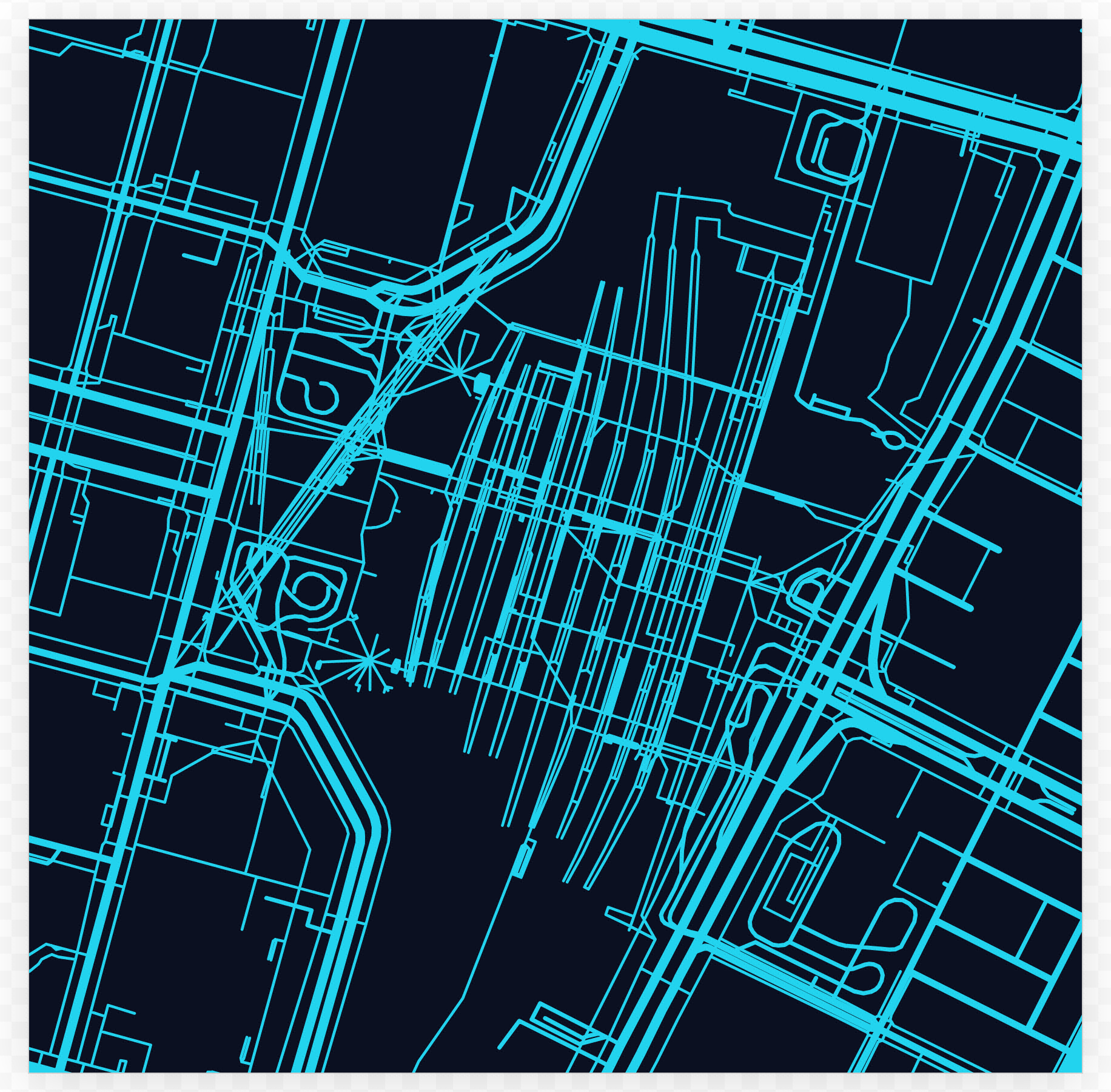
Street Map is a fair example of the trade: you pick a city and a couple of colours, and the cartography, the road weights and the water are decided for you.
From live data to finished visual
Connect a CSV or JSON table to a chart, map, or table template and update the numbers - the layout takes care of itself. Election results, quarterly earnings, weather events: build the format once and reuse it every time the story runs. Match your house style exactly, because it's enforced at the template level, not left as a loose guideline.
Tools that compose tools
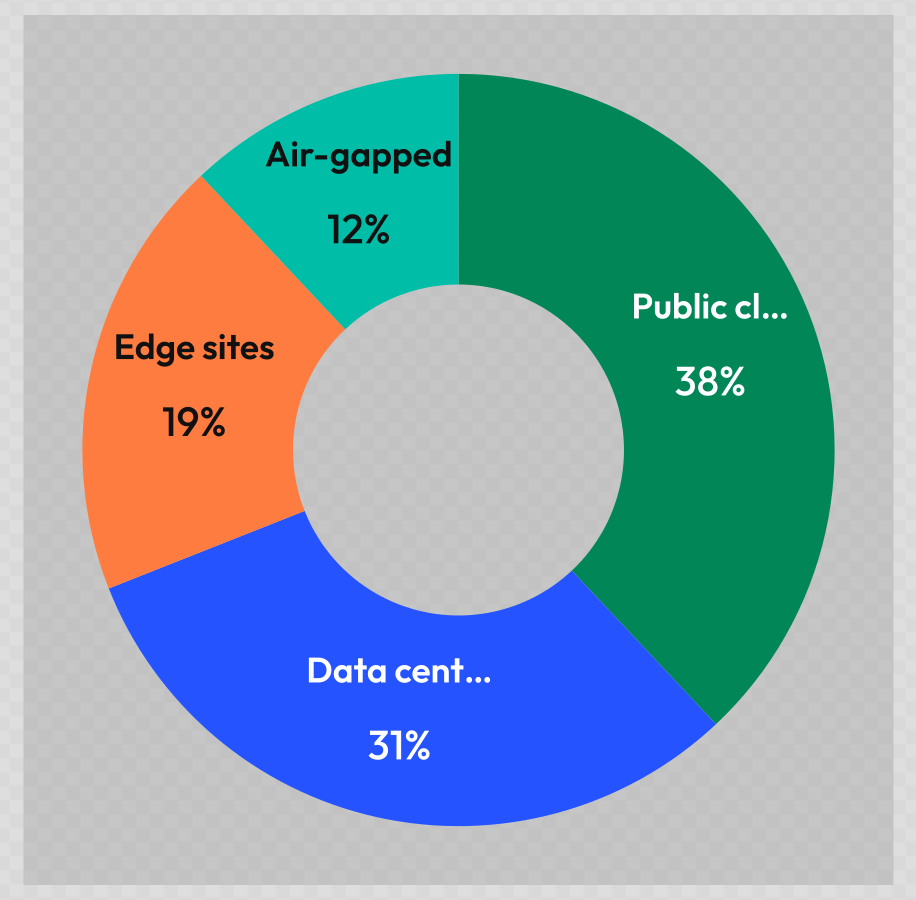
One tool can embed another tool's live output as an asset - a name badge that renders its own QR code, a card that drops in a live chart - with no design tool and no manual compositing. The embedded render stays live and re-renders on load; it's never a flattened picture.
The frontier, when you need it
Advanced filters, compositing, animation, live camera effects, generative design - every web technology is available to a template author, so the ceiling is high.

Author tools, not files: build the thing that generates 10,000 cards rather than making 10,000 cards. Lock what shouldn't change; expose only what's meant to vary.
Touches you'll notice
- Print, done right. Real physical units (mm/cm/in/pt) and DPI, bleed and crop marks, CMYK and PDF/X-4 output-intent - a print shop gets exactly what it needs. See Exporting.
- Video and motion. Export WebM/MP4 (with audio tracks), animated PNG/WebP, animated SVG, and Lottie - from the same template that makes your stills.
- Audio. Record a voice note and save it as MP3 (or its native M4A/OGG/WebM), all on-device - and bring in MP3, WAV, OGG, M4A, FLAC, MIDI, or tracker modules (MOD/XM/IT/…) as a music bed under a video or an ambient track in Neurospicy Mode.
- Editable vectors. SVG, EPS, EMF, and DXF export. Text becomes outlined paths in vector output, so a print shop or a cutter gets crisp geometry that opens anywhere. (Outlined text is no longer re-typable in Illustrator - that's the trade for perfect fidelity without the font.)
- Convenience that adds up. Batch a spreadsheet into a folder of assets; save sessions and organise them into Projects; share any state as a URL; render a whole folder as one zip.
- A UI that's actually pleasant. Undo/redo everywhere, a sound layer you can turn off, a theme cycle, live-camera filters, a masonry gallery - and Neurospicy Mode for a calmer, lower-stimulation interface.
Get the most out of it
- Quickstart - brand in, first file out.
- The Brand Studio - shape your logos, colours, type, and tokens (
#/start). - Using Lolly - the canvas, controls, saving, projects, and phone use.
- Your profile - the details tools pre-fill from, and how to carry them between devices.
- Import a design - bring in your Figma / Penpot / Illustrator / InDesign work, and your PowerPoint decks - edited or rebranded on-device.
- Exporting & formats - every format, print units, video, and batch.