Generated once, rendered the same
Lolly uses AI in a few specific places: it can speak a script aloud, enlarge a small image, and lift a subject off its background. This page is about how those features are built, because the shape is the same for all of them and it is the interesting part. A model does one probabilistic thing, once, under guard-rails. Everything after that is a deterministic render that never guesses again.
That split is what makes a generated element safe to build on. The moment a voice clip or an enlarged photo exists, it stops being a model's shifting output and becomes a fixed artifact - a specific set of bytes. From then on every tool that uses it works from those same bytes, so the same input produces the same asset in the browser, in the terminal and on the desktop, today and next year. The unpredictable step is contained. It does not leak into the render.
 signed by Lollyvector SVGAI generatedCheck it yourselfGet the signed file165 paths~17k nodes88 groups2 images488 KB
 signed by Lollyvector SVGAI generatedCheck it yourselfGet the signed file165 paths~17k nodes88 groups2 images488 KB


Two steps, and only one of them guesses
Generation is the probabilistic step. Asking a model to invent a voice or infer detail that was never in the pixels is, by nature, a guess. Lolly boxes that guess in: it runs on your own device with no upload, it happens as one explicit, cancellable action rather than inside a render loop, and its output is disclosed for what it is. Then it is over. The result is saved as an ordinary asset - a clip, an image - and the model is not consulted again.
The render is deterministic. Every tool's entire state lives in its inputs, and those inputs live in the URL, so a link is a reproducible render (see URL Mode). The CLI is that same render path under a different transport: --voice=… on the command line is the same value the web shell reads from ?voice=…. One path, so a browser and a build server cannot drift. Hand the same inputs to the engine and you get the same asset back.
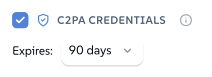
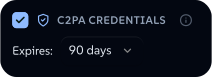
This is why a generated ingredient is not a moving target. Re-open a project next year, render it in CI, paste the link to a colleague on another platform - the speech, the upscaled photo, the cutout all compose exactly the same way, because none of them is re-generated. It is also what provenance rests on. A Content Credential that attests to these bytes is only meaningful when those bytes are stable, and here they are stable by construction.
 signed by Lollyvector SVGCheck it yourselfGet the signed file3 paths746 nodes11 groups1 image195 KB
 signed by Lollyvector SVGCheck it yourselfGet the signed file3 paths746 nodes11 groups1 image195 KB


The features, and how each is marked
- Text to speech. A tool's own script becomes a spoken clip on the device, offline, with no upload - a test pins that boundary (no remote models, same-origin runtime). The clip is generated once and saved as an AI-generated asset, so the GEN AI badge surfaces wherever it appears; drop it into a video or an audiogram and that AI origin chains into the export's Content Credentials as an ingredient, so the composition declares it contains AI-generated audio. A visible line says so too, not only the manifest. We mark it even though today's synthetic voices are audibly robotic, because that tell is a property of this year's model, not a safeguard - the practice has to be in place before the tell disappears, and machine-readable disclosure of synthetic audio is what transparency rules like the EU AI Act ask for anyway. A voice is a style, not a person: it is credited as a model synthesised on device, never as a performer.
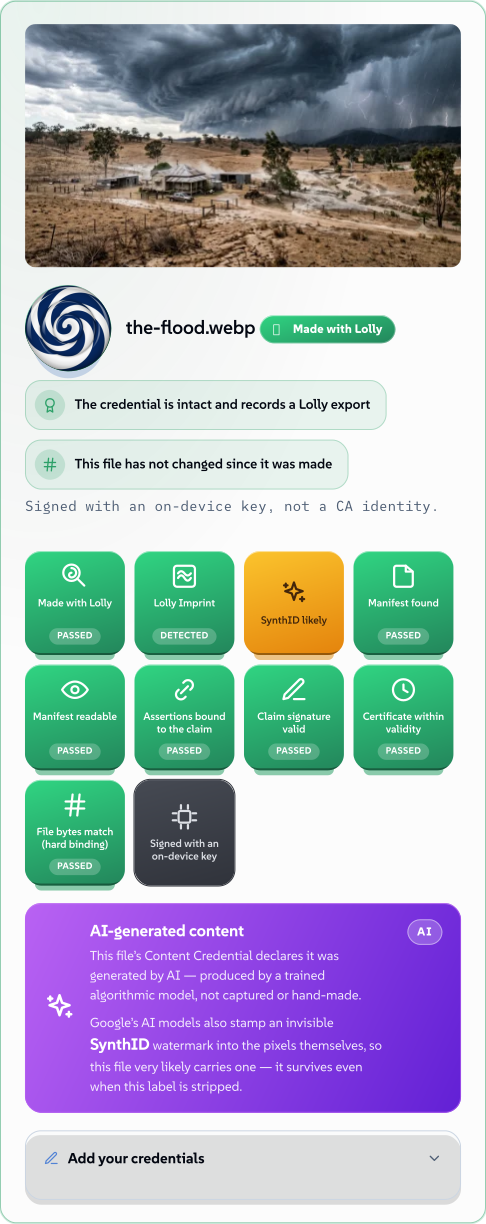
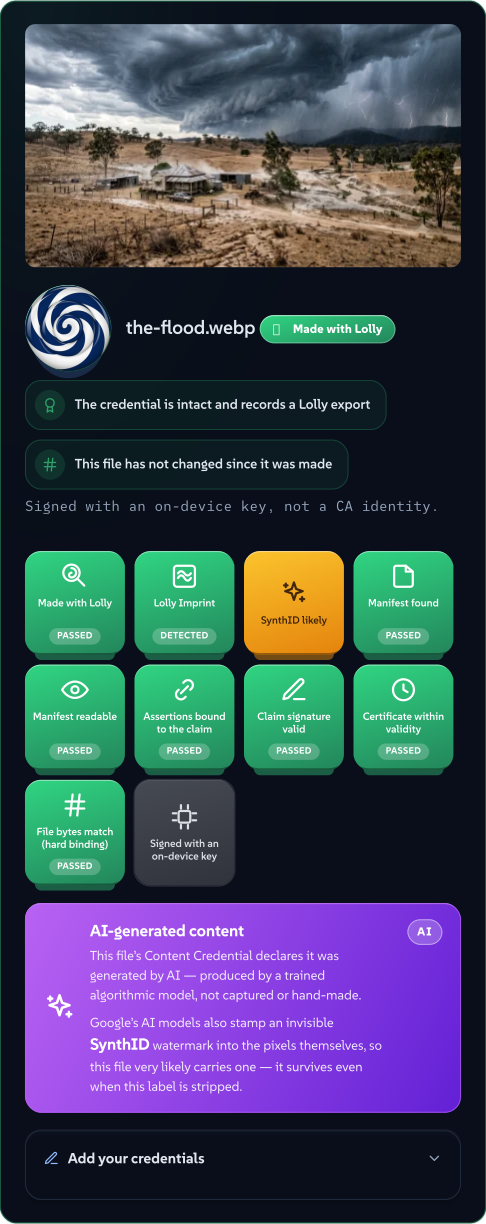
- An AI-enhanced image, from anywhere. Whether Lolly enlarged it or you generated it in Gemini, Claude or OpenAI and brought it in, the moment the file enters Lolly its declared AI origin is read from its own credential and copied onto Lolly's manifest. Stripping the original's credential afterwards does not remove the flag, because it was carried forward at the instant of ingest. And from that instant it is a fixed asset, rendered identically by every tool.
- Upscaling. Enlarging a small raster invents high-frequency detail the original never held - it adds pixels. So an upscaled copy is disclosed as generative: a C2PA edit typed as
compositeWithTrainedAlgorithmicMedia(a real photo with model-inferred pixels, never claimed as fully generated), flagged AI-generated, and shown with the GEN AI badge on Verify. It runs on-device, the weights download once, and the image is never uploaded. The intent picker ("what are you upscaling?") routes to the right engine - and the pixel-art option is telling: it scales by nearest-neighbour, an algorithm rather than a model, so it copies existing pixels and is marked as a plain edit, not as AI. What earns the label is the operation, not the dialog it lives in. - Background removal. This is the counterpart, and the reason it shares a page with upscaling. Removing a background computes an alpha mask and keeps every original RGB pixel byte-for-byte; it removes data and adds none. So it does not get a GEN AI badge. It is disclosed honestly as an edit - a credential that names the operation (
Background removed with <model> <version>) and keeps the original as an ingredient - but never as a generated composite, because nothing was generated. Where other removers strip your metadata, colour profile and credential to hand back a bare cutout, here all three survive the cut.
 signed by Lollyvector SVGCheck it yourselfGet the signed file77 paths~5.4k nodes140 groups126 KB
 signed by Lollyvector SVGCheck it yourselfGet the signed file77 paths~5.4k nodes140 groups126 KB


Add, or remove?
The line between "marked AI" and "an honest edit" is not a judgement call, it is a mechanical test: did the model invent pixels that were not there?
- Upscale invents detail the low-resolution source did not contain. That is generative, so it carries the badge.
- A matte only selects which existing pixels to keep. Nothing is invented, so it is an edit.
- Pixel-art scaling only copies existing pixels to a larger grid. Also an edit.
Keeping the test this strict is what keeps the badge worth reading. It means "a model made up part of what you are looking at," not "a model was involved somewhere nearby." A badge that fired on every AI-adjacent operation - including ones that add nothing - would tell a viewer nothing, and over-claiming provenance is as dishonest as hiding it.
 signed by Lollyvector SVGCheck it yourselfGet the signed file8 paths678 nodes14 groups2 images17 KB
 signed by Lollyvector SVGCheck it yourselfGet the signed file8 paths678 nodes14 groups2 images17 KB


How to hold us to it
Each claim here has a mechanism behind it, and each mechanism ships with tests: the on-device boundary, the source-type a given operation stamps, and the flag that does or does not appear. Run any output through Verify It Yourself and read the change history back for yourself. The engineering-level detail of these bridges lives in Host API, and the wider position they follow from is Our AI Stance. If the code and this page ever disagree, the code is the bug.