
Ship templates with your tool so people start from a finished example, such as a poster, a story-sized variant or an event card. People can also save their own, and a brand pack can hide starters it does not want.
Each brand's generated catalog index lists templates. After adding, changing or hiding a template, run pnpm run build:catalog:all, then pnpm run validate:catalog:all, so every mounted profile gets the change. Publish to a catalog has every step.
Templates (templates/)
A tool's templates live in templates/, one file per template:
{
  "id": "poster",
  "name": "Poster",
  "category": "Poster",
  "description": "One artboard, one message.",
  "values": { "<inputId>": "<value>" },
  "presets": [
    { "id": "story", "name": "Story", "kind": "size", "description": "9:16 for social stories.",
      "values": { "<inputId>": "<overlay value>" } }
  ]
}| Field | What it does |
|---|---|
id | Must equal the file name (poster.json holds "id": "poster"). It is the permanent address for the ?template= launcher and the chooser. Like a tool id, it never changes. |
name, category, description | Short, plain words shown in the chooser. They are translated. |
values | A full input seed: input ids from your manifest mapped to values of the right type. Picking the template opens a fresh session with these values. |
presets | Sizes and paces of this template. Each preset's values merge over the template's, per input id, and the preset wins. A size of a blocks composition therefore carries the whole replacement array. Set kind to size or pace to show the preset as a chip on the template. A different look needs its own template. kind: "retired" keeps an old ?template=<tid>&preset=<pid> link working and shows nowhere in the app. |
The synced catalog index carries only names, categories and descriptions, never values. A template's file is fetched only when someone picks the template, so a large seed costs nothing until then. pnpm run validate:catalog checks the shape: ids, uniqueness and object values.
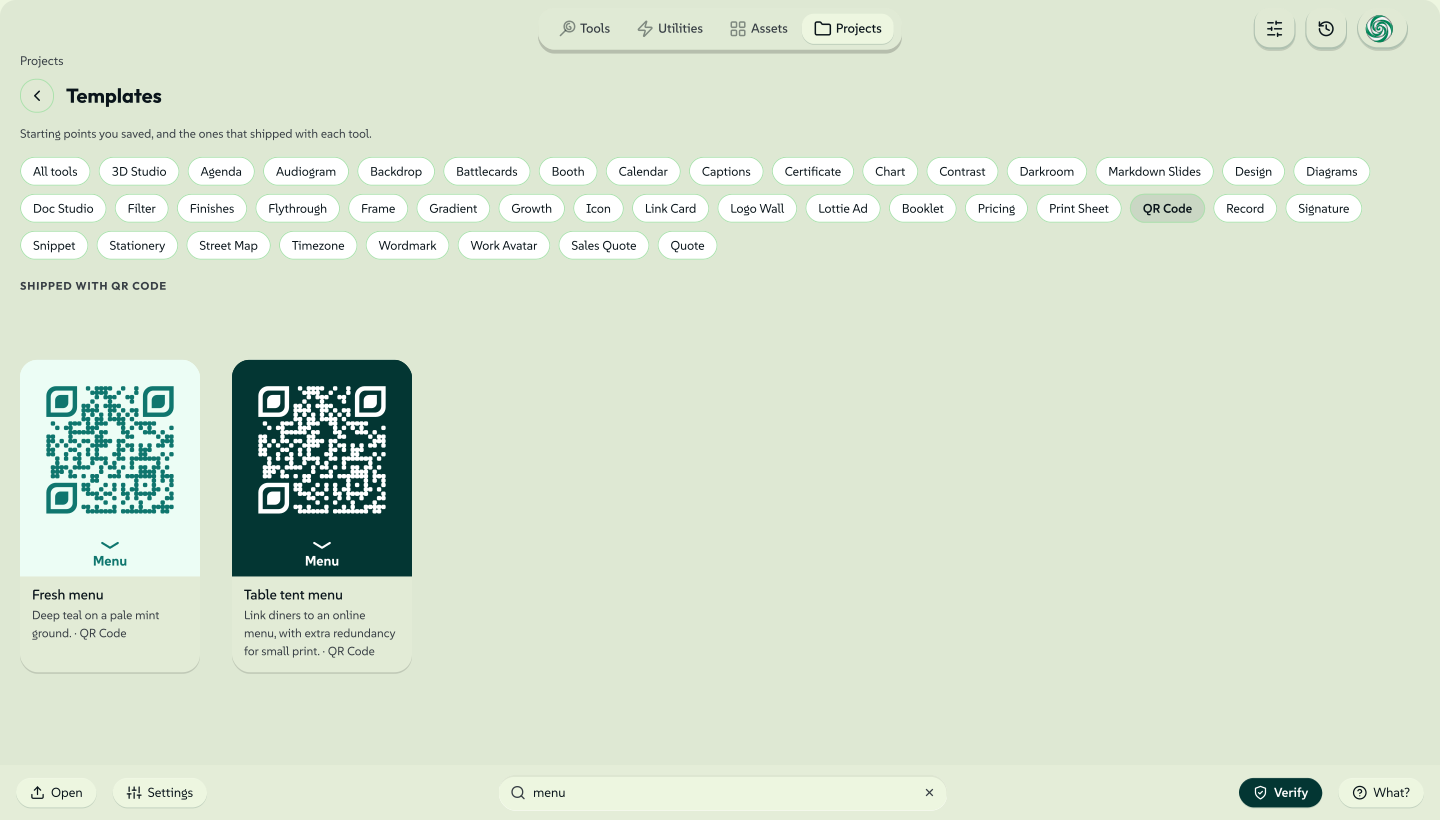
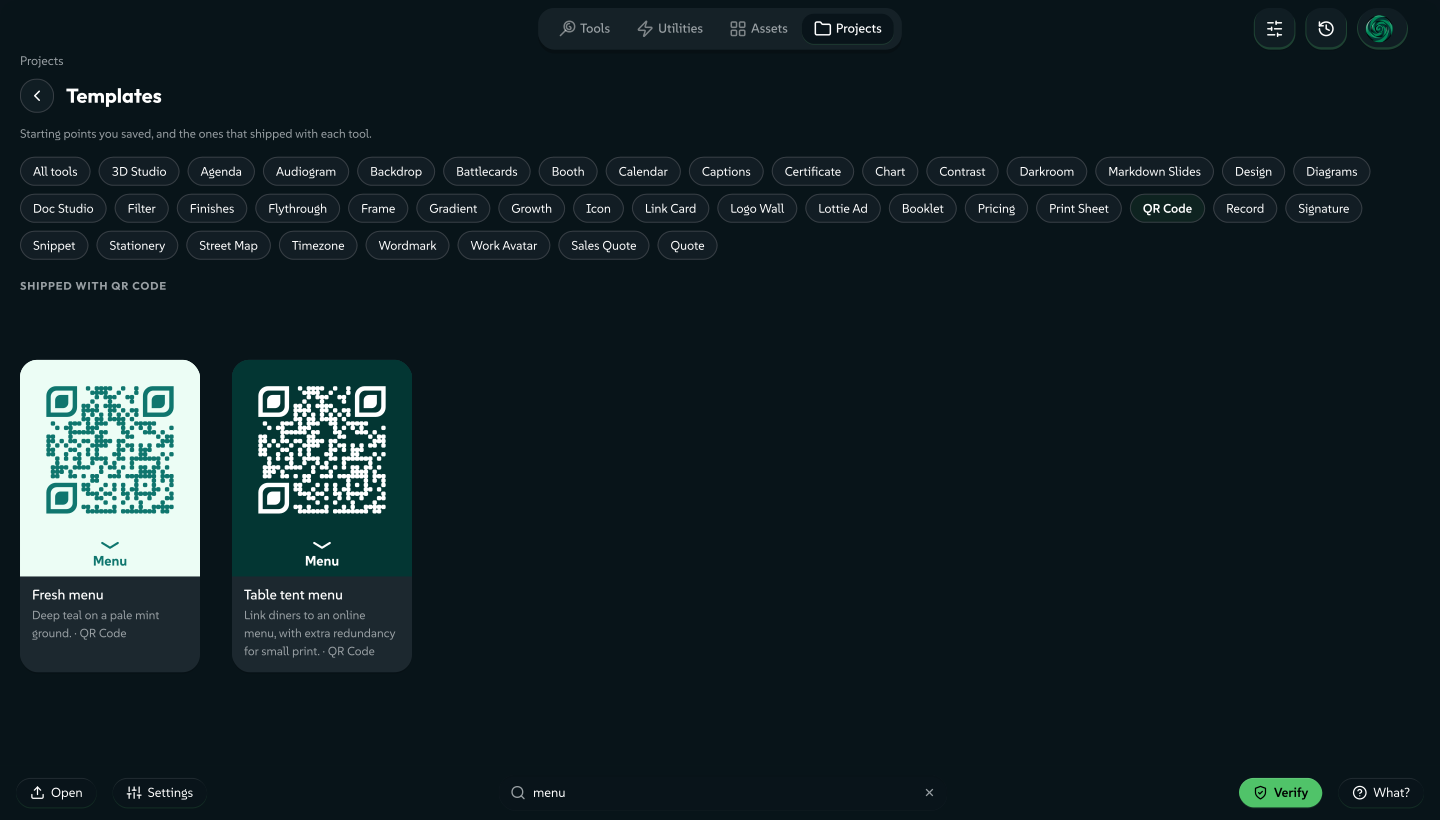
With at least one template, a blank fresh open of your tool shows the Start chooser: search, category chips, live previews and size and pace chips. The tool's gallery card shows the template count, its About dialog lists every template and search finds the tool by template name. In the editor layouts, New from template in the Lolly menu reopens the chooser. Shipped templates also appear in the Templates collection in Projects, grouped by tool.
 signed by Lollyvector SVG181 paths~32k nodes213 groups503 KBCheck it yourselfSignierte Datei holen
 signed by Lollyvector SVG181 paths~32k nodes213 groups503 KBCheck it yourselfSignierte Datei holen


The gallery cover
Set "galleryCover": true on one template to make that template the tool's first gallery preview. The preview opens the same editable template. Other templates keep their order. A tool without a cover shows its first template or default output. Catalog validation rejects two covers for the same gallery theme.
Choose a simple composition that reads at card size. Gallery cards are 4:3, so a cover can set "gallerySize": { "width": 1600, "height": 1200 } beside values to fill the card. The size applies to the card only. The template still opens at the tool's own size. Use brand tokens for colours. Prefer transparency for standalone graphics, but keep backgrounds that belong to the output, such as a poster or a document. A chart can show the visual alone and offer labels through a preset. Use real tool output with real sample inputs.
For transparent lettering and logos, a template can declare galleryTheme: "light" or galleryTheme: "dark". The dark variant also serves the brand theme. Each variant is an editable template, and its gallery link opens that variant. Leave the field out when the artwork suits every theme. A tool can have one cover per theme. A cover without a theme serves both.
A tool that needs a person's media or a recording to produce a useful image sets galleryArt: "icon" in its manifest. The gallery then shows the tool's icon instead of running a capture, downloading a model or showing an empty editor. A tool with no image export format also shows its icon, unless its manifest sets galleryArt: "render". That setting draws the first page of a template as a PNG for the card, such as the top card of a clip or the opening slide of a deck. The tool's export list does not change.
After changing a cover, run pnpm run build:gallery-covers --all. The command starts a web shell for each profile, saves each cover and rewrites only the files that changed. A first visit then paints at once instead of rendering live. The gallery never shows a stale file: it renders live when the tool version, design system or theme differs. A change to a design system's tokens retires every baked cover of that profile, so pnpm run validate:catalog fails until the covers are baked again.
Templates people save
People can save their own templates from your tool, through the editor's Save dialog or from a session tile in Projects. A saved template has the same fields as a shipped one and appears in the chooser under Yours. It lives on that person's profile, never in the catalog. Templates covers saving, renaming, hiding and deleting. Two things follow for you as the author:
- The seed is the session, minus what cannot travel. It keeps the session's export settings (format, size, unit and DPI). It drops every
fileinput, because those bytes are the person's own file. A tool whose inputs are allfileinputs cannot be saved as a template, and the app does not offer to. - A saved template can become a shipped one. Export as file writes
{ id, name, description, values }in the format above. Put that file in your tool'stemplates/folder and rebuild the catalog to ship the file as a starter. A pull request againstlolly-tools/lollyshould carry that file.
A person can delete a template they saved. A shipped template can be hidden and restored but never deleted, whether or not the brand is locked.
Hiding a starter by default
A brand pack can hide starters that do not suit its brand. It lists them at the top level of its own catalog/assets/index.json, beside defaultHiddenTools:
"defaultHiddenTemplates": ["chart:candlestick-series", "design:poster"]Each entry is "<toolId>:<templateId>": the tool's id, then the template file's name without .json. pnpm run validate:catalog checks both halves against that profile's own tools. It fails on an entry for a tool the profile does not mount or a template file that does not exist, so a typo cannot ship as a rule that hides nothing. No tool may take the id user: a person's own templates use that prefix in the same reference.
The list seeds a fresh profile only. Once someone hides or restores a template, their own choices count and the brand's list is no longer merged in. defaultHiddenTools follows the same rule. A hidden template stays in the catalog, a ?template= link still opens the template and the person can restore the template from the chooser's Hidden group. Every brand pack ships the key with an empty list.
Curated Lolly Design motion
Lolly Design templates can carry optional motion details beside values:
"motion": {
  "collection": "Launch",
  "recipe": "assemble-loop",
  "durationMs": 6000,
  "posterMs": 3300,
  "beats": ["Assemble", "Settle", "Hold", "Unwind"]
}
The catalog carries this short description. The animation stays in the ordinary boxes keyframes and clips. The gallery and the template chooser show the poster frame at posterMs and offer a live preview on the same sequence clock as export. People who prefer reduced motion see the poster until they play the preview. Picking an example opens an editable document at its poster frame. Pace presets scale that opening position with their duration. An explicit _t= link still wins.
Durations must be 800 to 30,000 ms, with the poster inside that range and one to eight short beat descriptions. Motion details enable live previews for Lolly Design only. Use semantic brand colours and font roles, leave enough reading time after the last entrance and keep every part of a compound card aligned throughout its move. The four Launch templates come in a 6-second base, a 7.5-second Calm and a 4.2-second Brisk treatment. Their Choreograph recipes expand to ordinary editable tracks.