
Lolly uses AI in a few specific places. It can speak a script aloud, enlarge a small image, lift a subject off its background, suggest a rewording, sing a song's lyrics and estimate a photo's depth, and it can read the words in an image or a recording. All of them follow the same pattern: a model does one probabilistic thing, once, under guard-rails, and everything after that is a deterministic render that never guesses again.
That split is what makes a generated element safe to build on. The moment a voice clip or an enlarged photo exists, it stops being a model's shifting output and becomes a fixed set of bytes. Every tool that uses it works from those same bytes, so the same input produces the same asset in the browser, in the terminal and on the desktop, today and next year.
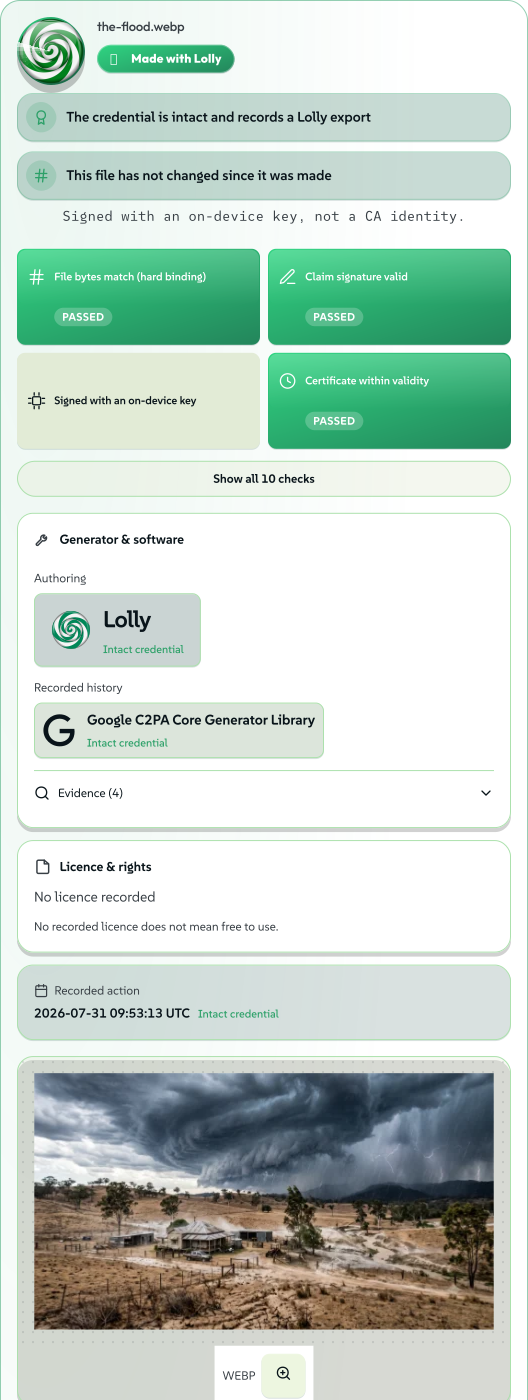 signed by Lollyvector SVG192 paths~23k nodes316 groups3 images546 KB自己驗證取得已簽署檔案
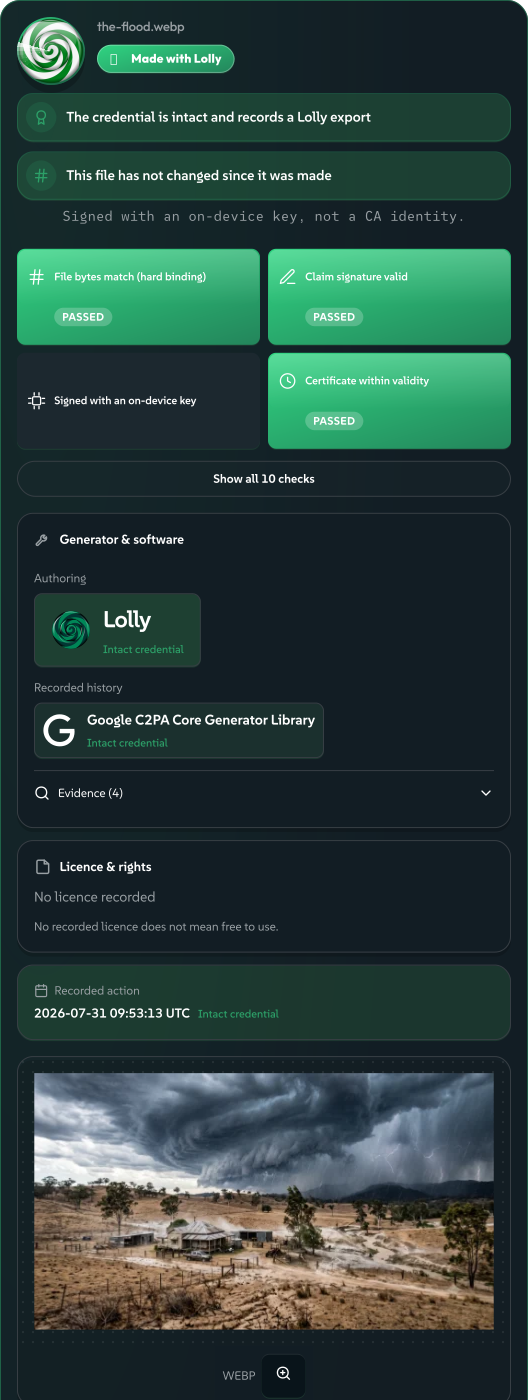 signed by Lollyvector SVG192 paths~23k nodes316 groups3 images548 KB自己驗證取得已簽署檔案


One guess, then a fixed asset
Generation is the probabilistic step. Asking a model to invent a voice, or to infer detail that was never in the pixels, is by nature a guess. Lolly boxes that guess in: it runs on your own device with no upload, it happens as one explicit, cancellable action rather than inside a render loop, and its output is disclosed for what it is. Then it is over. The result is saved as an ordinary asset, a clip or an image, and the model is not consulted again.
The render is deterministic. Every tool's state lives in its inputs, and those inputs live in the URL, so a link is a reproducible render (see URL Mode). The CLI is the same render path under a different transport: the Design tool's --narrationVoice=… on the command line is the same value the web shell reads from ?narrationVoice=…. One path, so a browser and a build server cannot drift.
Re-open a project next year, render it in CI or send the link to a colleague on another platform, and the speech, the upscaled photo and the cutout compose exactly the same way, because none of them is generated again. Provenance rests on this too: a Content Credential that attests to these bytes means something only when those bytes are stable.
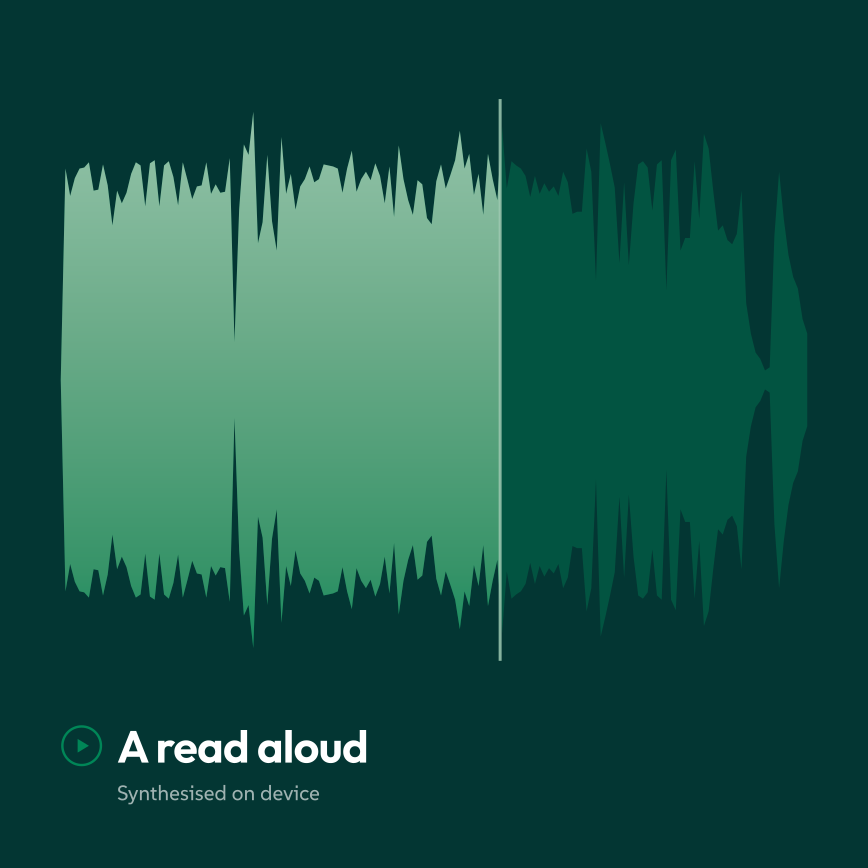 signed by Lollyvector SVG5 paths~1.4k nodes11 groups22 KB自己驗證取得已簽署檔案
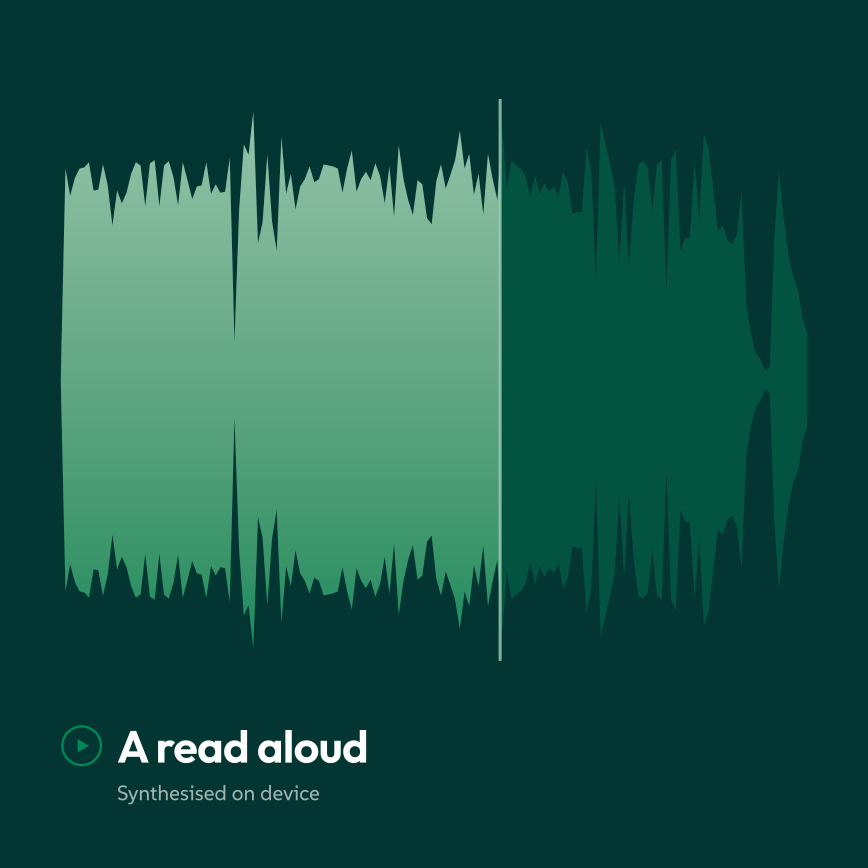 signed by Lollyvector SVG5 paths~1.4k nodes11 groups22 KB自己驗證取得已簽署檔案


The test: did a model invent what you see?
The line between "marked as AI" and "an honest edit" is a mechanical test: did the model invent content that was not there? Using a model is not enough to earn the label: depth estimation and reading text both use models, and neither carries the badge.
| Operation | Trained model? | Adds content that was not there? | Marked as |
|---|---|---|---|
| Text to speech | Yes | Yes: a voice | AI-generated, with the GEN AI badge |
| Upscaling | Yes | Yes: inferred detail | AI-generated composite, with the badge |
| Rewording, when you keep a model's sentence | Yes | Yes: words | AI-assisted |
| Synthesised singing | Yes | Yes: a singing voice | AI-generated, with the models listed |
| Background removal | Yes, or a colour key with none | No: keeps the original pixels | A plain edit |
| Pixel-art scaling | No | No: copies existing pixels | A plain edit |
| Retouch | No | No model invents anything: it fills from nearby pixels | A plain edit |
| Depth for Spatial Photo | Yes | No: moves the photo's own pixels | No badge; the photo stays an ingredient |
| Reading text or speech | Yes | No: produces no media at all | Nothing |
Keeping the test this strict keeps the badge worth reading. It means "a model made up part of what you are looking at", not "a model was involved somewhere nearby". A badge that fired on every AI-adjacent operation would tell a viewer nothing, and over-claiming provenance is as dishonest as hiding provenance.
What gets marked
- Text to speech. A tool's own script becomes a spoken clip on the device, offline, with no upload; a test pins that boundary (no remote models, same-origin runtime). The clip is saved as an AI-generated asset, so the GEN AI badge appears wherever it is used, and a visible line says so too. Drop it into a video or an audiogram and that AI origin chains into the export's Content Credentials as an ingredient, so the composition declares that it contains AI-generated audio. A voice is a style, not a person: it is credited as a model synthesised on device, never as a performer.
- Upscaling. Enlarging a small raster invents high-frequency detail the original never held: it adds pixels. So an upscaled copy is disclosed as a C2PA edit typed
compositeWithTrainedAlgorithmicMedia(a real photo with model-inferred pixels, never claimed as fully generated), flagged AI-generated and shown with the GEN AI badge on Verify. It runs on the device; the weights download once and the image is never uploaded. The picker ("what are you upscaling?") routes to the right engine, and its pixel-art option scales by nearest neighbour, an algorithm rather than a model, so it is marked as a plain edit. What earns the label is the operation, not the dialog it lives in. - Rewording. In Assets, a small language model (SmolLM2) on your device can propose rewrites of the sentences the text check flagged, and you accept or skip each one. A saved copy that keeps any model-written sentence is flagged as AI-assisted, and that flag travels into exports as a C2PA ingredient. Fixed clean-ups from Lolly's own word list are plain edits and carry no flag.
- Synthesised singing. A rondocode song can sing its lyrics: models on your device speak the words and turn them into a singing voice. A file that holds that singing declares it AI-generated and lists the models. A song with no singing is recorded as music computed from the song's own code, with no trained model.
- An AI image from anywhere. Whether Lolly enlarged it or you generated it in Gemini or OpenAI and brought it in, the moment the file enters Lolly its declared AI origin is read from its own credential and copied onto Lolly's manifest. Stripping the original's credential afterwards does not remove the flag, because it was carried forward at the instant of ingest. From then on it is a fixed asset, rendered identically by every tool.
We mark synthetic speech even though today's synthetic voices are audibly robotic. That tell belongs to this year's models, not to a safeguard, so the practice has to be in place before the tell disappears. Machine-readable disclosure of synthetic audio is also what transparency rules ask for; see AI marking and the EU AI Act.
 signed by Lollyvector SVG541 paths~18k nodes620 groups455 KB自己驗證取得已簽署檔案
 signed by Lollyvector SVG541 paths~18k nodes620 groups456 KB自己驗證取得已簽署檔案


What does not get marked
- Background removal. Removing a background computes an alpha mask and keeps every original RGB pixel byte for byte: it removes data and adds none. So it gets no GEN AI badge. It is disclosed honestly as an edit, with a credential that records the operation (
Background removed with <model> <version>) and keeps the original as an ingredient. Where other removers strip your metadata, colour profile and credential to hand back a bare cutout, here all three stay with the cutout. It runs on video too, saving an animated cut-out with real alpha beside the source. The mask can also come from a colour key, a traditional key for footage shot against an evenly lit, flat backdrop, which uses no trained model, downloads nothing and is recorded the same plain way. - Retouch. Painting out a blemish, a dust speck or a stray object runs a classical fill: maths, no model, entirely on the device. None of its methods invents what was there. The result is a new asset with a plain
c2pa.editedcredential naming the operation (Content-aware fill (on-device)), with the original kept as an ingredient. - Depth. Spatial Photo estimates how far away each part of your photo is with an on-device depth model, then moves the photo's own pixels to make the parallax. Nothing is generated, so it gets no GEN AI badge, and the export's credential keeps your photo as an ingredient.
Retouch's four methods
Method chooses how the fill works. Content-Aware copies texture from the nearby patch whose surroundings match best. Proximity Match prefers the closest such patch. Create Texture fills smoothly and adds grain like the detail around the spot. Smooth is the Telea fast-marching fill, which spreads nearby pixels inward along the mask's edge. Each copied patch is blended to meet the surrounding tone, and each separate painted area is healed on its own.
Reading is not making
The on-device text reader (a recognition model, downloaded once) is behind Read the text in this image on Verify, Read text in Assets, Snap to text in Annotate and Suggest in Redact. The image never leaves the device. It carries no badge and writes no credential at all, by the same test: reading produces no media, so no pixel is invented or even edited. What you do with the words afterwards is a separate act with its own record.
Speech to text follows the same rule. An on-device speech model (Whisper) turns a recording into timed words for subtitles, and that text is not flagged as AI-generated.
 signed by Lollyvector SVG8 paths340 nodes14 groups2 images10 KB自己驗證取得已簽署檔案
 signed by Lollyvector SVG8 paths340 nodes14 groups2 images10 KB自己驗證取得已簽署檔案


Check these claims yourself
Each claim here rests on a mechanism, and each mechanism ships with tests: the on-device boundary, the source type each operation stamps and the flag that does or does not appear. Run any output through Verify It Yourself and read the change history back. The bridges behind these features are in Host API, and the wider position they follow from is Our AI Stance.