
A template is a saved starting point for a tool. Open a tool on a template and every control arrives filled in. Some templates ship with the tool, such as the 43 that come with Lolly Chart; you save the rest yourself from your own designs.
A saved session
One document you reopen, change and save again. It lives in Lolly Projects.
A template
Starts any number of new documents and does not change when they do. It appears inside its own tool.
A .lolly file
A file you hand to someone else (Sharing your work). A template can become one, and one can carry a template.
Your saved templates and your choices about shipped ones are kept on your profile, the on-device record that also has your name and starred tools. A profile backup carries them to another device. Passing one on covers sharing a single template.
Save one from a tool
- Press Save as, beside Download in the export panel. In Lolly Design, Save as a template… in the Lolly menu opens the dialog with the template card ready.
- Of the two cards, Save to a project keeps this one document and Save as a template keeps a starting point for new ones.
- Name the template, add an optional line of description and save.
The template card also has a checkbox named for the tool you are in, such as Start new Lolly Chart documents with this. Tick the checkbox and every blank open of that tool starts from this template without asking. Start with has the details.
The quick Save, the tick beside Export on the render pill, stores the current session with no dialog. Save as asks which kind of save you want.
What a template keeps: every setting you touched, plus the export size and format you chose. A poster template saved at A4 and 300 dpi reopens at that size, not at the tool's default size. Pictures are kept as references to the asset in your library, not as copies.
What it never keeps: a file you dropped into a file input, and the document's own name.
A tool with nothing to fill in, such as a file converter, shows no template card.
Save one from Projects
In Projects, right-click any saved session and choose Save as a template…. With several tiles ticked, the same item makes one template from each, named after its session.
The sessions are not changed or moved.
Start with
Each tool remembers one of three answers for a blank open:
- Ask me every time - the chooser opens with every template that tool has. This is the default.
- Blank canvas (Blank in Projects) - the tool opens on its own defaults, no chooser.
- A template - the tool opens on that template, no chooser.
Four places set the answer: the checkbox in the save dialog, the tile menu in the chooser, the Templates collection in Projects and the tool card's info dialog.
Three things the answer never changes:
- + New on a tool card always asks, even when you have set a template.
- A link somebody sends you, or a command you type at the terminal, opens what the link or command says. Your starting point is a preference on this device and never changes what a shared link renders for anyone else.
- If the template is later deleted or hidden, the tool goes back to asking.
Managing them
In the chooser
The chooser opens on a blank open when the answer is Ask me every time. To open the chooser from inside a tool, use New from template in Lolly Design's Lolly menu, or the Templates button above the controls in every other tool.
Every tile has a menu, opened by right-click, long-press or the … that appears when you point at the tile:
- Use it, the same as clicking the tile.
- Share with rules, described under Share a constrained tool.
- Start Lolly Chart with this (again naming the tool you are in), or Ask me every time if this one is already the starting point.
- Rename and Edit description, on one of yours.
- Update from this document, on one of yours, when you opened the chooser from inside a tool. The template takes the settings of the document you are working on.
- Make a copy, on one that shipped.
- Export as file (.json), on one of yours.
- Hide, on one that shipped, or Delete, on one of yours.
The Templates collection
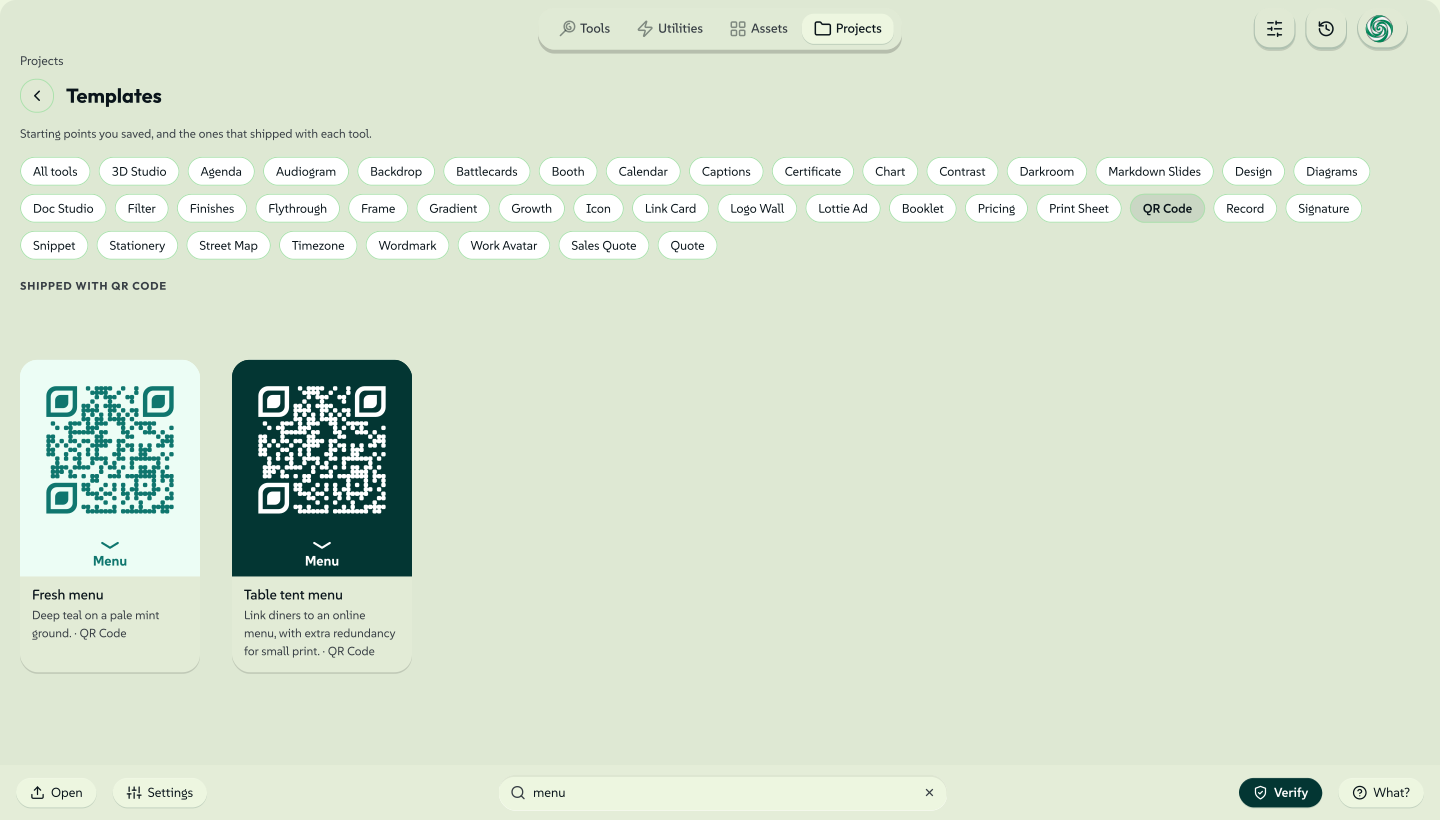
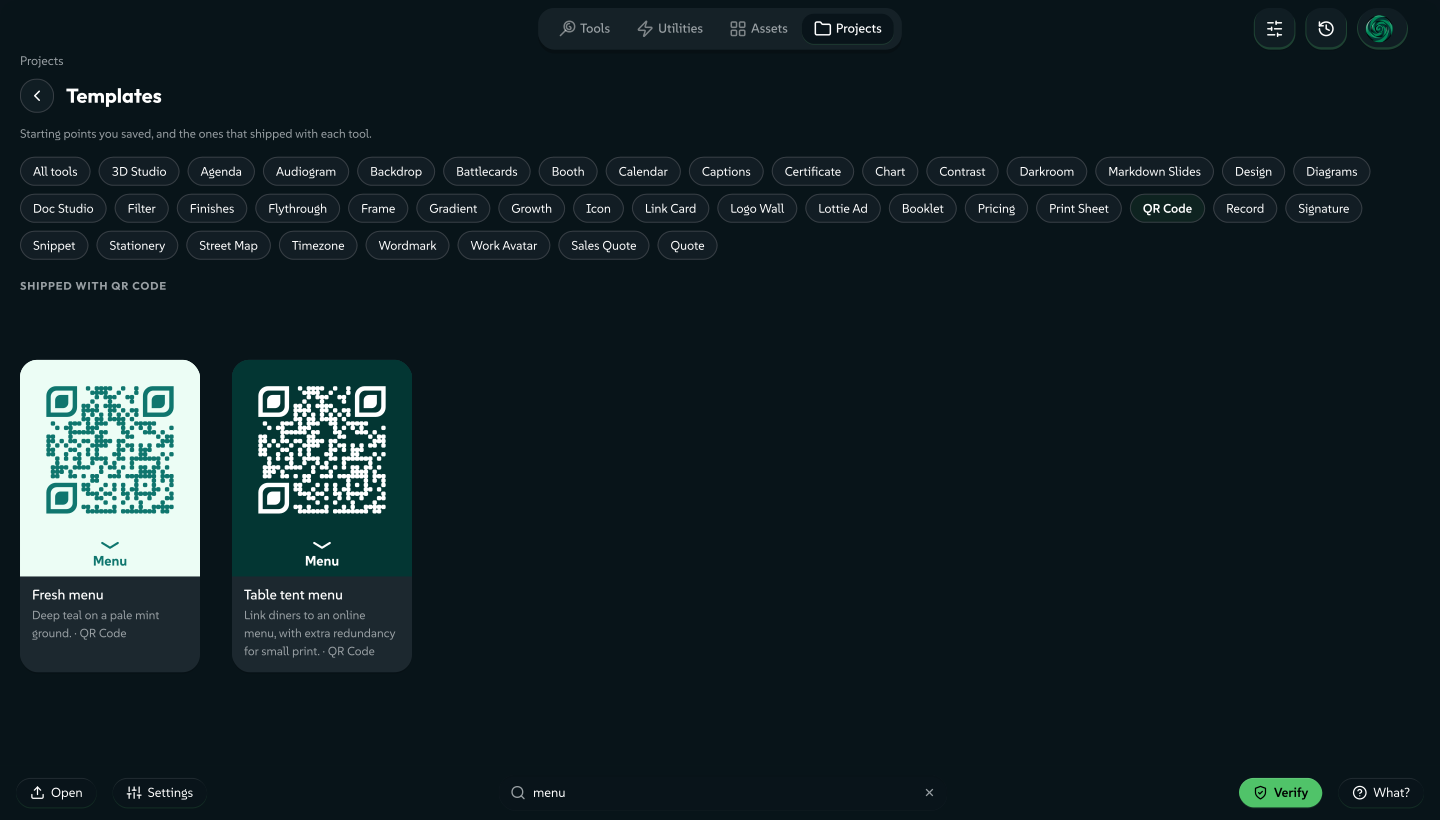
Open the Projects view and choose the Templates tile. Inside a folder, the Templates chip in the rail opens the same collection. It lists templates for every tool in three groups: Yours, Shipped with each tool and Hidden. A chip per tool narrows the list, and the search box works as it does elsewhere in Projects. Every tile has the chooser's menu, plus Share template (.lolly) on one of yours and without Update from this document.
It is a view, not a folder: nothing can be dragged into it, and it has no rename or delete of its own.
 signed by Lollyvector SVG181 paths~32k nodes213 groups503 KBCheck it yourselfPobierz podpisany plik
 signed by Lollyvector SVG181 paths~32k nodes213 groups503 KBCheck it yourselfPobierz podpisany plik


Start from New asset
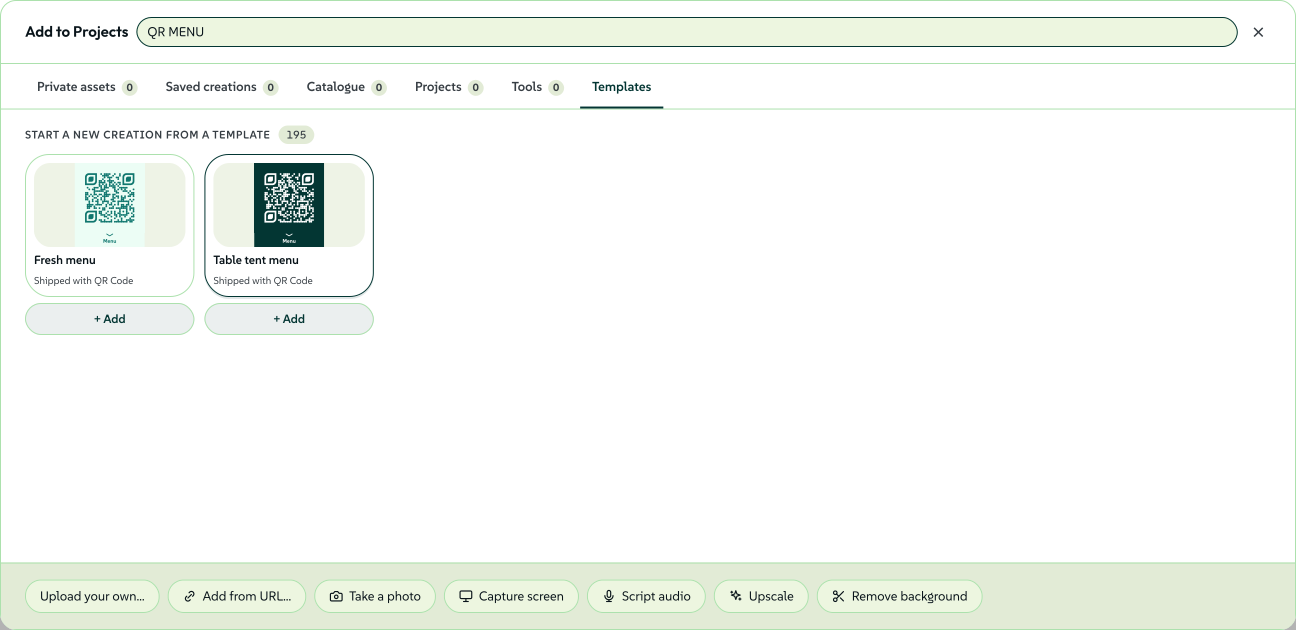
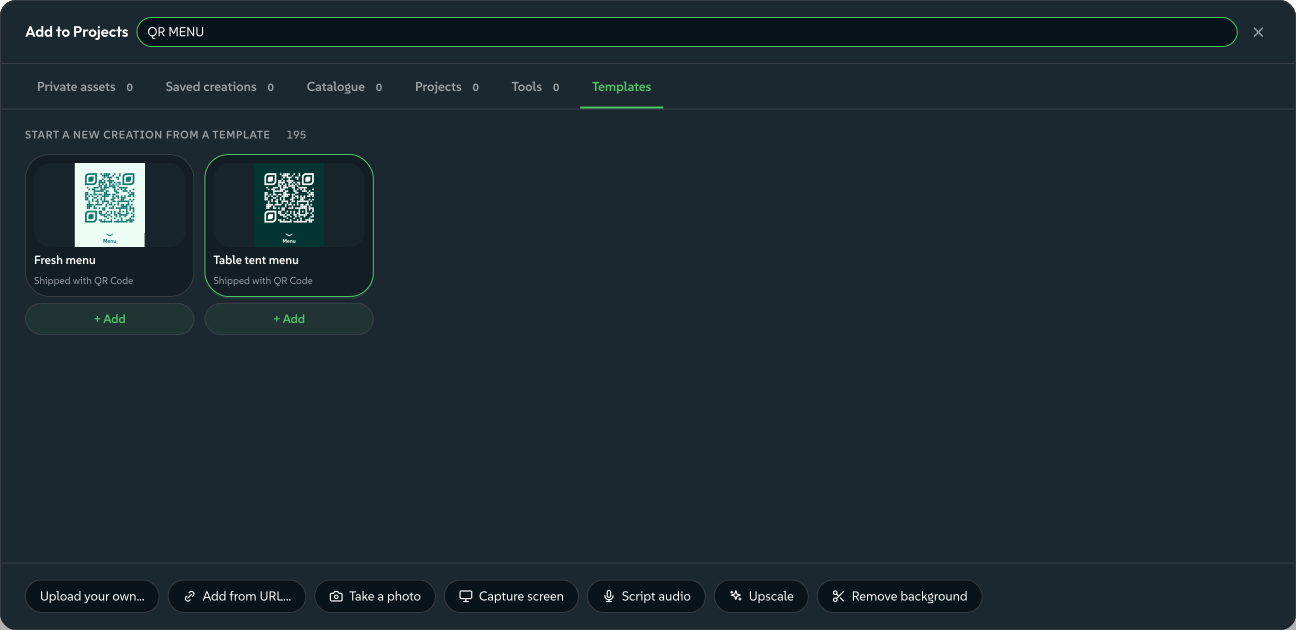
New asset in the Projects header opens the shared picker, at the root or inside a folder. Its Templates tab lists your starting points first, then those shipped with tools. Hidden templates stay out of this picker. Search by template name, description or tool.
- Open a template to edit a new creation. Its first save files it in the folder you came from and returns you there. Starting from the Projects root saves it at the root.
- + Add saves a new creation with the template's settings at once and keeps the picker open.
Both actions leave the template unchanged. To rename, hide or delete a template, open the Templates collection. Images need a real folder when added through this picker; tool and template creations can also be saved at the root.
Template cards load previews as they come into view, using your current brand. An unavailable preview keeps the template's name and a Preview unavailable label. If your saved templates cannot load, Try again retries the list; available choices stay visible.
 signed by Lollyvector SVG61 paths~12k nodes53 groups165 KBCheck it yourselfPobierz podpisany plik
 signed by Lollyvector SVG61 paths~12k nodes53 groups165 KBCheck it yourselfPobierz podpisany plik


Hide or delete, depending on the author
You delete a template you made, and it is gone from this device.
You hide a template that shipped with a tool. A shipped template is a file that comes with the tool and arrives again on the next sync. Hiding covers the file for your profile and does not erase the file, so a starter can never be lost by accident. Hidden (N) counts what you have hidden and restores any template from that list.
To change a shipped starter, use Make a copy. You can rename, edit and delete the copy, then hide the original so only your version shows.
A design system can arrive with some starters already hidden, so a team sees a curated set from the start. Hidden (N) brings any of them back.
Passing one on
- Export as file (.json) writes the template in the file format of a tool's shipped templates. Put the file in a tool's
templates/folder, or send it to the tool's maintainer, and the template can ship for everybody. - Share template (.lolly), in the Templates collection, makes a file you can send. Opening the file on another device adds the template there.
Sizes and paces
A shipped template can offer sizes and paces, such as a poster as a square or a story. Pick one from the chips on its tile to open the same design at that size or pace. A different look is a separate template. To keep a variation, save it as a template with its own name.
Share a constrained tool
To give recipients only selected inputs, choose Share with rules from a template's menu or from a saved tool session in Projects. This opens a separate authoring copy and leaves the source unchanged. Lolly Design offers object rules; other supported still tools offer an ordered list of editable inputs over their existing renderer. The resulting .lolly installs a separate tool with fixed settings and explicit controls. Share a design with rules covers the supported inputs and the preview and checking steps.
On Lolly Work, a brand team can publish a template to a partner programme, and partners see only the inputs it leaves open to them (Partner templates).
Related: Using Lolly for sessions, Projects and sharing. Your favourites for another way to keep things to hand. Profiles for the on-device record that has templates.