

ملفات تصميمك ليست عالقة
العمل المنجز في Figma أو Penpot أو Illustrator أو InDesign أو أي تطبيق SVG لا يجب أن يبقى حبيس تطبيق واحد. افتح Design وانقر استيراد تصميم، فيفتح الملف كتخطيط حي - لا كصورة مسطحة. كل طبقة تصبح مربعا قابلا للتحرير، جاهزا لمواصلة العمل عليه ومزجه مع الأدوات وتصديره عبر القواعد نفسها.
Figma أو Penpot أو Illustrator أو InDesign أو أي SVG
كل طبقة مربع يمكنك إعادة كتابته وتنسيقه ونقله
أدرج رمز QR أو مخططا حيا أو ناتج أداة أخرى
SVG وPDF وPNG وفيديو - قابلة لإعادة الإنتاج من عنوان URL
النص يبقى نصا، والأشكال تبقى أشكالا، والصور تنضم إلى مكتبتك. تواصل العمل على التصميم - ولن تعيد رسم لقطة شاشة أبدا.
الخطوط تستبدل بخطوطك وكل تعبئة تمر عبر حارس الألوان نفسه كأي مربع أصلي. اللوحة الخارجية تصل خاضعة للقواعد سلفا.
احفظه فيصبح التخطيط أداة قابلة لإعادة الاستخدام وقابلة للعنونة عبر URL - يمكن لأي شخص لديه Lolly فتحها وإعادة تعبئتها وتصديرها. دون الحاجة إلى تطبيق تصميم.
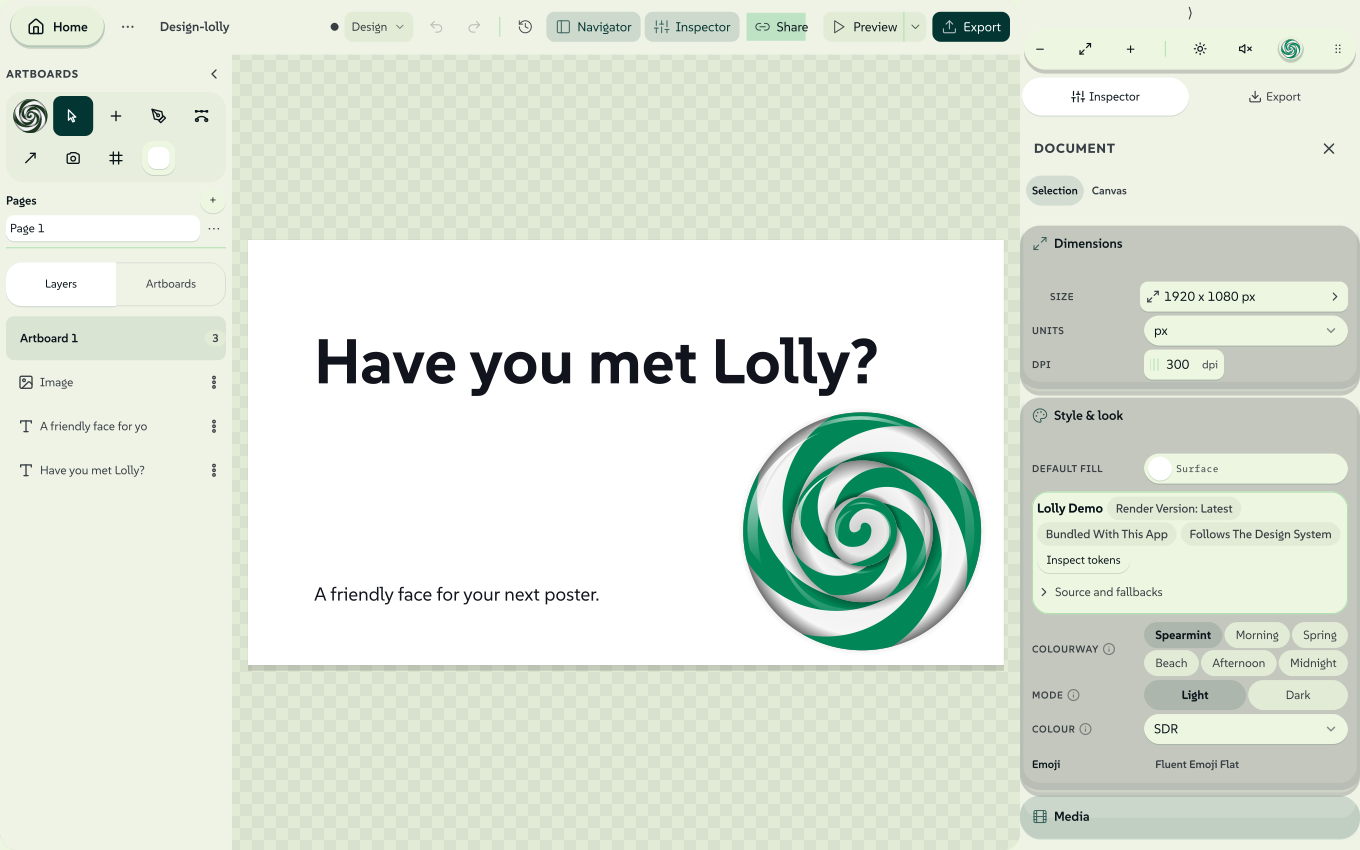
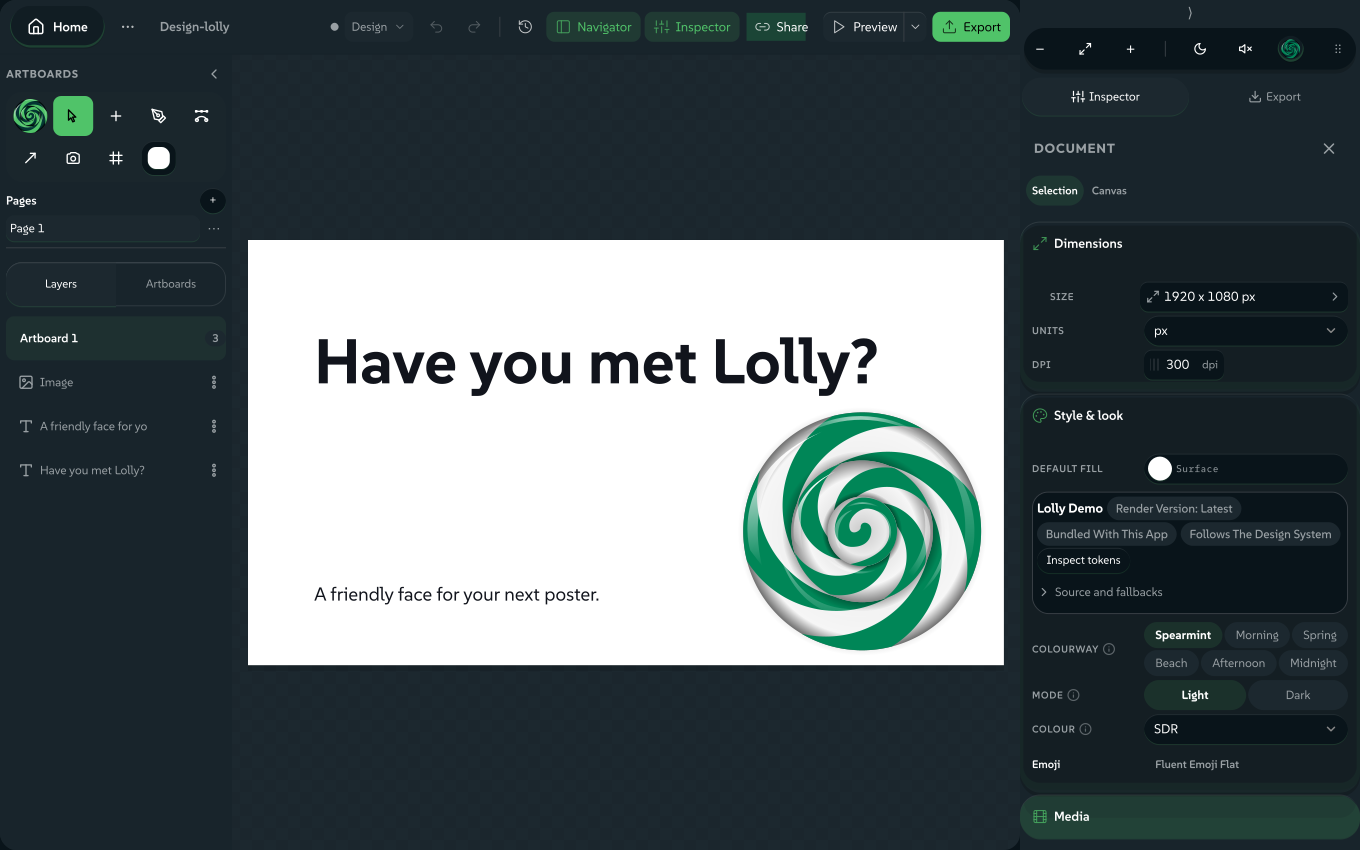
Last year's poster is in Figma and this year's dates are in your inbox. Import a design opens that file in Lolly Design as layers you can edit: text stays text, shapes stay shapes and pictures go into My images. The file is read on your device and nothing is uploaded.
In Lolly Design, open the Lolly menu (the Lolly mark), choose Import a design, pick how the file arrives under Import as, then choose the file.
Replace the board
The default. One page replaces the board and the artboard takes the file's frame size. A multi-page PDF or deck asks which page; an InDesign file opens its first spread.
As artboards
Every page or slide becomes its own artboard, each one editable.
As timed scenes
Every frame becomes a scene on the timeline, ready for timing, music and a voiceover (see Make it a video).
 signed by Lollyvector SVG289 paths~14k nodes330 groups3 images280 KBCheck it yourselfاحصل على الملف الموقَّع
 signed by Lollyvector SVG282 paths~14k nodes330 groups3 images280 KBCheck it yourselfاحصل على الملف الموقَّع


What comes in from each app
| File | From | What comes in |
|---|---|---|
.fig | Figma: File → Save local copy | Decoded in the browser, with no Figma account, plugin or API key. |
.penpot or .zip | Penpot's export | Boards, layers, pages and groups; a native .penpot file also keeps its layouts (see Penpot layouts). |
.ai or .pdf | Illustrator, saved with the default PDF-compatible option, or any PDF | Vector paint, text and images read straight from the page. |
.idml | InDesign: File → Export → InDesign Markup | Every spread and its margins, as artboards or scenes; Replace the board opens the first spread. |
.indd or .indt | InDesign, saved as a document or a template (a preview) | Converted to IDML on your device, then read like an .idml (see InDesign files). |
.dxf | AutoCAD, or any CAD or floor-plan program that saves DXF | Layers become groups of line and curve paths, with text as text boxes (see DXF drawings). |
.af, .afdesign, .afphoto or .afpub | Affinity, saved as a document | Artboards or pages become frames; shapes, curves, text and pictures become editable layers (see Affinity files). |
.json | A Bannerbear V5 image template, as GET /v5/image_templates/{uid} returns it | Text, rectangles, circles and image containers become editable layers. SVG shapes become plain boxes, and pictures are listed rather than fetched (see Bannerbear templates). |
.psd or .psb | Photoshop | Text, shapes and paths stay editable; other layers come in as pictures in place (see Photoshop files). |
.pptx | PowerPoint | One slide on the board (a longer deck asks which), or every slide as an artboard or a timed scene. |
.xml | Premiere (Final Cut Pro 7 XML), or a Lolly XML + media ZIP | Choose Replace the board; the clips open in Sequence (see Premiere XML exchange). |
.edl, .otio or .fcpxml | A CMX 3600 EDL, OpenTimelineIO, or Final Cut Pro X XML (1.8 to 1.11) | Choose Replace the board; the clips open in Sequence and the import report lists anything not applied (see EDL, OpenTimelineIO and FCPXML exchange). |
.svg | Any app, including Figma and Penpot SVG exports | For editable text from a Figma SVG, untick Outline text in Figma's export dialog. |
SVG is the widest door: almost any design app can export SVG, so almost any design can reach Lolly that way. A PowerPoint deck has other doors too: Rebrand a deck moves one onto your design system, and Formats lists the rest.
InDesign files
A native .indd or .indt is converted to IDML on your device with a bundled WebAssembly module, and the result goes down the same path as an exported .idml. Nothing is uploaded and InDesign is not needed. The converter reads files saved by InDesign 2.0 and later.
This is a preview. The converter does not yet write every attribute InDesign writes, so spacing, styles and effects can differ from InDesign, and the import report says so and lists the converter's own warnings. When the result matters, export an .idml from InDesign and import that instead. The converter was written from observation of sample files and not from Adobe's documentation, and its source and caveats are published beside the module.
Limits: the file can be up to 128 MB, the converted package up to 128 MB and the converter's memory 1 GB. A file over a limit, an InDesign 1.x file, a file cut short and a file that is not an InDesign document each stop with a plain message. A very large file converts on the same thread as the page, so the window can pause for a moment. In the command line, lolly adobe indd document.indd --output=document.idml writes the package and prints the converter's warnings, and lolly adobe idml document.indd reports what Lolly Design would import.
What an IDML import carries
Each spread becomes a Lolly Design page set, and the import report lists what was approximated or dropped. It does not claim to match InDesign, so compare the result with your original before sharing.
| From InDesign | In Lolly Design |
|---|---|
| Paragraph and character styles, including styles based on other styles | Font, size, weight, italic, underline, strike, colour, tracking and leading, resolved from the style chain with local overrides on top |
| Master page items | Placed on each page below the page's own items; an item you overrode on the page uses the page copy |
| Tables | Grouped frames, one per cell, with cell text, fills and borders; the table sits at the top of its text frame, below any text before it |
| Fill, stroke, corner radius, opacity and blend mode, from object styles and the item | The same properties on the box; a gradient uses its first colour |
| Bulleted and numbered lists | Lolly Design list lines |
Approximated: justified text is set left aligned, a frame that mixes sizes or fonts uses the most common ones, merged cells keep their combined size but not their inner borders, text threaded across frames appears in the first frame, and corner shapes other than rounded are drawn rounded.
Not carried: space before and after paragraphs, indents, all caps, small caps, superscript and subscript, horizontal scale and skew, text wrap around objects, drop shadows and other effects, vertical alignment in a frame, table styles such as banded rows, and objects anchored inside text. Each shows up in the import report with a count.
DXF drawings and floor plans
A .dxf file, ASCII or binary and saved by AutoCAD R12 through 2018, opens as a drawing. Each DXF layer becomes a group in Lolly Design. Inside a group, each colour is one or more path boxes (lines, polylines with arcs, circles, arcs, ellipses and splines) and each piece of text is a text box. Blocks are expanded to eight levels, array inserts are repeated, and a dimension is drawn through the lines and text of its own block. The drawing is read on your device with a bundled WebAssembly module and nothing is uploaded.
The drawing is scaled to fit about 2,400 pixels on its long side. The import report gives the real scale as "one pixel is N mm", read from the file's $INSUNITS setting. A file that states no units is read as millimetres, and the report says that was assumed.
Nothing is guessed. A text box carries the font the file names: a TrueType style's typeface, a font file name such as arial.ttf, or an inline MTEXT font. A style that uses an SHX font, which Lolly cannot draw, keeps its wording in the default font and is listed in the report. External references (XREFs), paper-space layouts and viewports, layers the file turns off or freezes, and every entity that is not drawn (hatches, solids, leaders, images and the rest) are counted in the report and left out. Open an external reference as its own file to import that drawing.
Limits: the file can be up to 32 MB, with up to 2 million group codes, 250,000 entities and 10,000 blocks. One import makes at most 2,000 Lolly Design layers and splits a large layer into several path boxes, so a very dense drawing reports what did not fit. In the command line, lolly dxf plan.dxf prints the report, --output=plan.svg writes an SVG preview, --output=plan.json writes the Lolly Design boxes, and --layers=WALLS,DOORS keeps only those layers. A DXF file written by Lolly's own DXF export reads back at its real size.
Affinity files
A native Affinity file is read on your device with a bundled WebAssembly module. Nothing is uploaded and Affinity is not needed. Files from Affinity 1, 2 and 3 open: .af is the Affinity 3 document, and .afdesign, .afphoto and .afpub come from the earlier versions.
What comes in as editable layers:
- Each artboard becomes a frame. A file with no artboards becomes one frame per page or spread.
- Groups keep their names as Lolly Design groups. Layer opacity, visibility and the common blend modes carry over.
- Rectangles stay rectangles. Other shapes, curves and compound shapes become path layers with their nodes, so you can edit the outline.
- Solid fills, linear and radial gradients, and strokes with their width, caps, joins and dashes. A drop shadow becomes Lolly Design's shadow.
- Text stays text, with its font family, weight, size, colour, alignment, underline, strikethrough, italic and runs of different styles. Tables become a text layer per cell with a line on every edge.
- Placed pictures and pixel layers become picture layers.
The import report lists everything else, one line per kind with a count. It covers the effects (bevel, blur, glows, inner shadows and overlays), the adjustments and live filters, masks, master pages, and anything approximated, such as gradient midpoints, strokes drawn inside or outside a curve, and CMYK pictures shown without their colour profile. Text is laid out again by Lolly Design, so line breaks and spacing can differ from Affinity. Fonts that are not installed are replaced by the closest available face.
If the layers cannot be read, Lolly Design opens Affinity's own embedded preview as one picture instead and shows a note: the layers are not editable, but you still see the artwork. In the command line, lolly affinity file.afdesign prints the kind, size, artboard and page counts and the container version. --preview=preview.png writes the embedded preview and --output=design.json writes the Lolly Design layers and the report. In Unpack, an Affinity file shows its page pictures, text, colours and font names.
Limits: the file can be up to 96 MB, decoded pixel layers up to 32 million pixels and the returned pictures up to 128 MB. A file over a limit, a library of assets, brushes or styles, and a file cut short each stop with a plain message. The reader works in a background worker, so a large file does not freeze the page.
There is no published specification for the format. The reader was written from a public description and checked against public documents, with no Affinity software involved, and it is AI-assisted. A file from a build or platform outside the tested set can fail or fall back to its preview. Its source and provenance are published beside the module. When the result matters, export SVG or PDF from Affinity and import that instead.
Bannerbear templates
Bannerbear's V5 API returns a template's full layer design, so a template can come in as an editable document with no Bannerbear session. Download the template's JSON, or let lw render-api inventory keep a copy of each one, then open the file here or run lolly import template.json in a terminal.
- What comes in. Text, rectangles, circles and rectangle and circle image containers keep their position, size, rotation, opacity and the styling Design can hold. Layer names become stable ids, so old requests can reach the same layers by name.
- What is approximated. An SVG shape becomes a plain box at the same place, for you to replace with the artwork.
- What stays out, and is listed. Pictures are named with their addresses and are not fetched. Fonts are named and not copied. QR codes, bar codes, ratings, Lottie, audio waves, animated backgrounds and groups are left out, because their properties could not be confirmed from public documentation. So are hidden layers, and anchored or responsive layers with no fixed box.
Bannerbear V2 and Placid return field names and a preview, not a design, so those templates are rebuilt against a reference instead. This import was built from Bannerbear's public documentation and has not been run against a live account: compare the result with the template's preview.
What happens to the layers
The importer maps layers onto Lolly Design's boxes and keeps as much editable as it can:
- Text stays text. Type becomes real text boxes with content, size, alignment, weight, line height and per-run colours, so you retype a headline instead of repainting one.
- Shapes stay shapes. Rectangles, rounded rectangles, ellipses and pills become native shape boxes with their fills, opacity, rotation and corner radii.
- Images are extracted. Bitmaps go into My images, your on-device library, and are placed as image boxes.
- Complex vector art is kept as a picture. Paths, gradients and other paint the box model cannot express become crisp SVG image boxes, so the look holds where editing cannot.
- Geometry follows the source. SVG positions, sizes and rotations use browser geometry. PDF imports read page coordinates and character advances.
A PDF import keeps clipping and supported effects inside transparent SVG artwork. Text fragments that belong together are joined; separate styles and distant columns stay apart. Cropped text, missing fonts, approximate CMYK colours and unsupported effects need review, so compare the import with the original before you share the result. IDML brings supported named styles and character formatting into Lolly Design text; bundled images enter the library, and an external link needs its image supplied or it stays a labelled placeholder. From the terminal, lolly adobe idml layout.idml lists every spread with the Lolly Design inputs it maps to, with no profile or download needed.
Fonts and colours on your design system
- Type moves to your design system's faces. An imported font that is not available maps to one of the active design system's faces: monospace families map to the mono face, and weights clamp to the cuts that exist. A notice lists each change and offers Add brand fonts; Back returns you to the imported design. To keep your company's typeface, add it in the Type room of Lolly Design System Setup before importing.
- Colours are checked. Every imported fill passes the same colour check native boxes use. From there, snap colours to the active colourway's swatches with the normal pickers.
The Share with rules route works differently: it keeps source font names and offers an explicit repair rather than substituting faces. See Share a design with rules.
Penpot layouts: kept or fixed
A native .penpot file keeps its supported flex and grid layouts, nested groups, named pages, group opacity and blend modes, so the design stays responsive in Lolly Design (Layout in Lolly Design explains the controls). Groups with masks, shadows or blur become an SVG asset when their look can be preserved; an unsupported combination reports an error.
Penpot's legacy ZIP export stores each page as SVG. Those pages import with every layer where Penpot placed it, without the layout rules, and the message after the import says how many layouts came in as fixed positions. A board exported from Penpot as SVG does not list its layouts at all, so it imports the same way with no message. Use the native .penpot export to keep layouts editable.
Photoshop files
Photoshop imports accept 8-, 16- and 32-bit RGB, grayscale, CMYK and Lab documents. Previews use 8-bit pixels: Lab converts to sRGB and HDR clips to the display range. Unsupported text, effects and smart objects become approximations or picture layers.
To inspect a document, or to keep an untouched copy of its source bytes, use the CLI. Visual parity with Photoshop is not verified.
lolly adobe psd-inspect original.psd
lolly adobe psd-preserve original.psd --output=preserved.psd
Lolly Darkroom also opens Photoshop and GIMP layers for grading; see Lolly Darkroom.
Make it a video
Choose As timed scenes, or drop the file anywhere on the gallery and pick Make a video from its frames. A Figma file's top-level frames, a Penpot file's boards or a PDF's pages each arrive as a timed clip, already playing in order.
Each frame is drawn by Lolly Design's own renderer into a vector still, with text as outlines and images embedded, so scenes stay sharp at any export size and need no fonts at playback. From there it is an ordinary Sequence session: reorder and trim clips, add a music bed, record a voiceover, put text on top and export MP4, WebM, GIF or APNG.
Keep going
An imported layout is an ordinary Lolly Design session, so it can do everything a native one can:
- Make it a reusable tool. Use Share a design with rules to choose the text, images and approved choices recipients may change, then share one portable
.lollytool. Layer locks help while you edit; they are not recipient permissions. For custom inputs and behaviour, see Authoring tools. - Mix in tools. Any box can hold another Lolly tool as a live asset, such as a QR code or a live chart, re-rendered on load rather than flattened.
- Animate the layers. Import onto Replace the board, select layers and choose Choreograph; see Choreograph.
- Export the design. SVG, PDF, Print PDF, Print TIFF, PNG, JPG and WebP work as for any Lolly Design document, as does InDesign IDML for a round trip (Export a file).
- Make many. Drive it from Lolly Batch, one finished file per spreadsheet row, or keep it in a Lolly Projects folder.
- Bring the tokens across. Lolly's colours are DTCG design tokens, the format Penpot reads and writes and Tokens Studio brings to Figma, so the palette you design with and the palette Lolly applies can be one file. Import them in Lolly Design System Setup.
Limits and safety
- Imported SVG is treated as untrusted: scripts, event handlers and foreign objects are removed before parsing, and anything kept as an image is cleaned again when it is stored. Nothing runs and nothing leaves the device.
- SVG artwork, including a Penpot export read as SVG pages, is capped at 2,000 elements; anything past that is dropped with a warning rather than locking the tab.
- A Lolly Design document holds up to 20,000 layers and 256 pages, and a file over 100 MB is refused.
- Effects outside the box model, such as complex blend stacks or unusual strokes, become an image rather than editable properties.
Every other file Lolly opens, from photos to audio, is listed in Formats. For newly written text, see Text in Lolly Design.
Section links from the earlier guide
- What comes in from each app
- What comes in from each app
- Dynamic layouts
- Groups and pages
- Fonts and colours on your design system
- Keep going
- Photoshop files
- Bring in an Adobe photo preset
- Start from a motion starter
- Premiere XML exchange
- Make it a video
- Choreograph: one click, a whole motion arc
- Keep going
- Keep going
- Limits and safety
- Bringing files in
- Bringing files in
- Bringing files in
- Bringing files in
- Bringing files in
- Bringing files in
- Bringing files in
- Bringing files in