
By the end of this page your tools will wear your own colours and fonts, and the work you already have will be ready to reuse. You need no account, and making and exporting run on your device.
- Make one file. Make your first file walks you through a QR code in a few minutes.
- Put your brand in. Start from one colour, a tokens file or a finished design.
- Make more of the same. Share a link, fill a spreadsheet or run the tool from a script.
New to the idea itself? What is Lolly? is the five-minute introduction, and How Lolly works shows who does what.
Put your brand in
lolly.tools opens in Lolly Demo, Lolly's own sample design system; Meet Lolly Demo shows what you are looking at. Your design system replaces it: a small set of design tokens, meaning colours, fonts and a few rules, that every tool draws with. Set it once, and everything you make starts on-brand.
Choose the route that matches what you have:
- One colour. Open Design System Setup (
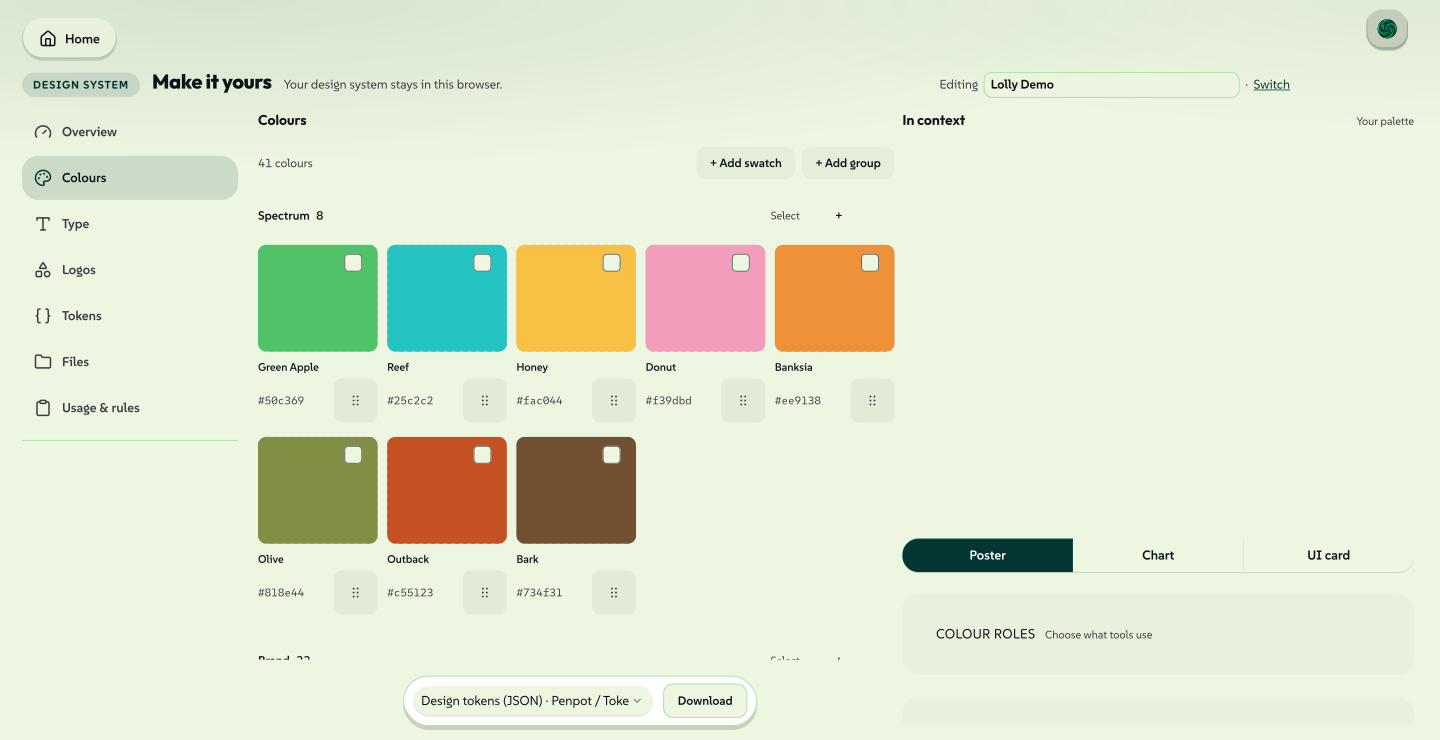
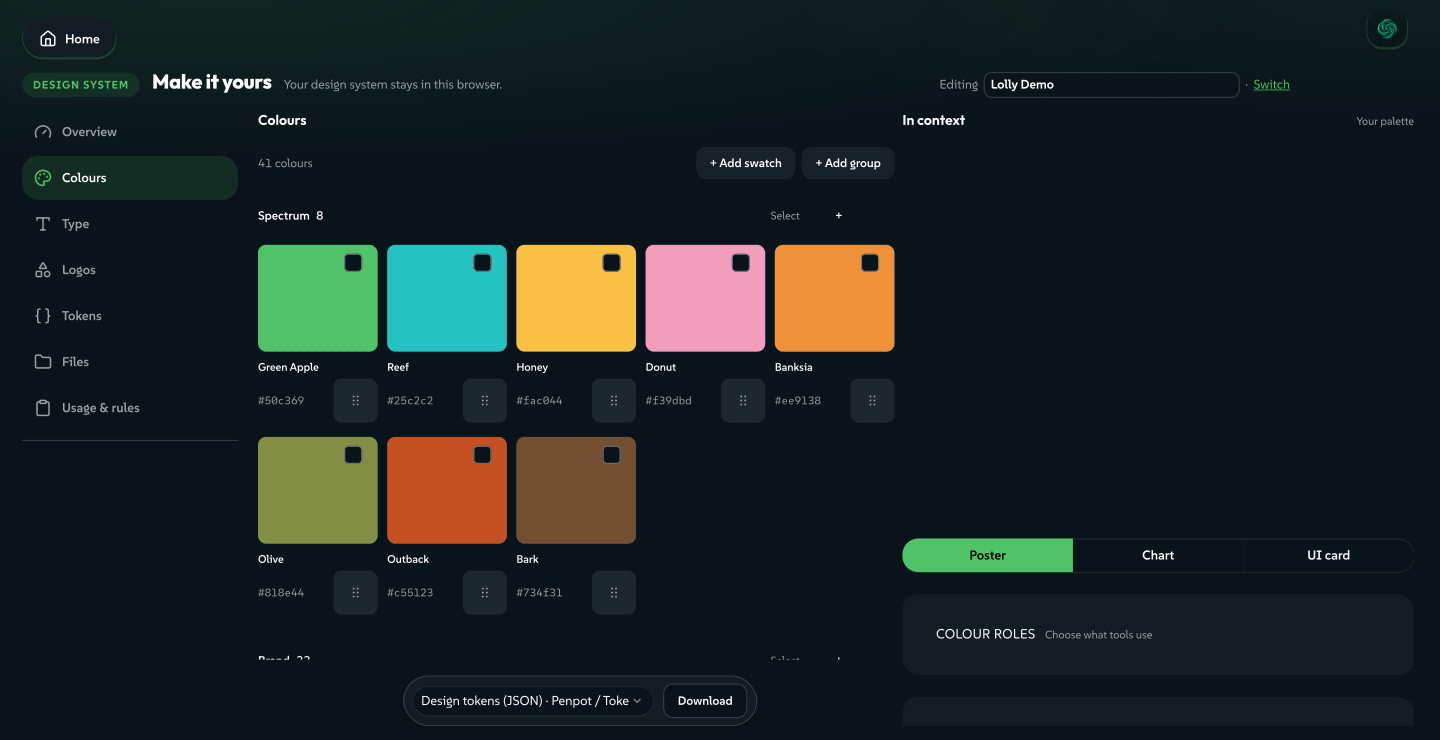
#/start), give your design system a name and pick a primary colour. Lolly derives a complete, accessible palette from it, with light and dark surfaces, text and accents. Pick a font and you have a working brand. - A tokens file. Add from…, at the foot of the room rail in Design System Setup, takes a DTCG, Tokens Studio or Penpot tokens file, an SVG or a
LollyBrandpack. Drop it in and the palette fills. While the design system is still empty, Start from a reference in the Overview room opens the same picker. - A finished design. In Design, choose Import a design and drop a
.fig,.penpot,.ai,.idmlor SVG file. See Bring in what you already have below.
The first time you open the gallery, a short welcome offers the same choices: Make it yours opens Design System Setup, Bring your design opens a file picker for a design and Explore the community tools closes the welcome.
 signed by Lollyvector SVG167 paths~11k nodes243 groups1 image191 KBCheck it yourselfGet the signed file
 signed by Lollyvector SVG167 paths~11k nodes243 groups1 image191 KBCheck it yourselfGet the signed file
From there, seven rooms take it as far as you like, in any order: Overview, Colours, Type, Logos, Tokens, Files and Usage & rules. Every preview in the app updates as you type. Design System Setup covers each room.
Fonts are kept on your device. Pick a Google Font and Lolly stores the file as a brand asset, so your type travels offline and nothing is fetched when a tool draws.
See, switch and share a design system
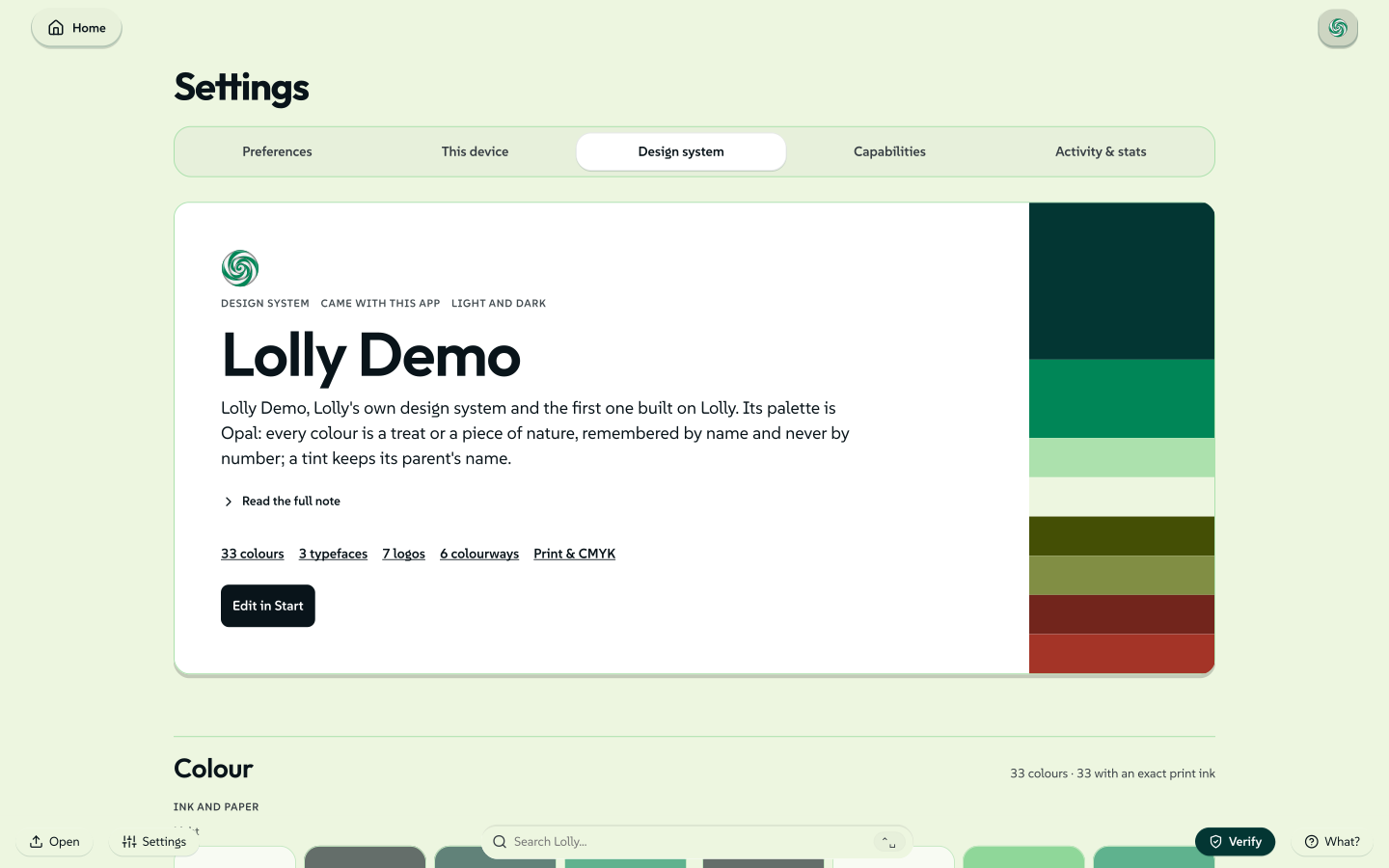
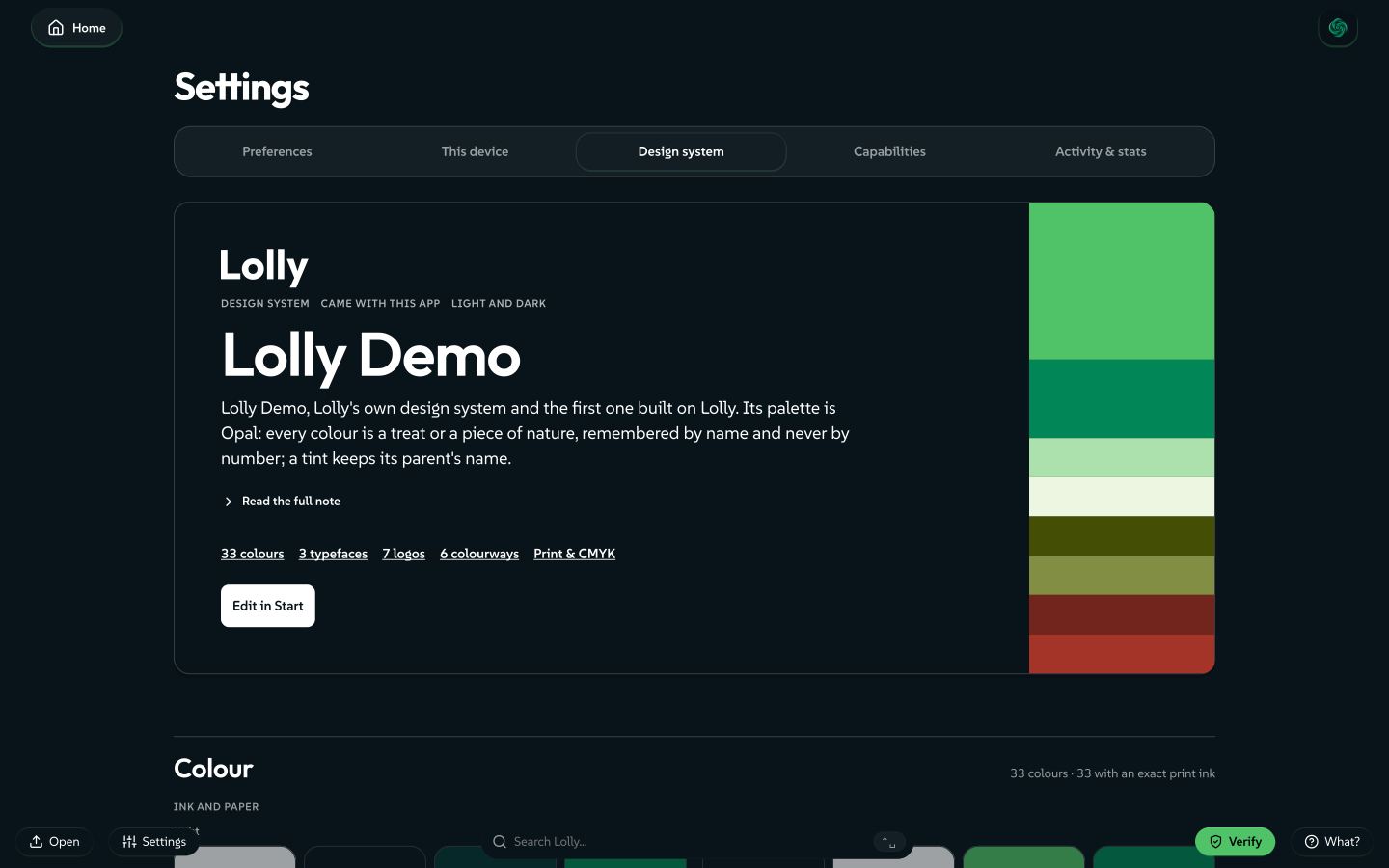
- See the active one. Settings → Design system shows the active design system as a cover and pages, read-only.
- Switch between them. Settings → Preferences → Design systems lists every design system on this device. One organisation can run several design systems, or one with several colourways; Brand architectures maps the arrangements.
- Share one. Export the design system as a
LollyBrandpack: one file a colleague imports to get the same palette, fonts and rules.
A design system your build or organisation supplies is managed: it shows a lock and stays read-only. To change one, make an editable copy from Settings → Preferences → Design systems.
 signed by Lollyvector SVG100 paths~11k nodes151 groups1 image227 KBCheck it yourselfGet the signed file
 signed by Lollyvector SVG79 paths~11k nodes146 groups1 image211 KBCheck it yourselfGet the signed file
Your design system is DTCG tokens, the format Penpot reads and writes and Tokens Studio brings to Figma, so the palette you design with and the palette Lolly applies are one document. Design Tokens has the details.
For developers: build a brand pack from the command line
To stand up a reusable brand pack in a checkout, ingest:brand accepts the three containers Penpot and Tokens Studio export: a single tokens.json, a directory of per-set files with $metadata.json, or a project.penpot archive.
pnpm run ingest:brand ./my-tokens.json --name acme --label "Acme" --activate--activate registers the brand as a profile and builds and validates its catalog. It never changes the default profile: run with LOLLY_PROFILE=acme to use the new pack. Configuration explains how brand packs and profiles fit together.
Bring in what you already have
You do not start from a blank page.
Design files. Finished work from Figma, Penpot, Illustrator, InDesign or any SVG app opens in Design as a living layout: text stays retypable, shapes stay shapes and images land in your library. The file is read in your browser and nothing is uploaded. Import a design lists each format and what carries over.
Decks. Drop a PowerPoint .pptx on Lolly to file its slides as assets, write a new deck from Markdown in Markdown Slides, or use Rebrand a deck to move the whole deck onto your design system.
Data. Paste or drop a CSV or JSON table and a tool's repeating fields fill from it, or Batch makes one finished file per row.
From a one-off to a template
An imported layout is an ordinary Design session. Share with rules turns it into a tool: you choose which parts other people may change, and they fill in only those.


Share a design with rules walks through each step.
Make many, share and automate
- Export. Tools make SVG, PDF, PNG, JPG, WebP, video and more, in the formats each tool offers, at true print sizes when you need them. See Export a file.
- Share a link. A tool's settings travel in its link, so the link reopens the same file anywhere.
- Make one per row. Drive a tool from a spreadsheet in Batch.
- Automate. The same render runs from the CLI and from an AI agent.
A link is a complete request. Nobody drew the chart below: its type, its heading and its whole data table were typed into the address bar, and the same link draws the same chart on any device.
 signed by Lollyvector SVG14 paths~1.1k nodes3 groups19 KBCheck it yourselfGet the signed file
 signed by Lollyvector SVG14 paths~1.1k nodes3 groups19 KBCheck it yourselfGet the signed file

