
This guide covers the optional organisation service. Configuration, console and API paths refer to your Lolly Work instance. The packaged console keeps its release-matched copy of this guide.
Lolly Work is for an organisation that wants its people to share one sign-in, one governed library and one set of rules, while each person keeps making things on their own device. Lolly still renders on the device. Every service that has to be hosted lives in Lolly Work: identity, provisioning, governance, the shared catalog, server renders and links, telemetry and audit. Lolly Work serves the Lolly web shell, the governed catalog and the admin console from one origin.
Lolly Work supports content sovereignty: the organisation chooses how content is produced, governed, stored and moved. An existing DAM can remain the source of record while Lolly Work connects its selected assets to Lolly tools. Read Use Lolly with your existing DAM for that arrangement.
Source, production and delivery responsibilities
The connected path is source DAM → governed Lolly Work catalog → Lolly production → chosen delivery destination. Each step has its own authority:
| Part | Controls |
|---|---|
| Source DAM | The upstream record, current files and supported source approval and availability facts |
| Lolly Work catalog | The configured source slice, member exposure and local lifecycle constraints |
| Lolly tool and Lolly Work policy | Declared editable inputs, design-system rules and policy on governed operations |
| Review and delivery | The configured approval subject and destination authority; a supported delivery review binds staged final bytes |
A read credential does not grant write authority. Source approval does not approve every use or output. Shared provider credentials do not reproduce each member's upstream identity. The catalog, approvals and delivery guides describe the exact boundaries.
Lolly
A person's device
- Web, desktop, mobile and CLI shells
- The engine renders here
- Personal files and drafts stay here
- Sign-in
- Org config: tools, locks and flags, polled
- Catalog feed and assets
- Team sessions and shared files
- Server render request
- Rendered file or signed link
Lolly Work
Your Lolly Work server
- Identity and SCIM
- Governance and grants
- Catalog and providers
- Team projects
- Renders and links
- Telemetry and audit
What stays on a person's device, what Lolly Work holds and what crosses the network between them.
signed by Lollywork-overview-two-halves.htmlHTMLpixels, not shapes12 KBAI editedgenerated by GPT-6Check it yourselfGet the signed fileThe idea behind the split: open source gives an individual freedom, and open source with a control plane gives an organisation the same freedom.
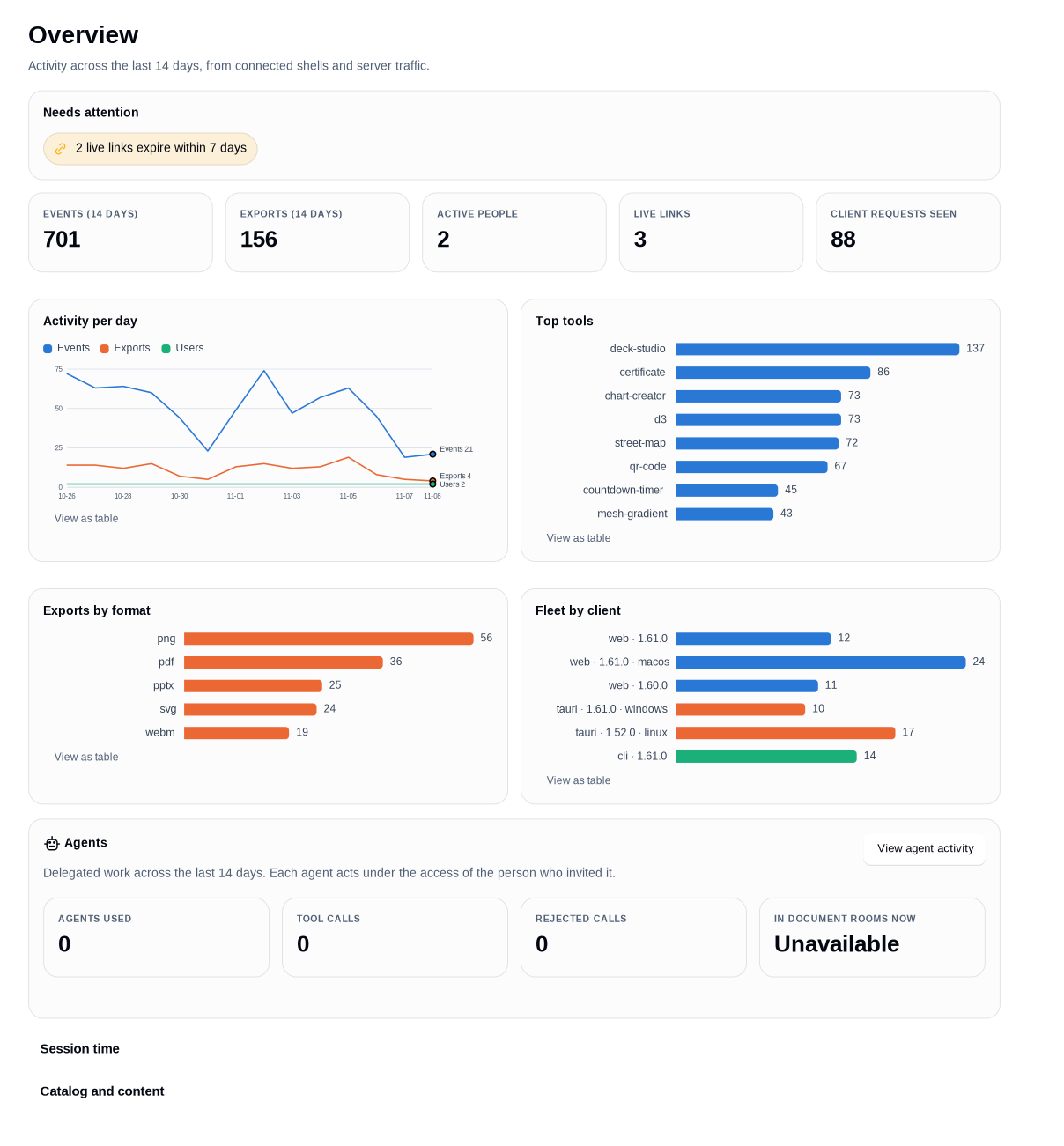 signed by Lolly Demovector SVG27 paths206 nodes159 groups195 KBCheck it yourselfGet the signed file
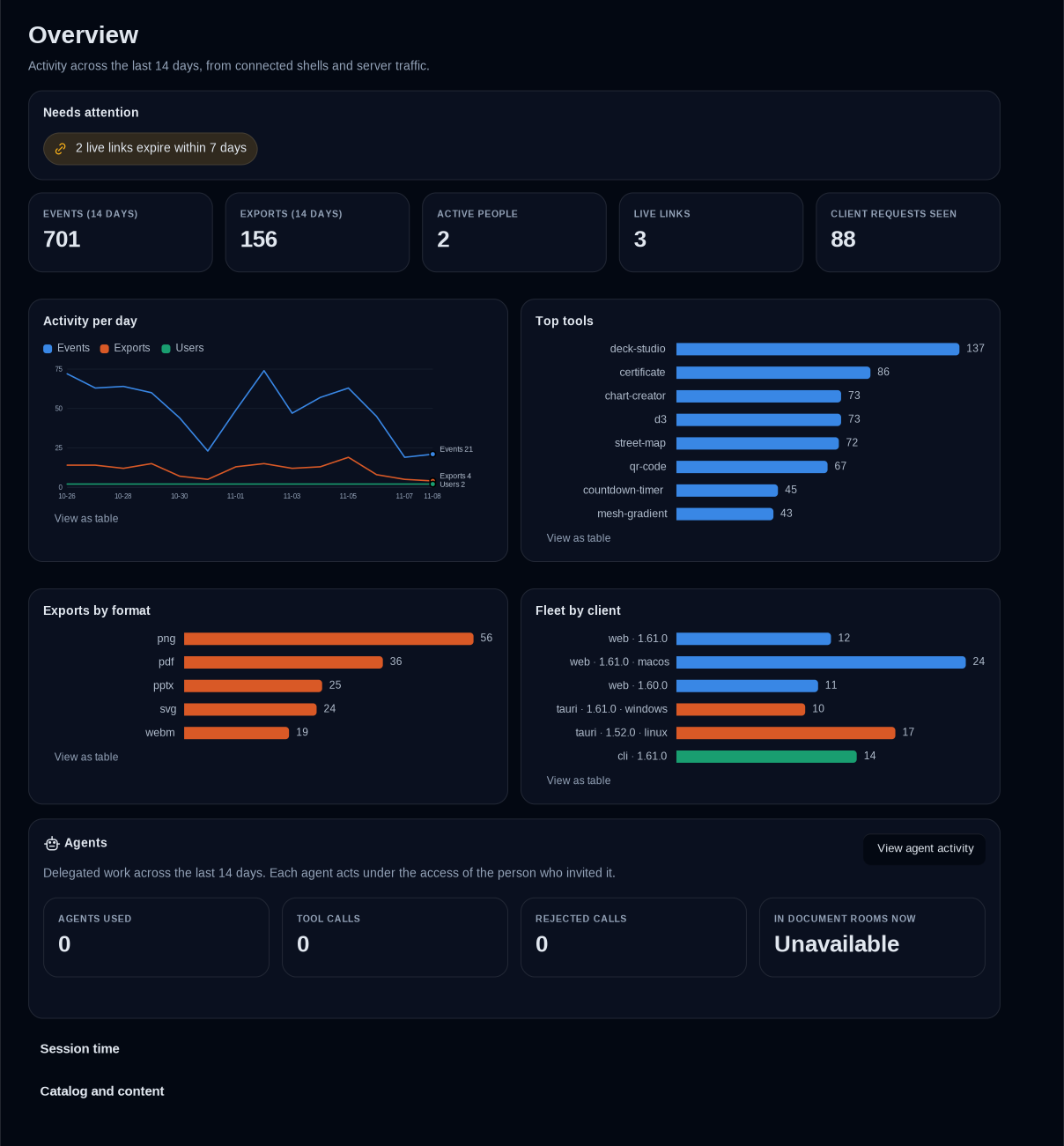 signed by Lolly Demovector SVG27 paths206 nodes159 groups195 KBCheck it yourselfGet the signed file


Each screenshot in these docs is itself a signed Lolly export: the console rendered to a vector SVG and signed with a C2PA Content Credential by the deployment's own signing identity. Hover the imprint in a shot's corner to read what its file claims, then choose Check it yourself to verify the exact bytes on your machine.
Two codebases, one deployment
| Lolly (open source, MPL-2.0) | Lolly Work (open source, MPL-2.0) | |
|---|---|---|
| What | Engine, tool catalog, shells (web, desktop, mobile, CLI, TUI, extension) | Server, admin console, render worker |
| Docs | /info/ on any Lolly deployment | the Lolly Work guides, also in the console at /admin#/docs |
| Runs | On the person's device | On your infrastructure |
Lolly Work consumes the open-source engine pinned and unmodified (vendor/@lolly/engine, vendor/@lolly-tools/core, with the pin recorded in engine-pin.json). The parts of a shell that talk to Lolly Work are additive and dormant by default: a shell with no Lolly Work server configured behaves exactly as it does on its own.
What Lolly Work serves
| Surface | Path | Who |
|---|---|---|
| Lolly web shell | / (when instance.shellDir is set) | members, and guests on a link |
| Admin console | /admin | signed-in members; each view needs its own action |
| Governed catalog | /catalog/, /api/v1/catalog/ | per access mode and exposure policy |
| Server renders | /render/:spec | holders of export.server |
| Signed links | /l/:id | anyone holding the link, until it expires or is revoked |
| Org config | /api/v1/org-config | connected shells, polled |
| Health and metrics | /healthz, /metrics | monitoring (metrics needs a token or a loopback caller) |
| SCIM provisioning | /scim/v2/* | your identity provider, with a SCIM token (machine credentials) |
| Device sign-in | /activate | a signed-in member approving a sign-in from the CLI or a native app (device-code sign-in) |
| Agent connections (MCP) | /api/workspace/mcp | document and project agents, with a connection key (document agents) |
| Organisation MCP | /api/v1/mcp | automation with a service token (connect an agent over MCP) |
| Instance pack download | /connect/pack.lolly | anyone on an open instance, otherwise members; 404 when no pack is hosted |
| Brand context for agents | /api/v1/context/* | service tokens only; the same reads as the organisation MCP resources (what an agent reads) |
| Brand pages | /brand/<id>/ | anyone, once a page is published, even on a gated instance; off by default (brand pages) |
| Render API migration | /compat/* | service tokens with the render scope; off by default (move from a hosted render API) |
A connected shell polls one document, /api/v1/org-config. It says who the person is, which tools they see, which inputs are locked, which profile fields are managed and which feature flags apply. It is filtered for the caller's groups and carries an ETag tied to the policy version, so a quiet poll answers 304. Checking your work shows how to preview it for any set of groups.
The trust model
- Renders happen where the content is trusted. The in-process (jsdom) fast path never runs a tool's
hooks.jsunless an operator turns onrender.allowHooksInFastPathfor a pack whose every tool they curate. It is one instance-wide setting, and the server warns at boot when it is on for any pack but the demo. Hooked and HTML-heavy tools go to the isolated Chromium worker, or are refused with501 HOOKED_TOOL_NEEDS_CHROMIUM. - Policy is enforced on the server, before rendering. A locked input is a
422 INPUT_LOCKED, not a hidden field. - Sessions are signed tokens with separate domains. A session token cannot be replayed as a guest token, a link signature or an OAuth state. Every member request reads the live account, so disabling someone ends their sessions at once. Offboarding, disable and revocation covers every way a session ends.
- Telemetry never carries input values. Below
standard, or without consent when attribution is opt-in, it never carries a user id either. - The audit log is hash-chained, so edits and truncation are detectable, provided you keep a copy of the head outside the deployment.
Where to go next
- Get it running: install, then deployment.
- Set it up: configuration and sign-in.
- Decide who can do what: roles and grants and governance.
- Keep it running: operations and the audit log.
- See what is built today: What Lolly Work does today.