
This page is for whoever is bringing Lolly to a team: a brand lead, an IT owner or a project sponsor. It covers who uses Lolly, what a first rollout looks like, how to tell whether it is working and who decides what the tools allow.
One question decides whether a rollout is working: does a person who is not a designer leave with a finished, on-brand file without asking anyone? Everything else on this page supports that.
Status
Lolly is released, and its evidence is young.
- Lolly is public. The engine, every app, the schemas and the docs shipped under MPL-2.0 with the first public release, 1.0.1, on 30 August 2026. The current release is 1.2.0. Lolly has installers for macOS, Windows, Linux and Android, and the hosted app at lolly.tools. SUSE runs the same code as an internal deployment and shares no usage data. Features, defaults and the tool catalog still move between releases as we learn.
- Its security is strong by design and not yet independently audited. The C2PA provenance seals, the X.509 identity handling and the on-device PDF, ZIP and link encryption are built on standard algorithms, covered by fuzz targets and a written threat model. No independent party has audited or certified them. Where a contract requires that assurance, it does not exist yet.
- The engine is settled; the adoption record is not. The engine is deterministic: the same inputs give the same render, and with provenance off many formats reproduce byte for byte (how far that goes). There is no public adoption evidence yet, because we collect only the stories people choose to share. We need your story says how to help.
Who Lolly is for
Adoption succeeds or fails on the producer, the non-designer who has to make something on-brand. Everyone else in this table exists to make that person's path frictionless; if producers do not serve themselves, the developer integrations and the governance model have nothing to support.
| User | Who they are | The friction Lolly removes | What they adopt |
|---|---|---|---|
| The producer | Marketers, sales, events, ops, comms: non-designers who need finished, on-brand files | "I need this now and I don't want to break the brand" | The app: pick a tool, fill in fields, get the file |
| The brand creative owner or designer | The people who own how the brand is expressed | Retyping the same layout, policing off-brand output after the fact | A design system, the asset catalog and the tools that encode the rules once |
| The developer or platform team | Engineers who automate and deploy | Storing binaries in Git, custom renderers, cloud image bills | The CLI, URL mode, MCP endpoints, self-hosting |
| The AI agent | Automated workflows that produce assets | Costly, drifting, unauditable image generation | The MCP tools: deterministic renders from parameters |
| IT and security | The people accountable for data leaving the building | Colleagues uploading sensitive files to random web tools | On-device utilities, air-gapped deployment, governance held as data |
One producer case is easy to miss because it is not marketing at all: critical communications. Incident notices, compliance reports and executive briefings are structured data that has to become a clear, finished document in minutes, at any hour, with no design bottleneck in the path. A tool authored once for each of those formats means the 2am incident notice comes out as correct as the campaign poster.
What onboarding looks like
The first 15 minutes (any producer)
- Open Lolly. The public web app needs no install, no account and no sign-up, and it makes your files in the browser. An organisation's own Lolly may ask you to sign in (Use Lolly at your organisation).
- Pick a tool that matches what you need: an event agenda, a social link card, a certificate.
- Fill in the fields. There are no fonts, colours or spacing to decide; the tool already holds the brand rules.
- Get the file. Download it, copy a share link or export a batch.
- Save your work. Reopen it later as a session, file it into a project or turn it into your own template to start from next time. No git, no waiting.
The third step carries the pilot: the tool opens with the brand already on it, so the only thing left to decide is the words.
 signed by Lollyvector SVG3 paths885 nodes8 groups14 KBCheck it yourselfGet the signed file
 signed by Lollyvector SVG3 paths885 nodes8 groups14 KBCheck it yourselfGet the signed file


The brand owner or designer
Onboarding hands over control of the rules, not of the output:
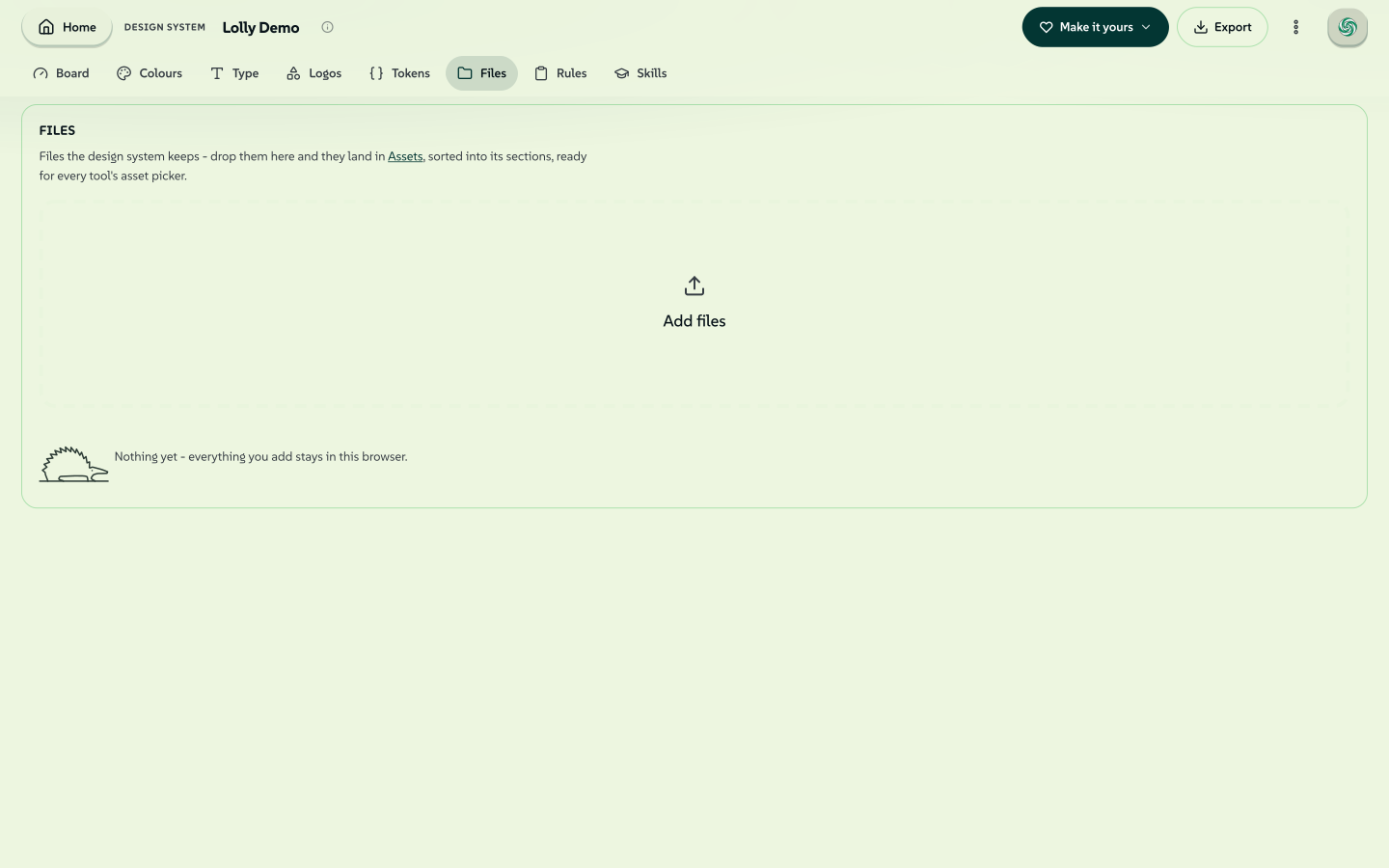
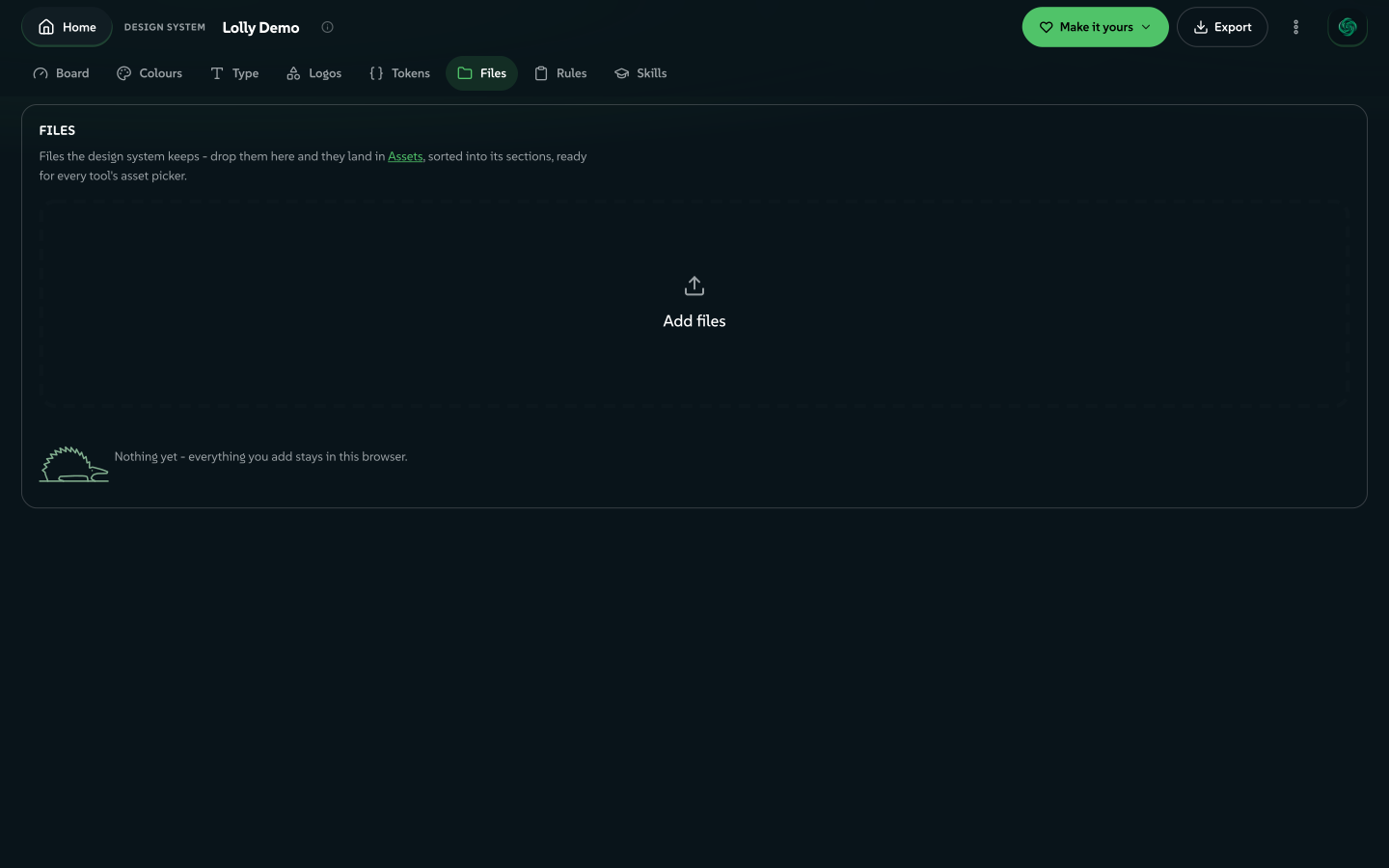
- Start from a design system. Lolly Demo shows a finished one, Lolly Starter is a blank one to fill and Lolly Design System Setup brings in your own colours, type and logos. Brand architectures covers parent brands, sub-brands and companions.
- Build the asset catalog: logos, palettes and fonts as permanent ids.
- Author the tools most in demand, starting with your most common requests.
- Convert one high-visibility output and show the before and after side by side. This is the single most effective adoption lever.
- Set the guard-rails. Lock what must never change, and expose only what is meant to vary. A deployment can supply its design system managed, so people use it but cannot change its colours, type or logos (how managed systems work).
 signed by Lollyvector SVG99 paths~6.7k nodes98 groups124 KBCheck it yourselfGet the signed file
 signed by Lollyvector SVG99 paths~6.7k nodes98 groups125 KBCheck it yourselfGet the signed file


The developer or platform team
- Run a tool from the CLI to see the same engine the app uses (
lolly qr-code --url=… --output=…). - Wire a render into a build step or an MCP endpoint.
- Decide the deployment model: hosted web app, self-hosted or air-gapped (Choose a deployment).
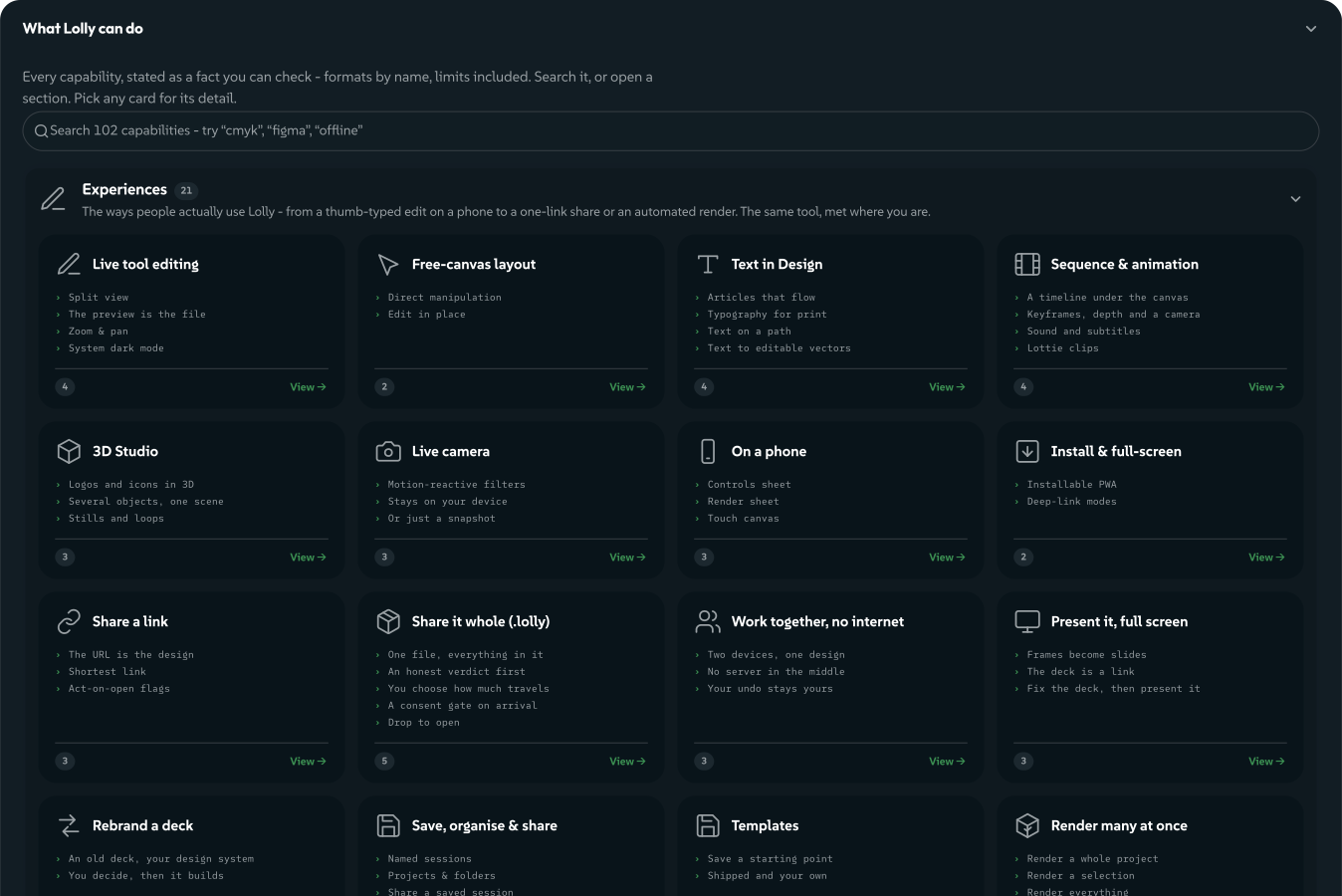
The Capabilities tab in Settings is the inventory to scope that decision against: every part of the platform as its own card, grouped by what it makes and where it runs.
 signed by Lollyvector SVG188 paths~34k nodes346 groups388 KBCheck it yourselfGet the signed file
 signed by Lollyvector SVG188 paths~34k nodes346 groups388 KBCheck it yourselfGet the signed file


IT and security
- Confirm the data posture for the workflows you turn on. Local editing and verification run on the device. Optional Lolly Work adds organisation identity, shared content, server jobs, configured telemetry and audit records; review Server surface and Privacy.
- Scope a first rollout to a low-risk context, because the independent assurance described in Status is still open.
- Decide who owns governance; see Governance below.
Measuring adoption
We measure a change in behaviour, not feature usage. The main measure is self-served requests: routine creative requests that people now serve themselves.
| Signal | What it tells us | Type |
|---|---|---|
| Activation | Share of invited pilot users who render at least one real asset | Leading |
| Self-serve rate | Assets people made themselves | Leading |
| Time-to-asset | Brief to finished file, in minutes, not days | Leading |
| Tool coverage | Share of routine asset types that have a matching tool | Leading |
| Repeat use | Users who come back within a 30-day window | Leading |
| Self-served requests | Routine requests people now serve themselves | Lagging; the main measure |
| Story capture | Concrete before-and-after cases collected from real users | Qualitative |
A leading signal moving without the self-served number following is a warning: people are trying Lolly but not yet using it to make their own files. The self-served number is the one that says the behaviour changed.
Standalone usage counters stay on each device. With Lolly Work, its telemetry and dashboards can measure allowed usage labels across the instance, in off, aggregate and standard modes. Decide the attribution and consent policy before the pilot. Usage telemetry is separate from the audit record of governed actions, and neither measures the quality of the finished work for you.
The 90-day pilot cycle
Adoption runs on a 90-day feedback loop, which sets how often you check whether the self-served number is moving:
- Weeks 1 to 2: onboard a cohort. Bring in one team, author the tools they most need and remove the obvious blockers.
- Weeks 3 to 10: use and observe. Watch the leading signals, collect stories and fix what is in the way.
- Weeks 11 to 12: look back and re-aim. Read the self-served number, then decide which tools and which cohort come next.
Governance, when a team wants a process
Most people just make things: they work in the app, save what they make as a session and pass it on as a share link, a backup or a live collaboration.
They can go further without touching git. From any tool, Save offers Save as a template: the current document becomes a named starting point in that tool's "New from template" chooser the next time it opens, kept with your profile. No deployment owner, no commit, no pull request. To hand one to a colleague, share it as a .lolly file, a self-contained bundle anyone can import, or submit it for catalog inclusion. A marketing team can build, name and circulate its own templates entirely inside the app.
A git-backed catalog gives an organisation a reviewable source of truth. Its maintainer records template values in the brand pack and commits them, and clients then see that template in the chooser and through ?template=<id>. Creators can submit their work without using git themselves. This is one way to manage a shared catalog; shipping a tool never redeploys the app (Choose a deployment).
Lolly Work is another: an optional, separately deployed organisation service. It adds OIDC single sign-on and SCIM, group permissions, managed profile fields and tool controls, a shared asset catalog with uploads and federation, shared projects and work collabs, approvals, governed delivery, server render jobs, telemetry and audit. See Choose a deployment and the pages under Manage.
- Choose how catalog changes are reviewed. Git review works for repository-managed packs. Lolly Work's shared asset catalog supports uploads, metadata, versions and approval workflows without making each contributor use git. Federated providers stay the source of truth for their own assets.
- Choose what is shared. Personal libraries stay on the device; team projects and shared assets live on the organisation's service and follow its access and retention policies.
- Templates hold the guard-rails. A template tool's brand constraints live in its manifest and template, so a producer changes only what the tool exposes. The open canvas (the Design tool) is freer: it allows colours, fonts and images outside the design system, and its export panel lists each one, with a suggested replacement where one exists, before the file goes out.
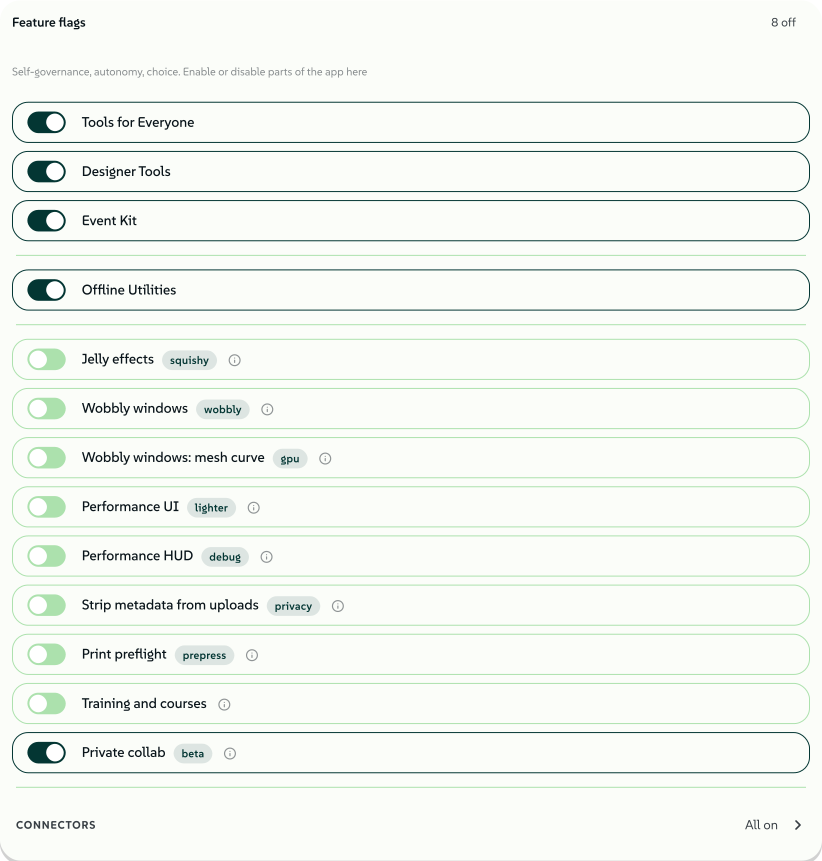
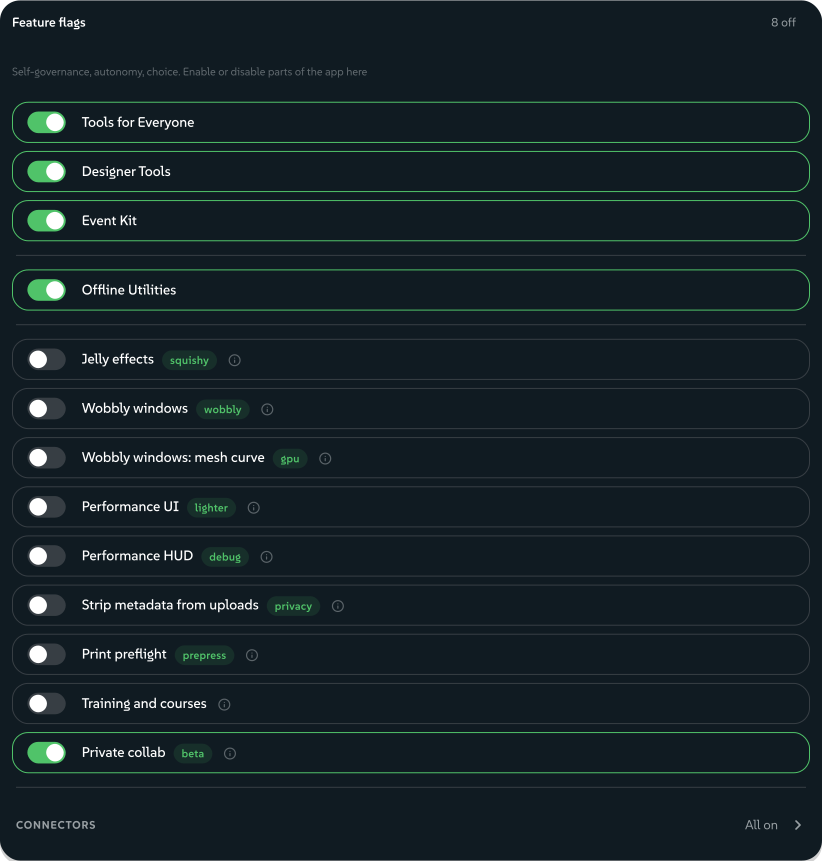
- Feature flags put control local. Parts of Lolly can be turned on or off per deployment, and whoever runs the deployment owns those switches (which ones an organisation can govern).
- Configuration is yours. Lolly Work provides organisation authentication, policy and reporting; configure the supported controls for your deployment. Signing can use the optional Lolly CA or your own certificate authority.
 signed by Lollyvector SVG45 paths~8.0k nodes118 groups98 KBCheck it yourselfGet the signed file
 signed by Lollyvector SVG45 paths~8.0k nodes118 groups98 KBCheck it yourselfGet the signed file


The most common setback is framing and change management, not technology. Existing processes work today even when the output is off-brand, and "we can already make files" becomes the reason not to migrate. The counter is to convert one high-visibility output well and let the before and after make the case. See the FAQ on adoption hurdles.
We need your story
Standalone Lolly reports no usage to the project. An organisation can collect its own configured telemetry in Lolly Work, but those records stay with its operator and never reach us automatically. To learn how your pilot works, we depend on the evidence you choose to share.
If you are piloting Lolly, the most valuable thing you can contribute is a concrete before and after: what you used to do, what you did with Lolly, how long it took and where it fell short. That evidence, not more architecture, is what moves Lolly from promising to proven.
What Lolly is not yet
- Not yet independently audited. See Status.
- Not finished. The 1.0 series started the public record; expect rough edges and change between releases.
- Not a turnkey pack of your templates. Lolly is a platform: someone has to set up the design system and author the tools before producers can serve themselves.
- Not a fit for every workflow by default. Lolly Design, animation and imported layouts support original creative work as well as repeatable templates. Check the editing, collaboration and governance features your team needs in the comparisons.