
Your brand was refreshed last month, the meeting is tomorrow and the deck still wears the old look. Lolly turns the device you carry into the studio that fixes that tonight, on-brand, without waiting for anyone.
Walk in with exactly what you need
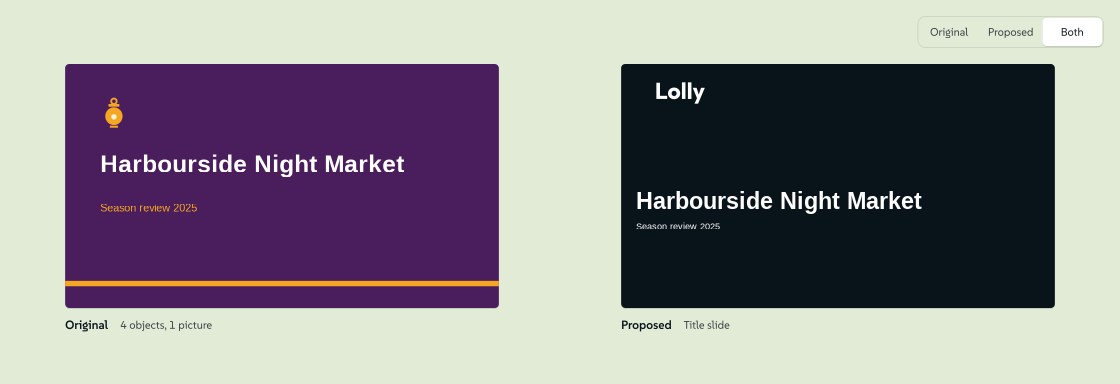
- Fix the deck you already have. Drop the PowerPoint on Lolly and Rebrand a deck moves it onto your design system, charts and animations intact, as a native, editable
.pptx. - Or write a new one fast. Lolly Markdown Slides turns a few lines of text into a native deck in your design system. Drop the old PowerPoint on Lolly first and its slides open as assets you can reuse; Export a file covers the round trip.
- Make the one-pager and the leave-behind. Pick a tool, fill in a few fields and the finished file is ready. Start with Make your first file.
- Price it in the room. Lolly Sales Quote turns a table of line items into a quote: each line's total, the subtotal, a discount, tax and the amount due, worked out as you type. Paste a table and it reads the columns by their headings.
 signed by Lollyvector SVG8 paths~1.5k nodes24 groups2 images26 KBCheck it yourselfGet the signed fileTry it in the app

Every rep, in every region, works from the same rules and gets the same finish. A tool built the first time somebody needed a file makes it again, at any hour, in any time zone.
With the rest of the team
A colleague can join you on the same design live: in a private collab between two devices on a shared network, or in a work collab through your organisation's Lolly Work. See Working together.
Saved sessions, projects, share links and batches are in Using Lolly.