
Write templates and styles that work across vector, canvas and data exports.
Part of Authoring Tools.
The template (template.html)
Handlebars-flavoured. Logic-less by design.
<div class="my-tool">
  {{#if heading}}
    <h1>{{heading}}</h1>
  {{else}}
    <p>(enter a heading)</p>
  {{/if}}

  {{#if logo}}
    <img src="{{asset logo}}" alt="" width="{{asset logo "width"}}">
  {{/if}}
</div>{{value}}- HTML-escapes by default. Always use this for user input.{{{value}}}- raw, no escape. Only for trusted, system-generated HTML.- Block helpers:
{{#if}},{{#each}},{{#unless}}. No arbitrary JS.
wordmark is about as small as a template gets: one string, one face, one weight. Everything below came from the link's params flowing into {{ }} slots, with no code in between.
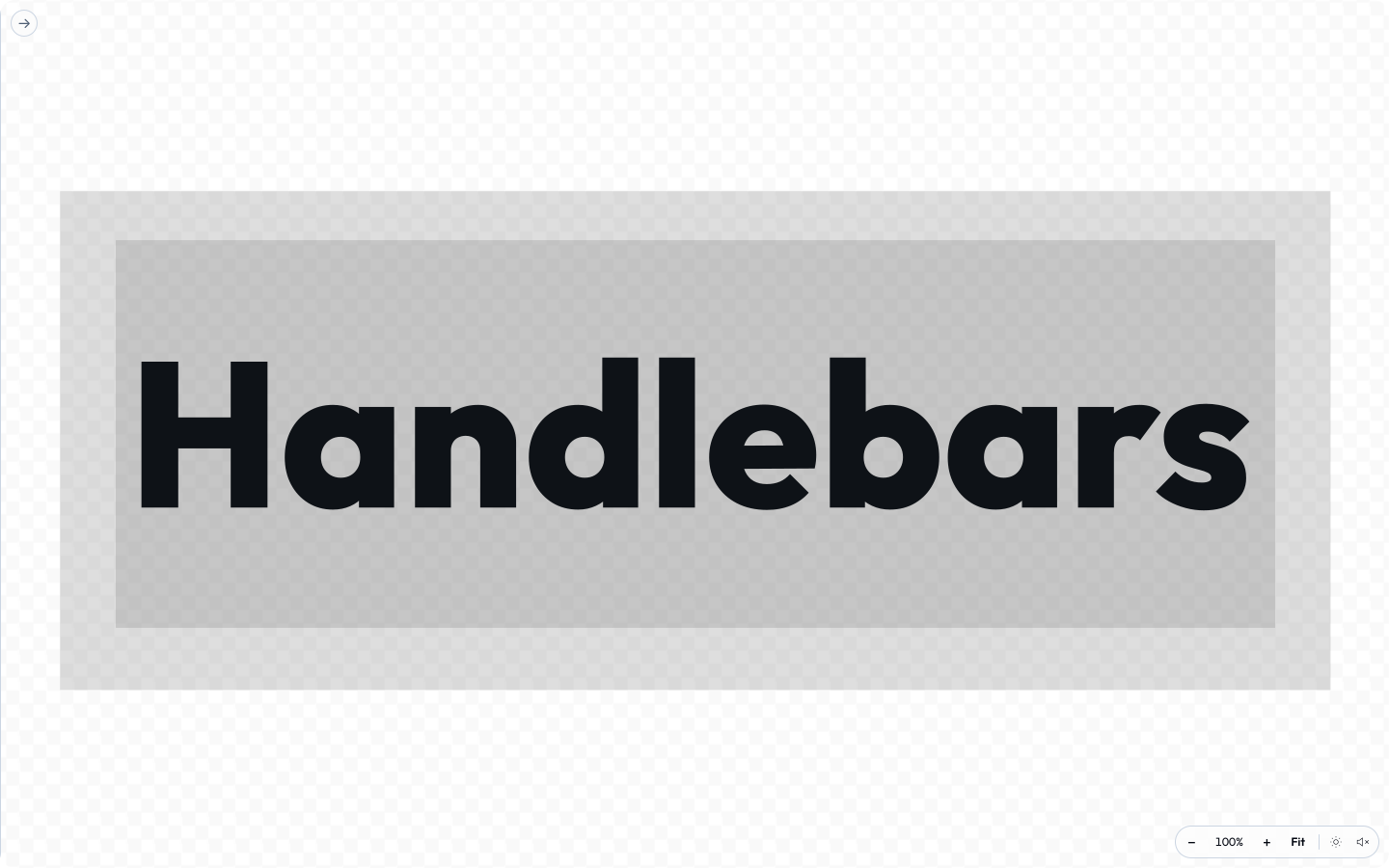 signed by Lollyvector SVGCheck it yourselfGet the signed file57 paths686 nodes42 groups47 KB
 signed by Lollyvector SVGCheck it yourselfGet the signed file57 paths686 nodes42 groups47 KB


Custom helpers. The engine registers these in engine/src/template.ts (the source of truth - this table should list exactly what it registers, no more, no fewer):
| Helper | What it does |
|---|---|
{{default x "fallback"}} | x unless it's null/undefined, then the fallback. |
{{upper s}} / {{lower s}} | Upper/lower-case a string. |
{{eq a b}} | Strict equality - use inside a condition, e.g. {{#if (eq kind "note")}}. |
{{markdown body}} | Render a small Markdown subset to safe HTML: #…###### headings, bold, italic, ~~strike~~, bullet and numbered lists, label links and class="md-image" so a tool can size them. Use {{{markdown body}}} (triple braces). Used for blocks bodies, table cells and pasted Markdown. |
{{arrow text}} | A leading > < ^ v becomes → ← ↑ ↓ (for directional labels). |
{{asset ref}} | The resolved URL of an asset input. Use in src/href. |
{{asset ref "width"}} | A specific field of the asset (width, height, …). |
{{media ref}} | Emits the right element for any asset kind - <img>, <video> or a Lottie marker - from one call. Options hash: class, style, loop, autoplay, muted, controls, fit (contain/cover), key. |
The data-format helpers {{icsStamp}}, {{rfcText}} and {{csvCell}} are for the sibling text templates - see Data formats below.
Emoji insertion is shared. The web sidebar adds an Insert emoji button to plain text, long text and plain block text fields. URL, numeric, read-only and managed fields keep their existing controls. The picker asks for an emoji set on first use, can remember it for new work, and respects a set already pinned by a document or link. Text insertion uses the current selection and the normal input edit path. A table column declared with columnEditors: ["emoji"] opens the same picker and replaces its cell value.
Emoji rendering needs nothing from you. A tool declares no input, no capability and no manifest field for them. Whatever emoji end up in the rendered text - typed into a text field, arriving in a blocks body, written into the template as a default - the runtime draws from the emoji set the person chose, as pinned vector artwork, after every paint and again at export. That is why the same link looks the same on a phone, in the CLI and in a PDF, instead of getting whatever emoji font the machine happens to have. Where no set is chosen, or the chosen set does not carry that glyph, a neutral placeholder is drawn and never a system glyph, and where the device has no set at all the characters are left exactly as your template wrote them. Two limits to keep in mind while you author: a template whose root is an <svg> is skipped whole (SVG has no way to put a picture inside a text run), and the export records each placed set as a source ingredient in the file's Content Credentials, so the set's licence travels with the output. engine/emoji.md has the detail.
Canvas tools: readiness, the frame clock and GPU rendering
A template may paint into a <canvas> instead of markup (3d, synth, gradient and spatial-photo do). The export path reads that canvas back as pixels, so three small contracts keep exports correct:
- Readiness. If the first frame arrives asynchronously (a model or a library load), set
window.__toolHasReadySignal = trueat the top of the template script and dispatchtool:readyondocumentonce the first frame is painted. The shell waits for it before capturing; without it a slow first frame exports blank. - The frame clock. For animated output (gif, apng, webp-anim and frame-by-frame video) store a function on the canvas element:
canvas.__lollyFrameRender = function (t) { … }renders the exact frame at normalised loop timetin[0, 1). The shell setscanvas.__lollyFrameDriven = truewhile it drives frames, so the tool's ownrequestAnimationFrameloop should stop advancing while that flag is set. Stills call it with0. The shell also passes two optional arguments, the clip length in seconds and the export's pixel size as{ width, height }; a tool that declares onlytignores them. During a clip every call carries both, including the extra calls the export makes to check which parts of the frame stay still and the repaint that follows them, so a tool that reads them gets the same clip length and size on every frame. Store it on the canvas, never onwindow: a global leaks across tool navigation. - Real-time video. Mark the canvas
data-capture-streamand webm/mp4 record it live throughcaptureStream()instead of frame by frame, so a self-looping animation records as one continuous loop with no cut at the join.
GPU rendering (WebGL, WebGPU). Never let the export path read a GPU canvas directly. A WebGPU canvas is cleared as soon as its frame is presented and has no preserveDrawingBuffer, so anything read later is blank, and a WebGL canvas only survives the read with preserveDrawingBuffer: true, which costs memory and a copy per frame. Render into a detached scratch canvas instead and, inside the same frame callback, draw it onto the visible 2D canvas:
var view = document.getElementById('my-canvas');   // the template's canvas, plain 2D
var ctx = view.getContext('2d');
var gpu = document.createElement('canvas');         // never enters the DOM
gpu.width = view.width; gpu.height = view.height;
// … create the WebGPU or WebGL context on `gpu` and render into it …
function present() { ctx.clearRect(0, 0, view.width, view.height); ctx.drawImage(gpu, 0, 0); }
Call present() at the end of every render, including inside __lollyFrameRender. The visible canvas then always holds the last frame, every export reader sees pixels, and the tool is free to pick WebGPU where the browser offers it and fall back to WebGL 2 where it does not. 3d does this with three.js's WebGPURenderer({ forceWebGL }) and reports its choice as data-backend on the canvas. Feature-detect with navigator.gpu.requestAdapter(): an adapter that resolves to null means no WebGPU, whatever navigator.gpu says.
Styles (styles.css)
Scoped automatically. Write top-level selectors targeting your own classes. Don't write global rules (body, html); they'll be scoped to #tool-canvas and probably won't do what you want.
What the vector export keeps
SVG and PDF exports are not screenshots. The exporter reads each element's computed style and re-emits it as vector, so the CSS you choose decides whether a feature survives as geometry, is rasterised into the file, or is dropped. A row marked raster still exports correctly, but that one element becomes a bitmap inside an otherwise vector file.
| You write | In the SVG / PDF |
|---|---|
border (one width and colour all round), border-radius, dashed, dotted | Kept as a stroke, dash pattern included. |
| A border that differs per side | Kept as flat edges. A corner radius or dash on a mixed border is lost. |
outline | Not exported. Use border, or box-shadow spread, for a visible ring. |
box-shadow (outer and inset), text-shadow, filter: drop-shadow() | Kept: native SVG filters, or the shape redrawn; PDF bakes only a blurred shadow. |
filter: blur() | Kept in SVG. PDF rasterises the element. |
opacity, mix-blend-mode | Kept in SVG. Blend modes rasterise in PDF. |
overflow: hidden; clip-path with circle(), ellipse(), inset() or polygon() | Kept as a clip. clip-path: url() or path() rasterises. |
mask-image, mask | Raster. |
backdrop-filter | A plain blur() is kept in snapshot exports; anything richer rasterises. |
| Text | Outlined to paths with the real font, including -webkit-text-stroke and paint-order. A glyph the font lacks (an emoji, say) keeps that whole line as live <text>, which then needs the font on the viewer's machine. |
background-image | Gradients become real gradients and a single image an <image>; conic-gradient rasterises. |
transform | 2-D transforms are kept. 3-D (rotateY, perspective) is not. |
The penpot format keeps this same vector set, as editable Penpot shapes instead of SVG elements. What costs you those shapes is not the raster column: the lowering reads the exported SVG, and one <clipPath>, <filter>, <pattern>, <mask>, <use> or inline <style> anywhere in it puts the whole render on the board as a single picture instead. On an HTML layout those come from a rounded overflow: hidden box whose content reaches a corner, an object-fit: cover or circular image crop, a background-image, a clip-path and a blurred text-shadow. box-shadow is not one of them: the Penpot render draws shadows as geometry rather than as an SVG filter.
Letting the DOCUMENT bring its own CSS
A tool can also give the person using it a stylesheet - Design does, as its customCss input. Three rules make that safe, and a tool that offers user CSS is expected to follow all three (community/design/hooks.js is the reference; tests/design-custom-css.test.ts is the security shape to copy):
- Sanitise in the hook, never in the shell. The hook neutralises
</styleand strips@import, then hands back a string the template emits inside<style>. Doing it in the hook is what makes the CLI's output identical to the browser's - a shell-side filter would leave the headless render unfiltered. - Emit, then let the shell scope. The shell re-scopes template
<style>to the tool canvas (scopeTemplateStyles), and its scoper handles top-level@keyframescorrectly, so real animations belong at the document level rather than nested per element. - Give the CSS something to aim at. Free-text rules need stable handles: Design stamps
data-frame-idon each artboard, sanitiseddata-frame-statetokens from a per-framestatefield, and a per-boxclsfield whose tokens join the element's class list (.callout { … }). Those pass through the same parse-and-re-serialise treatment as any other free text - lowercased, cleaned to[a-z0-9_-], and refused where they'd collide with the app's own namespaces (lolly-,pr-,seq-,fc-).
Custom JS is not offered, and should not be. Hooks are closure-injected, not sandboxed, so a per-document script input would be stored XSS in every shared URL. The escape hatch that exists is composition: a sandbox tool link placed as a box.
Data formats (json / csv / ics / vcf)
Some tools export data alongside the rendered image - a calendar invite, a contact card, the underlying numbers. These come from the input model, not the pixels, so they work in every shell (including the CLI) and don't need a browser.
json- no template needed. Add"json"torender.formatsand the export is{ tool, version, inputs: { … } }(the resolved input values), serialized automatically.csv/ics/vcf- add the format torender.formatsand ship a sibling text templatetemplate.<ext>(e.g.template.ics). It's a Handlebars template hydrated against the same context astemplate.html(input values + hookextras), but without HTML escaping - so{{title}}emits the value verbatim. Escape per the target format with the built-in helpers:{{icsStamp meetingTime}}- adate/datetime-localvalue → iCalendar basic form (20260915T143000).{{rfcText x}}- escape an iCalendar (RFC 5545) or vCard (RFC 6350) text field (\;,newline).{{csvCell x}}- quote a CSV field per RFC 4180 only when needed.srt/vtt(v1.150) - the same sibling-template mechanism, for subtitle sidecars: shiptemplate.srtortemplate.vtt. The cue text itself is a hook extra (a captions tool already holds one in its target input), so the template is usually a single{{captions}}. SRT downloads astext/plain(SubRip has no registered MIME), WebVTT astext/vtt.css/scss/gpl- the same sibling-template mechanism, for palette output: shiptemplate.css,template.scssortemplate.gpl.color-paletteis the reference (itsasesibling is binary, so that one comes from anexportStillhook instead of a template).
Example template.ics (see tools/meeting-planner/):
BEGIN:VCALENDAR
VERSION:2.0
BEGIN:VEVENT
DTSTART:{{icsStamp meetingTime}}
SUMMARY:{{rfcText title}}
LOCATION:{{rfcText city}}
END:VEVENT
END:VCALENDAR
Reference wirings: meeting-planner→ICS, email-signature→vCard, chart-creator→CSV. Raster, pdf, video, zip and ico come from a browser engine - the web shell, the Tauri-bundled CLI or the node CLI's raster tiers (resvg renders png from SVG-native tools browser-free; a scoped Chromium via lolly install-browser covers the rest) - while the node CLI writes svg/svgz/emf/wmf/eps/eps-cmyk/dxf/bmp and the text/data formats DOM-free. The CMYK formats pair with the convertPaths outlining toggle (see The render block) for fonts-not-installed print fidelity; pdf-cmyk ships on more tools than cmyk-tiff does (a subset) - e.g. qr-code offers both, while wayfinding-signage and event-name-badge ship pdf-cmyk.