

Lolly is sovereign is yours, is private, is free, is inclusive, is open, is honest about AI
Make finished files. Keep control of your content.
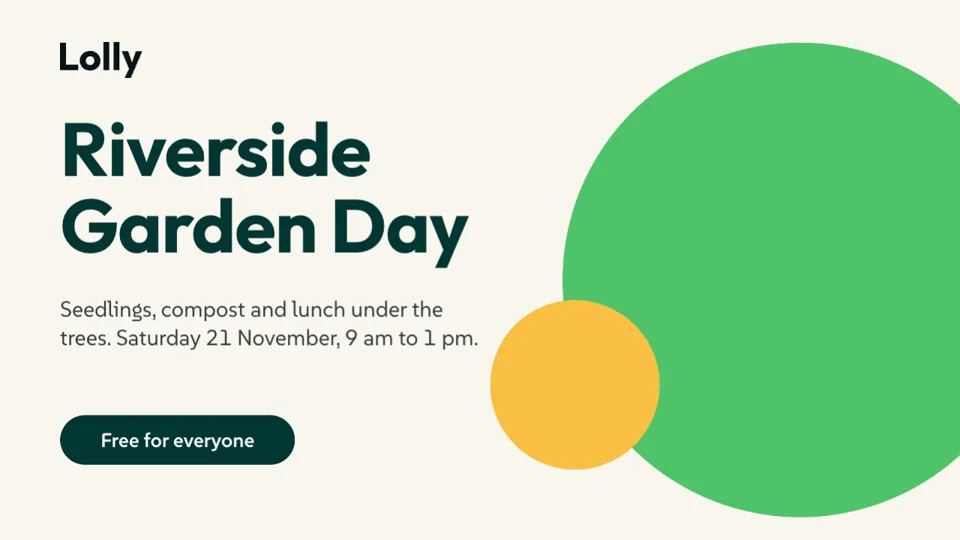
Graphics, documents, video and print in your own colours and type: no account, no card, private and open source.
Choose the format last.
Make it once, in your brand. Send it as a deck, a document, a web graphic, a video or a press-ready PDF. Bring decks, PDFs and design files back in and keep editing.
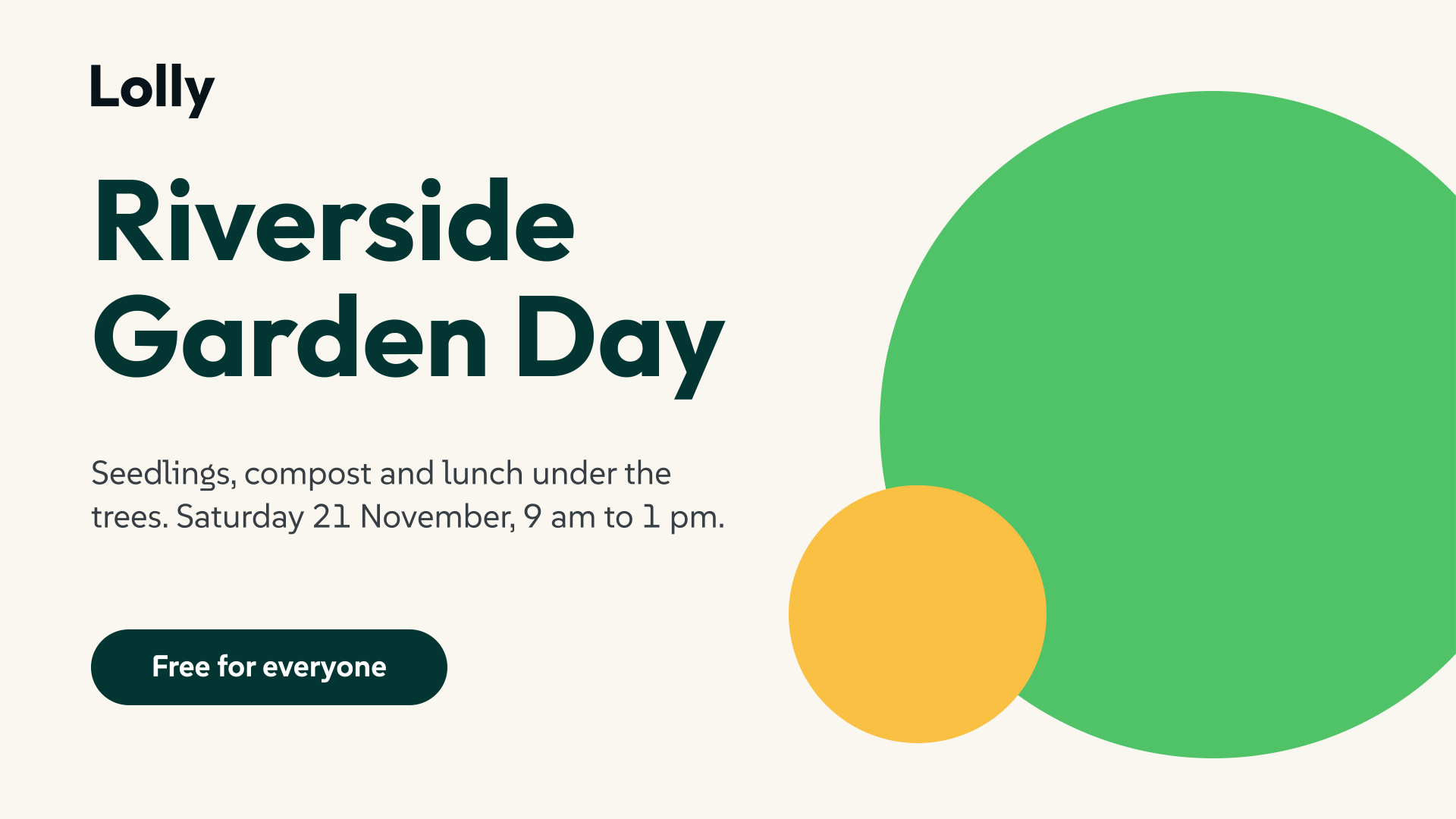
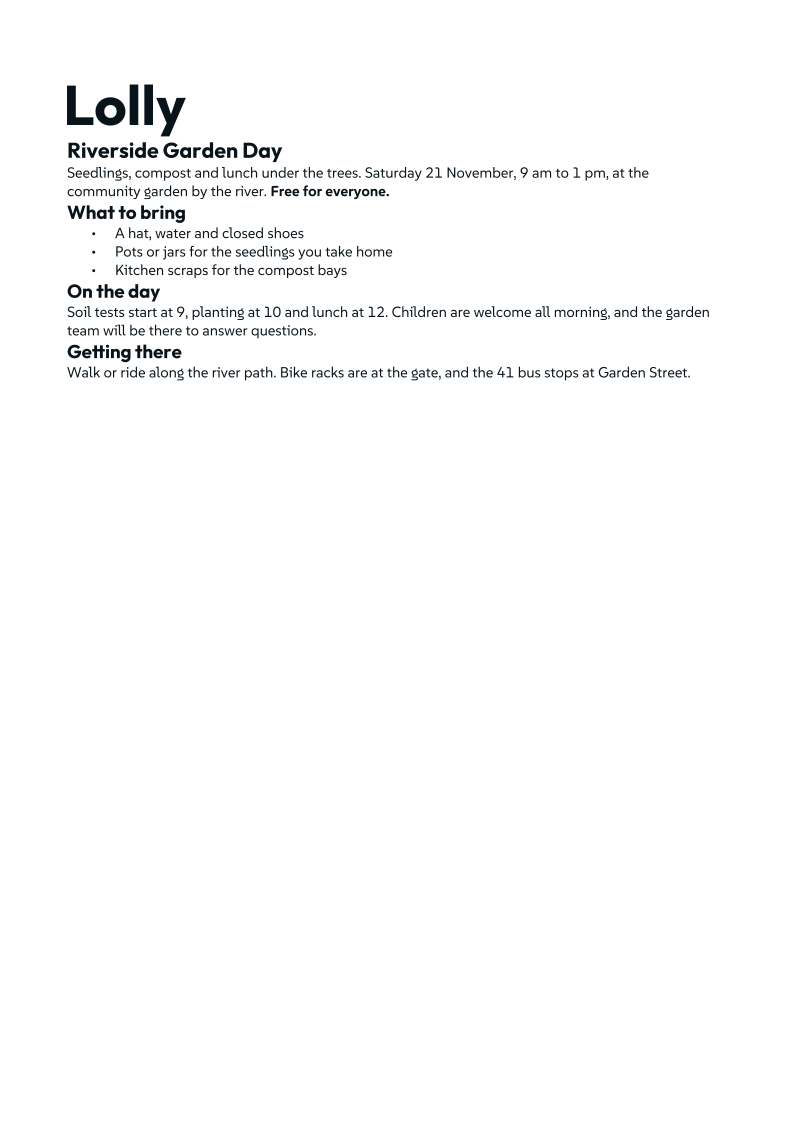
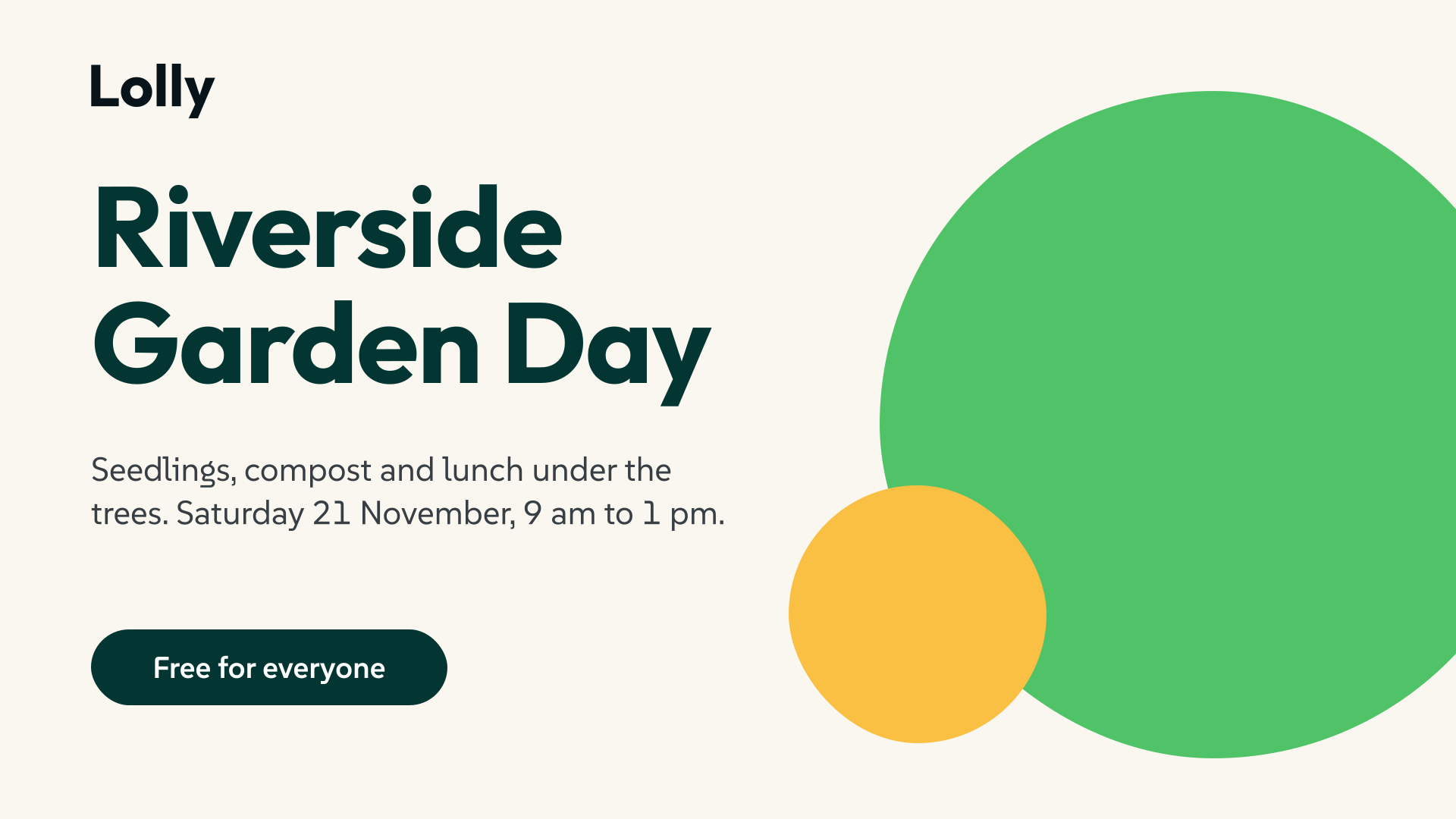
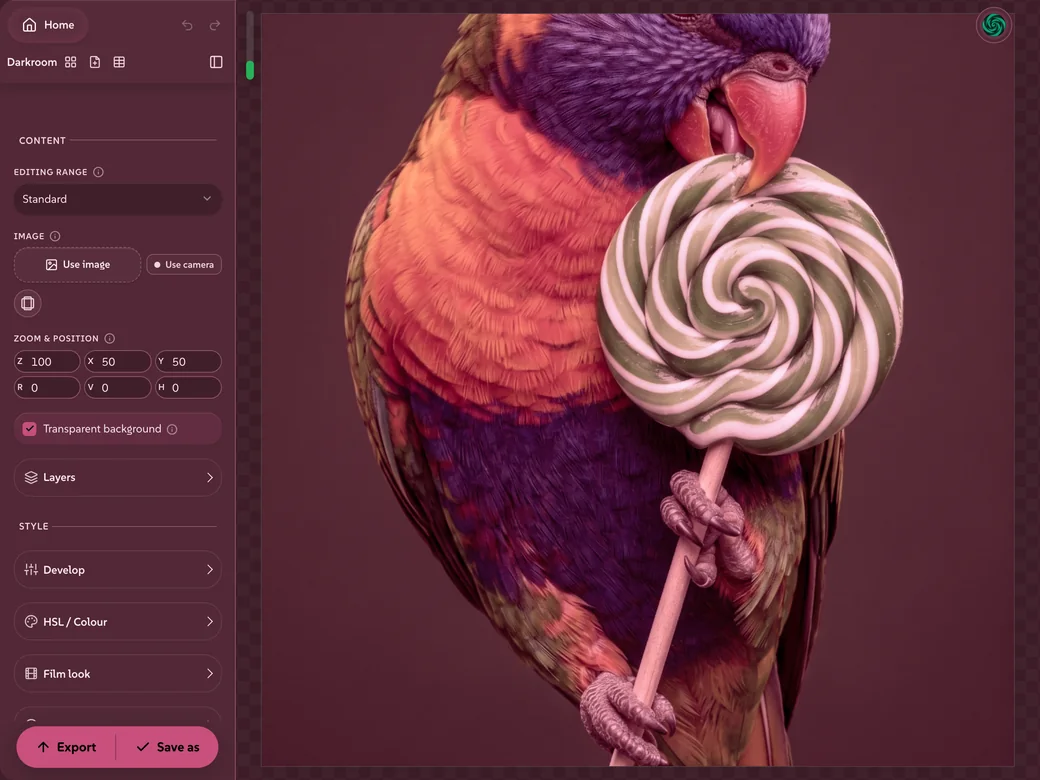 Lolly DarkroomFilm looks, LUTs and grading for photos
 Lolly FilterHalftone, dither, duotone, ASCII and more, on a picture or live camera
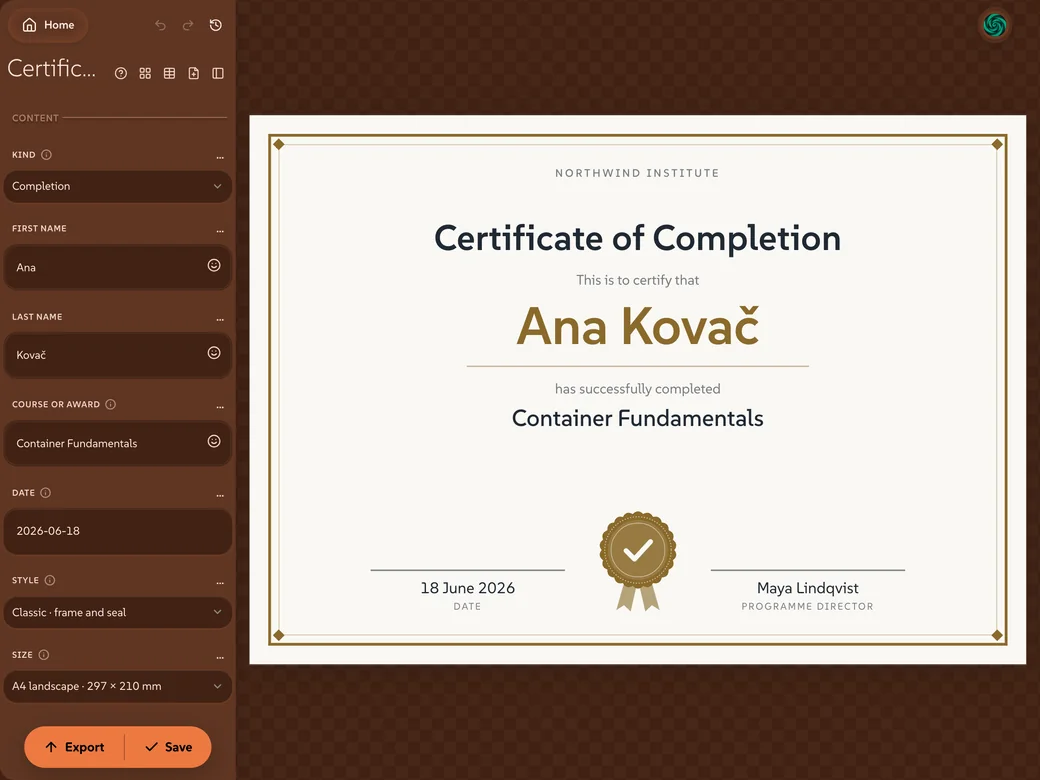 Lolly CertificateFor a course, an award or a thank-you, signed, dated and sealed
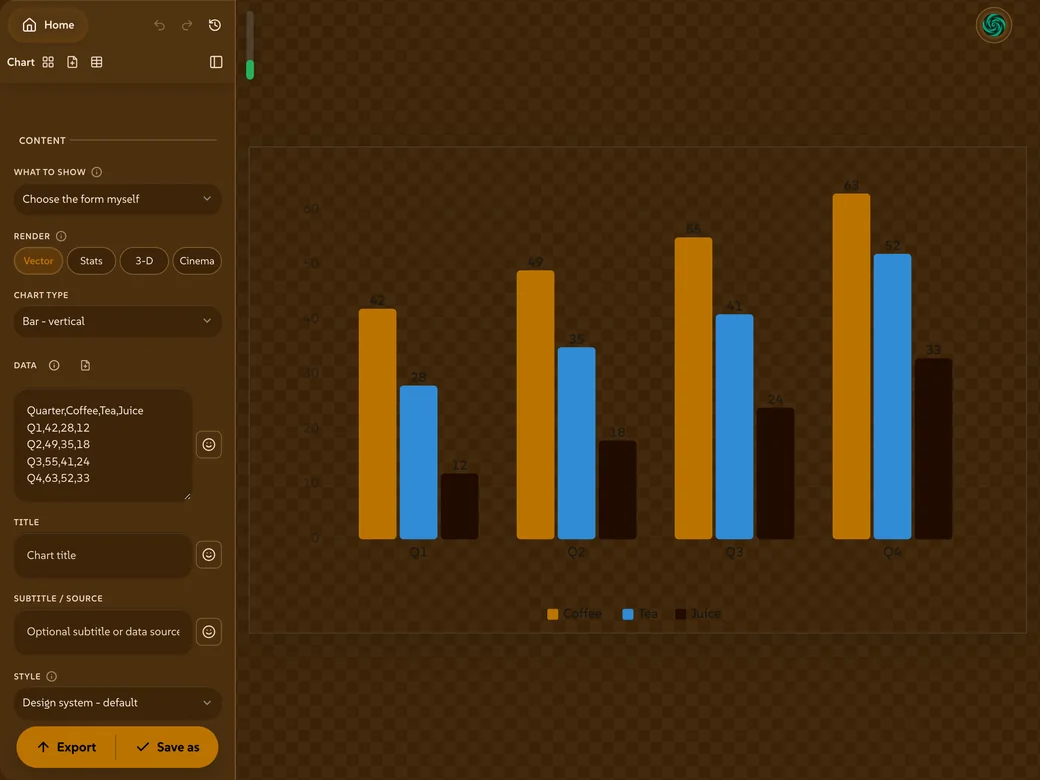 Lolly ChartPaste a table and get a chart in your palette, vector-clean
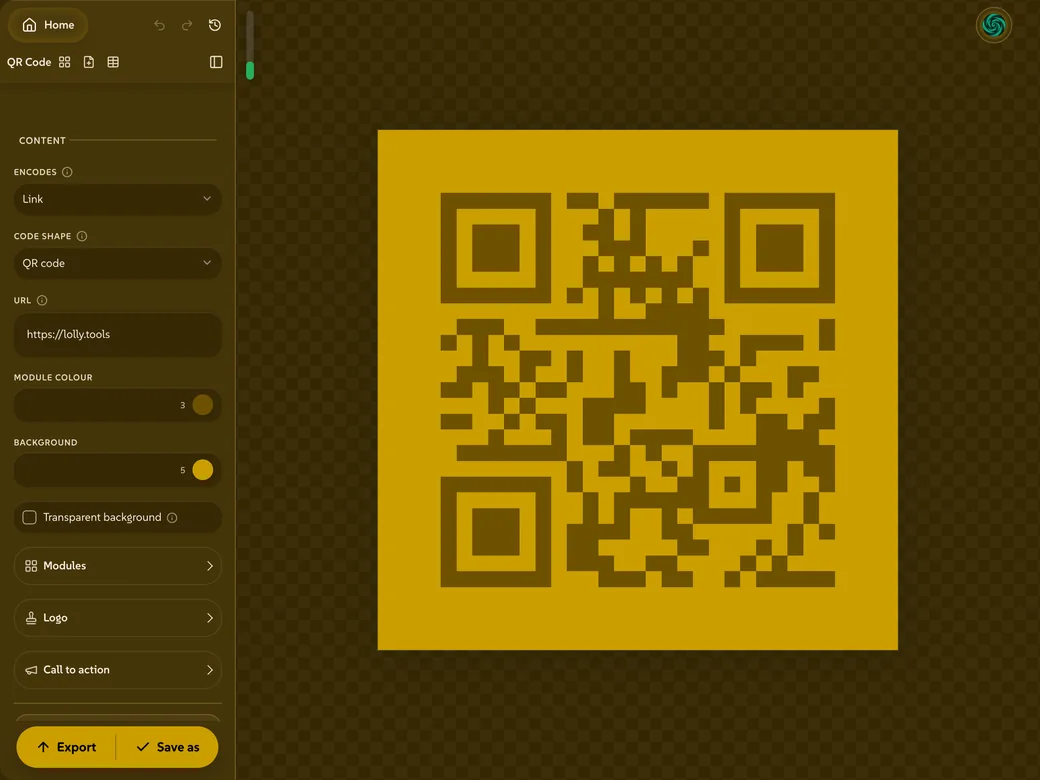 Lolly QR codeA QR code in your colours, from a link, a card or a Wi-Fi network
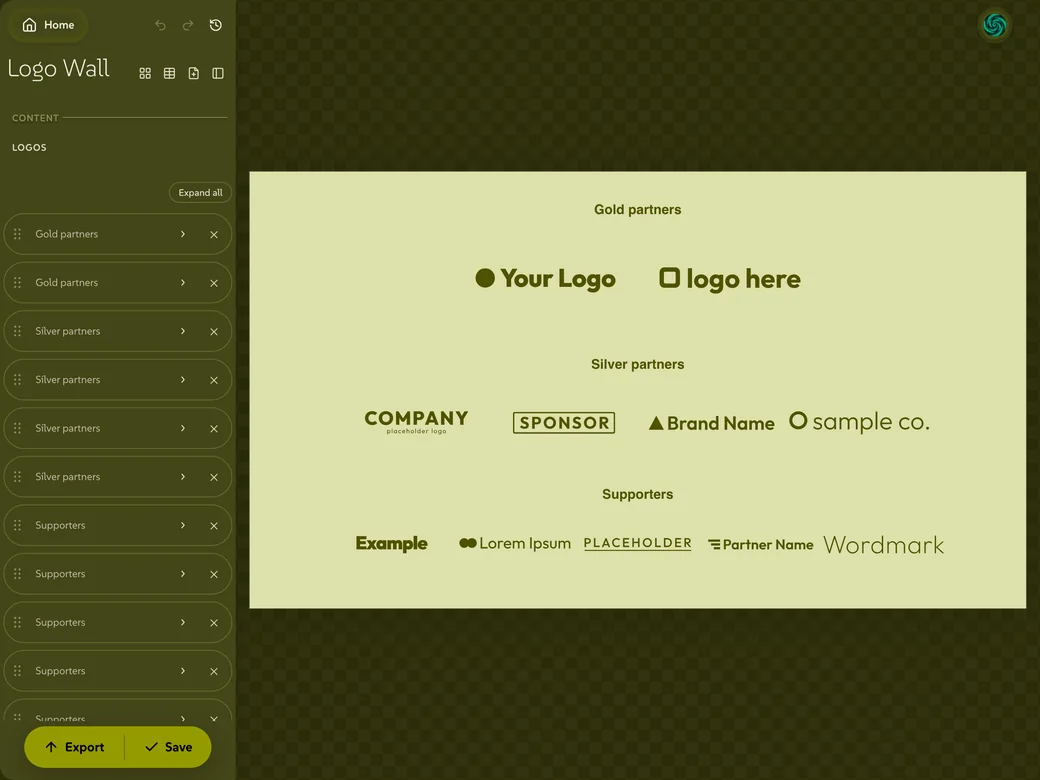 Lolly Logo WallSponsors and partners in tiers, each logo sized to sit evenly with the rest
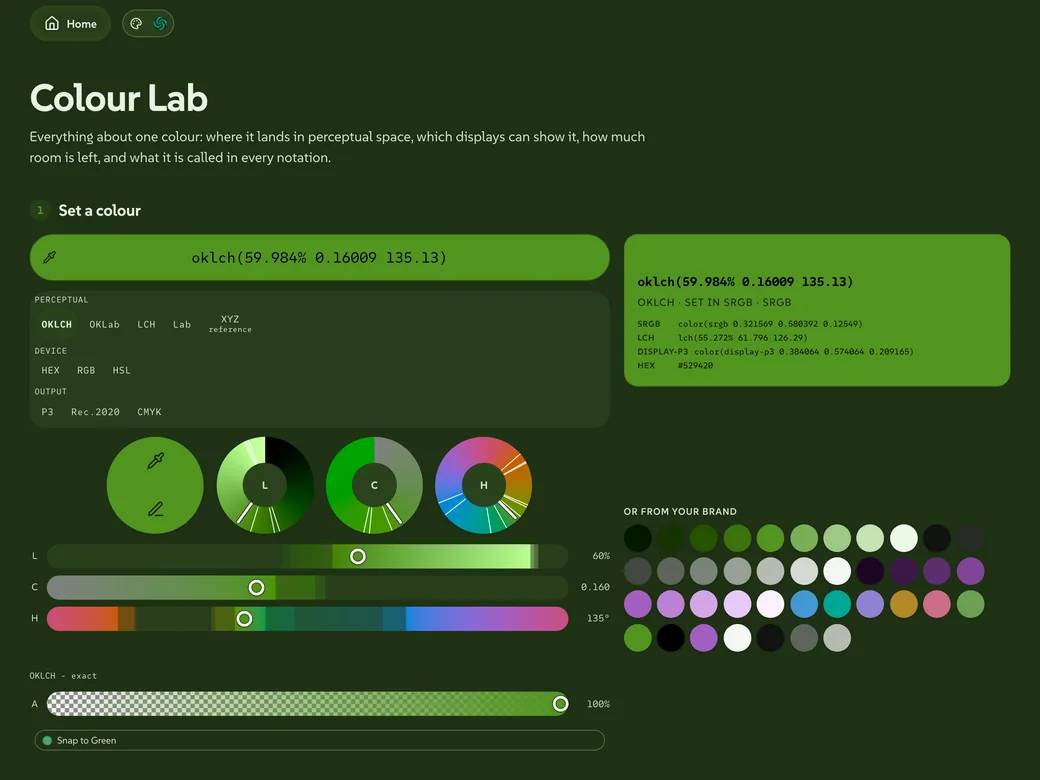 Lolly Colour LabOne colour, reported in full: contrast, harmonies, screen and print
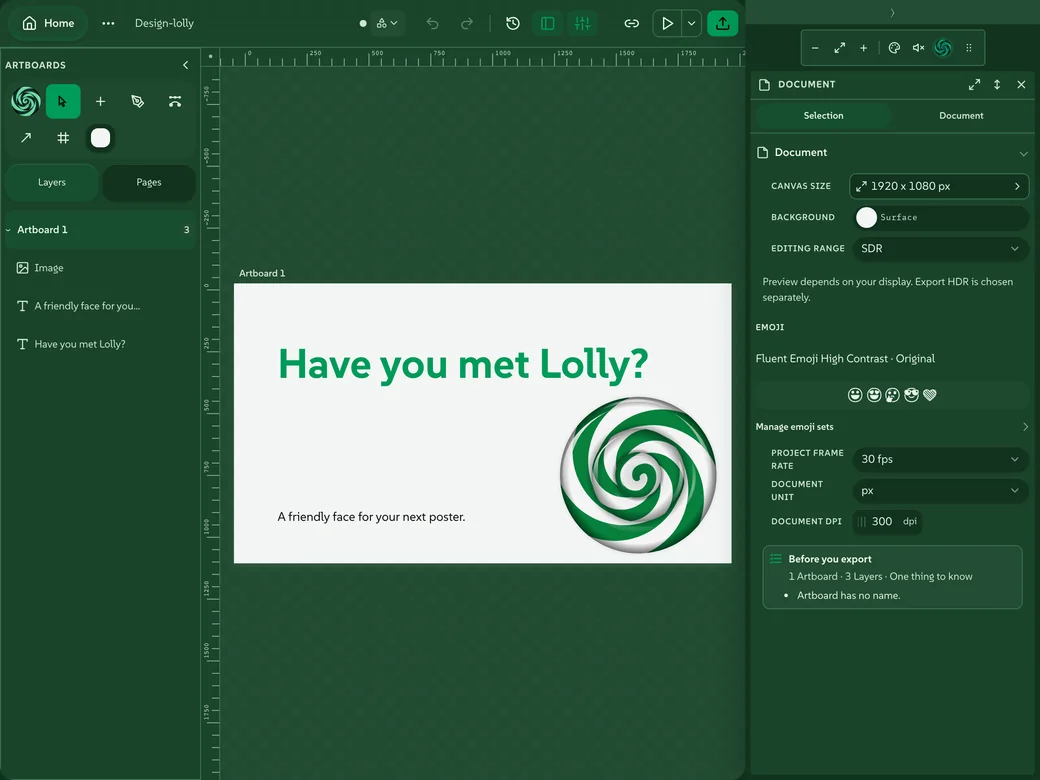 Lolly DesignFree-form layouts on an open canvas, held to the design system
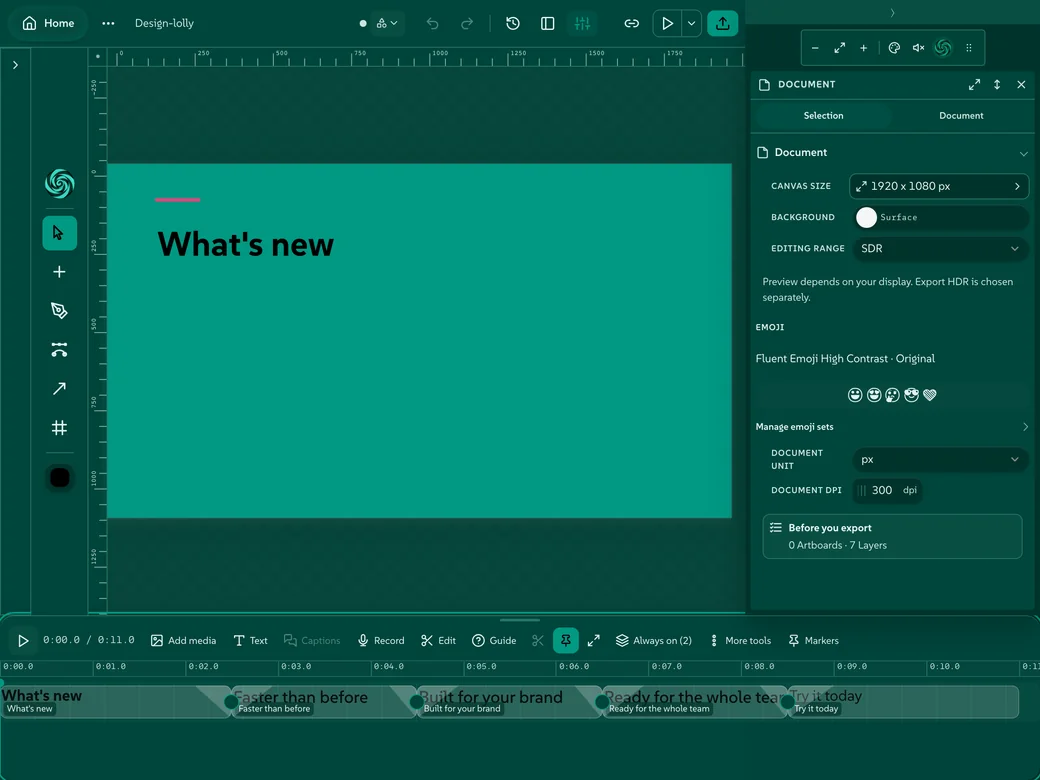 Lolly SequenceLolly Design's video timeline: clips, music and voiceover, cut in place
AudiogramA clip becomes a finished video that moves with the sound, MilkDrop included
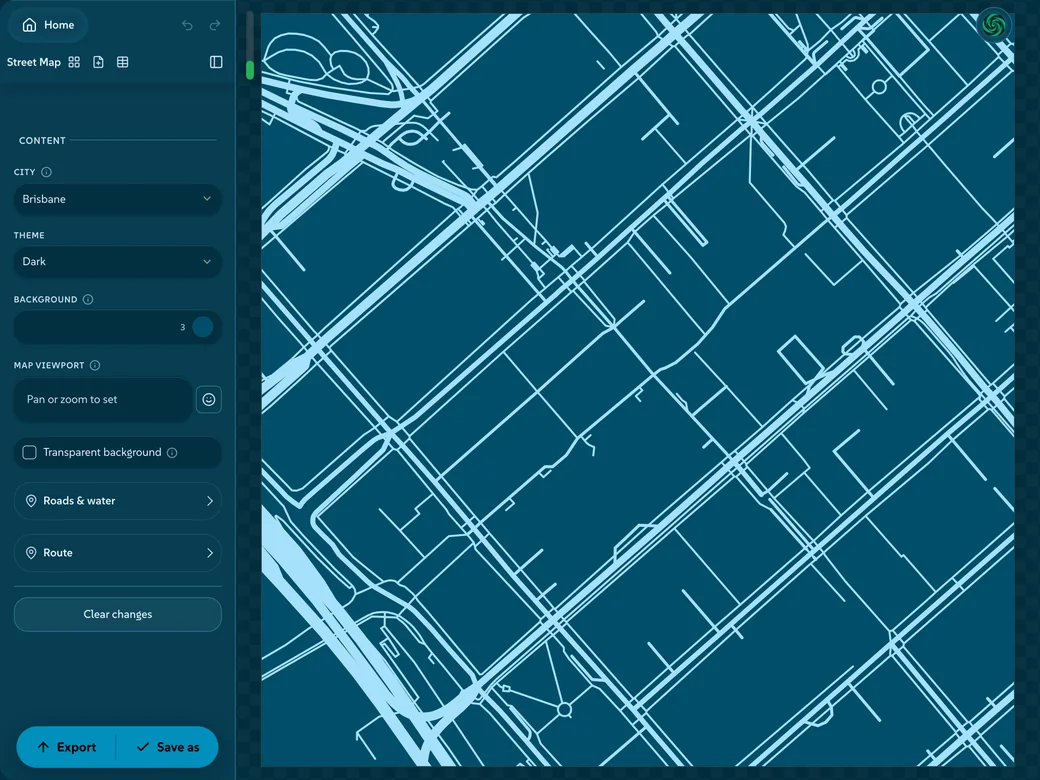 Street mapAny city as a poster, its streets in your colours
Lolly 3D StudioWords, artwork and models in one lit scene, still or moving
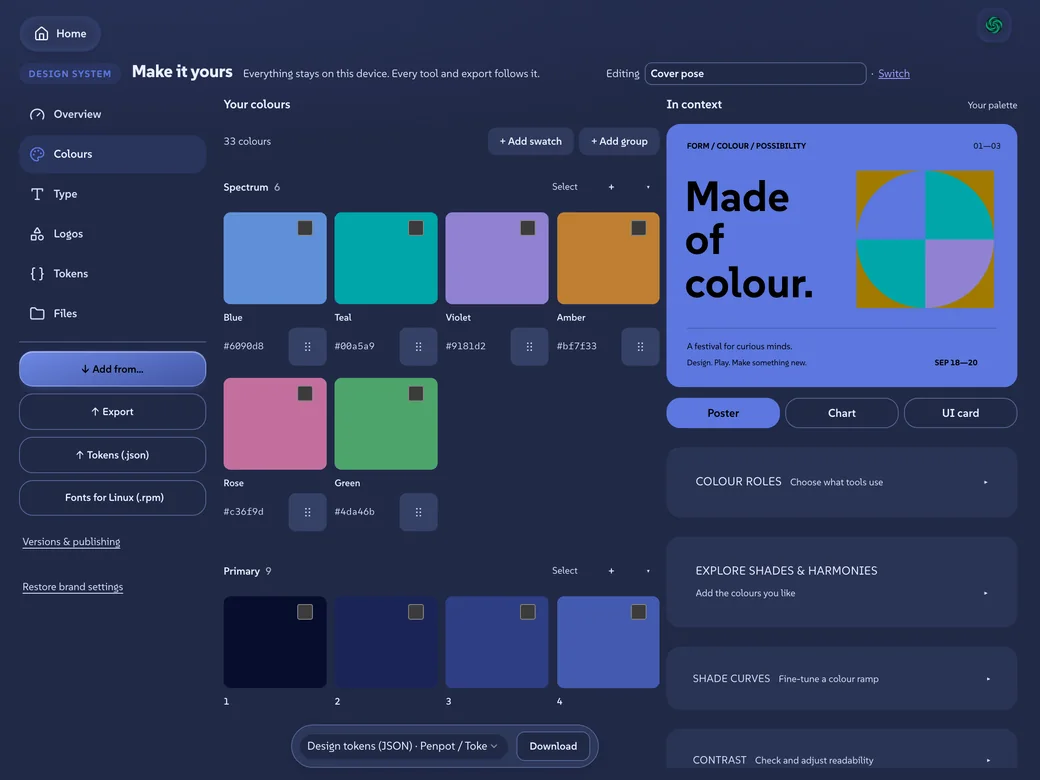 ColoursA palette built on a real colour wheel, kept in step everywhere
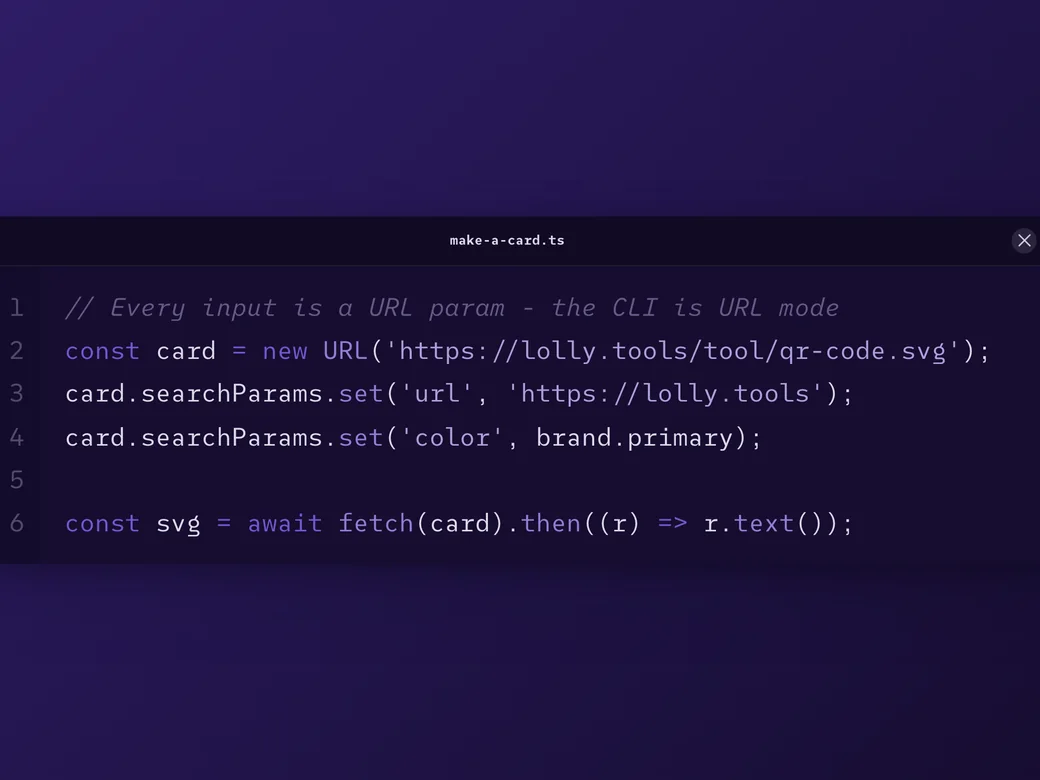 SnippetCode as a card: syntax highlighted, in your theme, ready to post
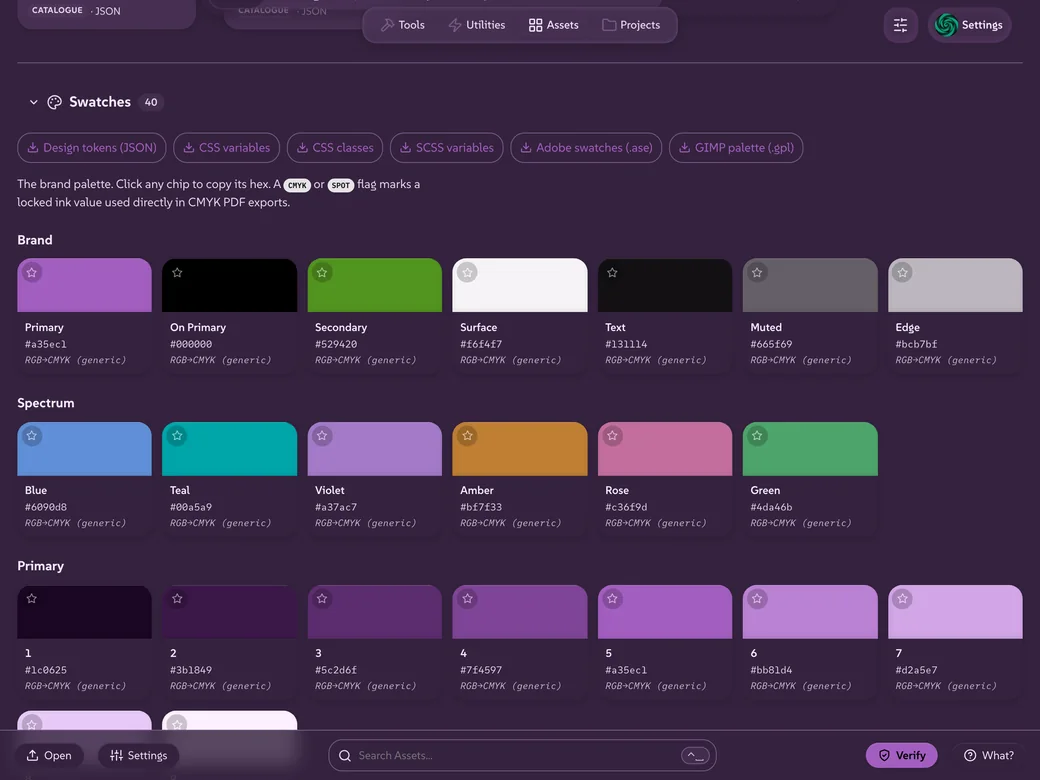 Lolly AssetsEvery file, font and colour in one place
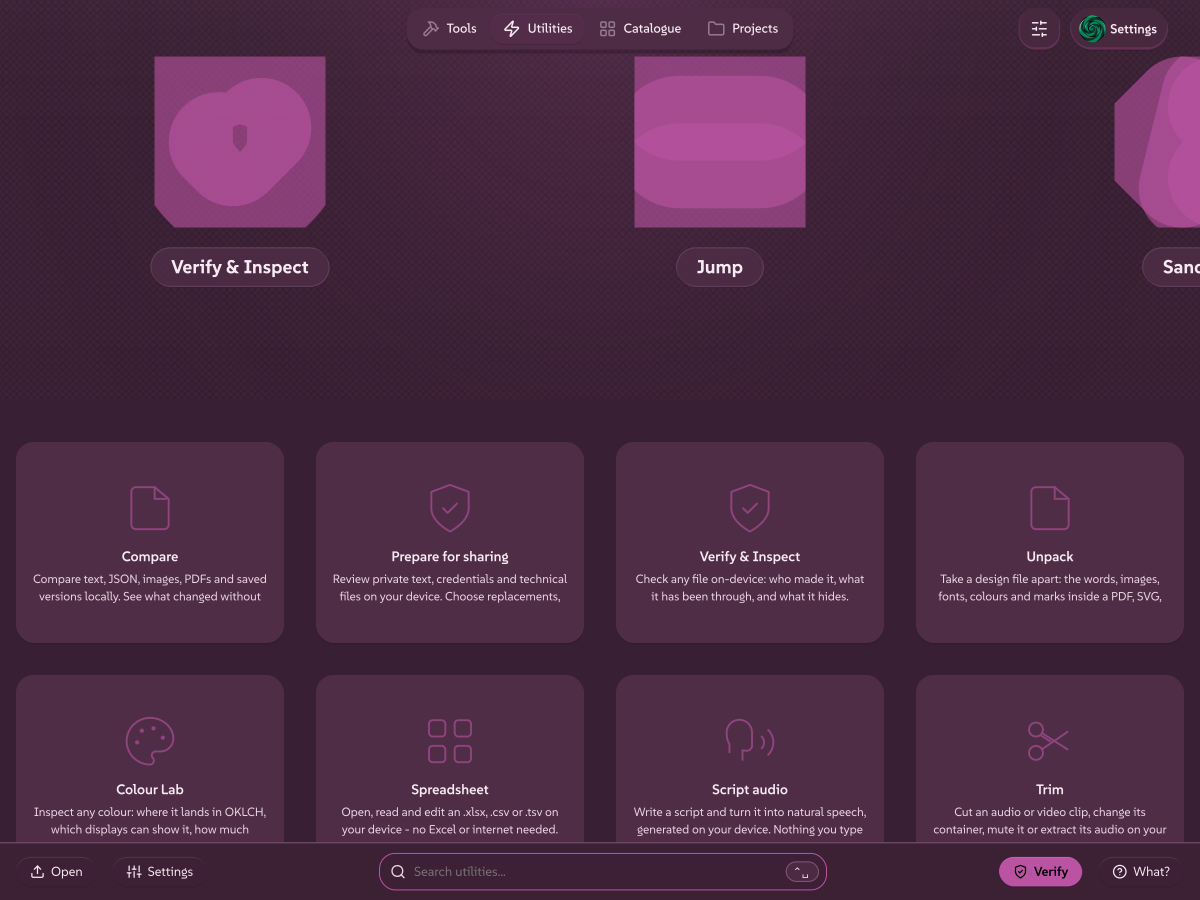 UtilitiesLolly Scan, Lolly Verify, Lolly Redact, Lolly Unpack and the everyday file jobs, in the app
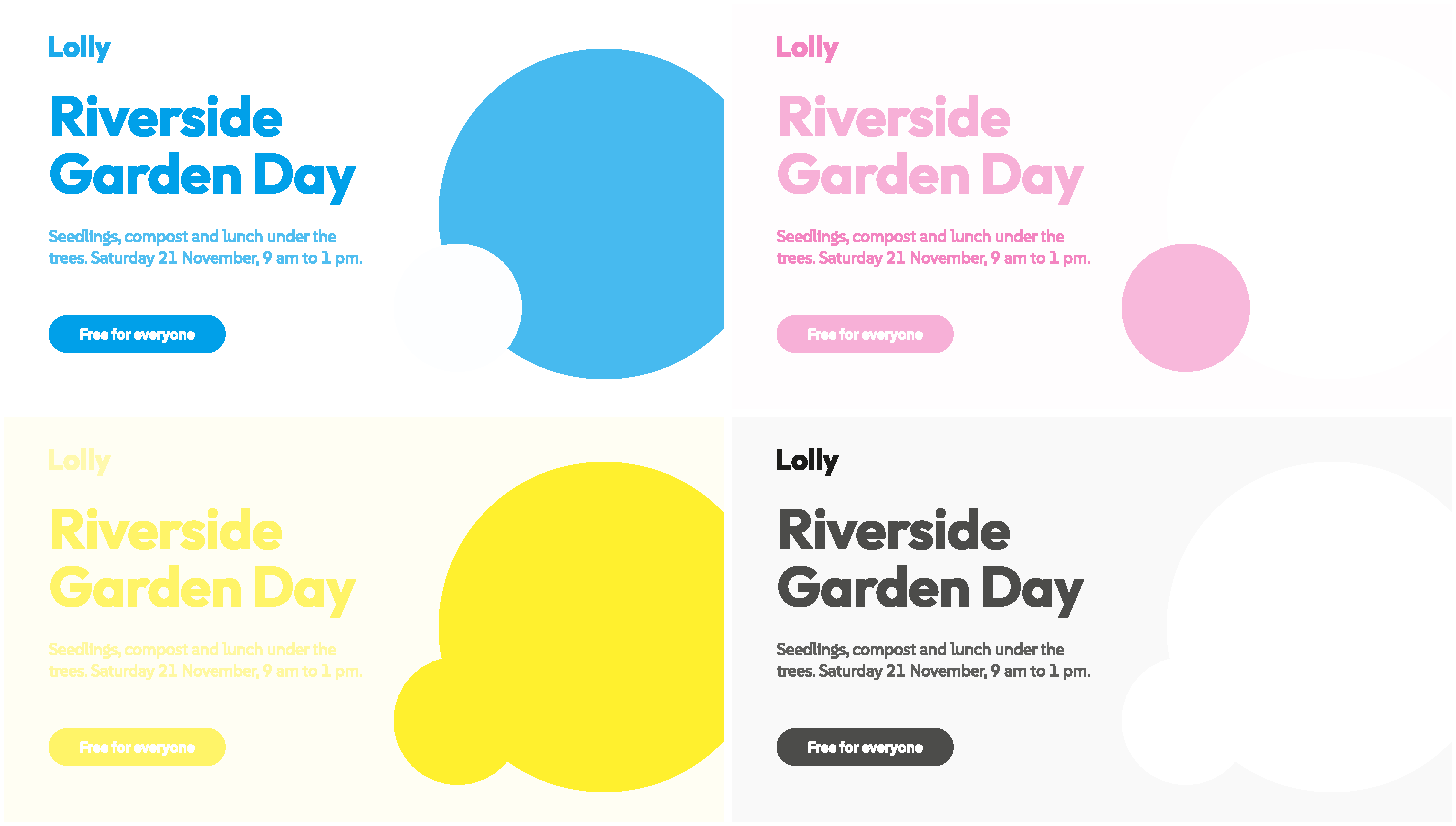
Sixteen design systems, one app. Every cover is Lolly wearing someone else's colours.
Tools that remember the rules.
A tool remembers layout, type and colours. Add your words, media or data. You get a finished file in the format you need.
Your files, fonts and colours stay together in the Assets view, ready to open and change later.
How Lolly worksSafely make and manage media files.
Lolly works offline. Nothing you make ever leaves your device without your say. Freedom is sweet.
Your content, your choicesWho is it for?

Your first file
Open Lolly QR Code, type a web address and download the finished file. It takes a minute, and you need no account and nothing installed.
Make it yours
Lolly opens wearing Lolly Demo, its own sample design system. Give it your colours, fonts and logos once, and every tool wears them from then on.
Everyday files
A certificate, a signature, a calendar file, a print sheet or a card for a link: pick the tool, fill in the fields and download. Each one comes out in your colours and type.
Your library
The Assets view holds the files, fonts and colours you add, all in one place. Find a piece again, change the piece and use the same art in any tool.

One design system
A sports club, a choir, a local group: set the colours, type and logo once, and everyone's posters, notices and certificates match, with no designer on hand.
Share the look
Export the design system as one .lolly file and send the file round. Each person who opens the file gets the same colours, type and logos in their own Lolly.

Edit together
Two people, two devices, one design, edited live. Share an invite across the table and both screens hold the same session: there is no server in the middle.

Post and send
Send each piece where it was asked for: a link that carries the design, print-true PDF, video or slides, or straight to Discord, Google Drive and the places you already post.

Each client
An agency, a studio or a freelancer keeps a design system per client, with that client's logos and fonts inside, and switches as the work changes. Each piece is drawn in the system you chose for the piece.

A brand you were given
A partner sent their design system as a .lolly file? Open the file and make the piece in their colours, with their rules, from your own Lolly.
Two brands on one piece
A sponsor's logo on the poster, a joint announcement, a wall of partner marks for the event: the lead brand draws the piece, and the partner's mark goes in as artwork.
Bring work in
Bring finished work in, set the rules once and keep the tools you already use.

Certificates and agendas
A certificate for each name on a list, an agenda for the day, a diagram for the lesson. Fill in the fields once, then make one file per row of a spreadsheet.
On the day
Wayfinding signs, a countdown on the big screen, a dressed booth and a sponsor wall, all in the event's colours.
In 27 languages
The app and its documentation come in 27 languages, and Certificate has a Language field, so one layout serves every language in the room.

For everyone
Reduced motion, high contrast, larger text and calmer previews are one switch each, and the file Lolly makes stays the same whichever you choose.
CLI and TUI
One render path. The app, the terminal and an agent all make the same file.
MCP server
An open MCP endpoint with no token and no sign-in: list the tools, read a tool's inputs, check them and render the file.
GitHub Action
Render on-brand files in CI with the same flags you use at your desk: one file, or one for each row of a CSV.
AI agents
Agents are first-class users. Anything a person can make in the app, an agent can make through the MCP server or the CLI: the same tools, the same brand rules and the same render path, and each file still records who made the file.
Members
Your organisation runs Lolly Work? Connect the app to its address and sign in. Its tools, design systems and shared projects appear, and your own saves stay yours.
Administrators
Sign-in with your own identity provider, roles, locked inputs, shared catalogues, approvals and an audit trail, on a Lolly Work server your organisation runs.

Host Lolly
A static web host is the easy path, and an air-gapped network takes the same install. Lolly Work, the organisation server, is open source too: run it on one machine, on Kubernetes or with your platform team.
Trust
Most data exfiltration is mundane: a confidential file handed to a stranger's website for a ten-second job. Lolly's utilities do those jobs inside the app, with no account and no server in the middle. A file Lolly makes can say who made the file, and Lolly Verify reads that record back.
Lolly Work
Lolly for the whole organisation
The same tools, with what an organisation needs around them: sign-in with your own identity provider, roles and approvals, shared projects and libraries, inputs locked where the brand must not move, links that expire and an audit trail. If you already have an asset library, you can keep it as the source of record. Choose where the shared services run. Open source (MPL-2.0), hosted by you.
We built Lolly for ourselves. SUSE needed thousands of on-brand files, made without handing anything to outside services. So we built a tool that does all of it on the device, and released it as open source, like everything else we make. We keep maintaining it because we use it every day. There is no obligation: everything here works with or without us.


No cookies · No analytics · Nothing reported back